The economics of owning a gold mine
A sleek, footage-forward business explainer on the real economics of a small gold mine — b-roll and data, end to end.
InfographicExplainerDocumentary b-roll
When the script names a real person, place or machine, the video has to show it. Finding that clip, dropping it in, and trimming it to land on the right line is most of the edit. Framesail does that part: it finds the footage and photos, sets them in your channel's look, and cuts the whole thing to your voiceover — one finished video.
How the footage is found is on the AI b-roll generator page.
The real footage, the real people, and the story around them — cut to one voiceover.
Write the script. Framesail places the real footage, draws what was never filmed, and cuts it all to your narration.
Made in Framesail
Two finished videos, both with real footage and photos inside.
A sleek, footage-forward business explainer on the real economics of a small gold mine — b-roll and data, end to end.
A comedic whiteboard countdown through the end of the world — hand-drawn host, real photos, and a rising scale of dread.
Where the time goes
Every real thing your script names means a search, a clip or photo dropped into the timeline, a trim so it lands on the exact line that mentions it, and a pass to stop it looking pasted in. Do that for every beat and the footage is the whole edit.
The hunt
Framesail finds real footage and real photos for every person, place and machine your script names, with the licence recorded.
The cut
Every clip and photo is placed and cut to the exact line of narration that mentions it, across the whole video.
The mismatch
Stock clips, archive photos and your own visuals usually arrive in three different looks. Here the real thing sits inside your channel's look, so the finished video reads as one piece.
You set the rule
Real footage shows up when your narration names a real person, place, or thing, and only then. Name three real things, get three. Agenda frames, transitions, and everyday objects stay drawn in your look, which is why the video never reads as a stock slideshow.
Off by default. Pick one when you set up your channel, or tell your channel style in a sentence when you want the real thing on screen.
Real footage carries the video: full-screen clips on every concrete moment, clean graphics in between.
Illustrated frames with the real thing set inside them: the actual logo, cover, or photo, in your look.
Real where it's real,
drawn where it isn't.
What one video got
The real crew, the real Lunar Module, real launch-pad footage, and the stage-separation diagram nobody ever filmed, all in one whiteboard look, without opening a stock library once.
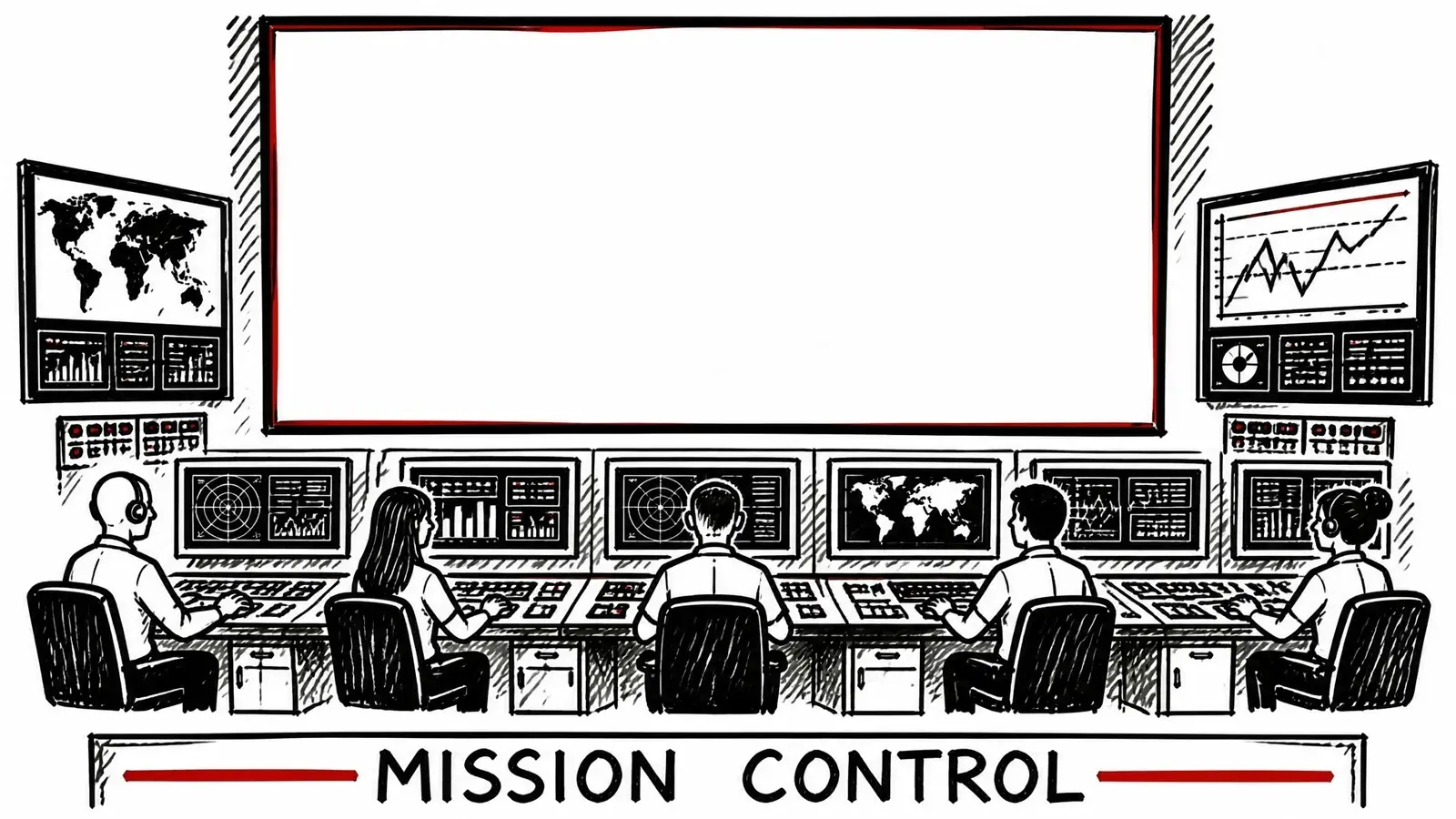
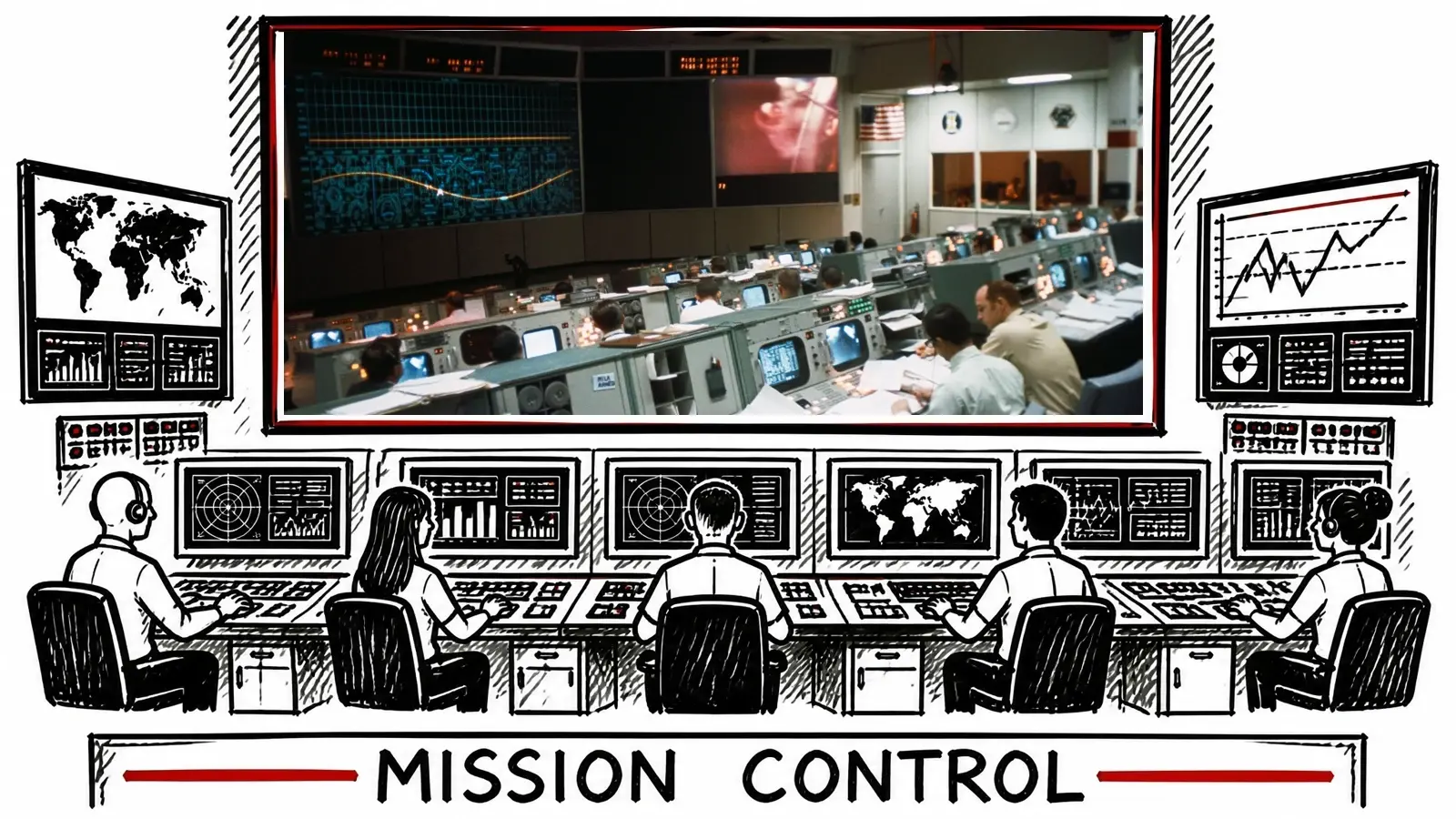
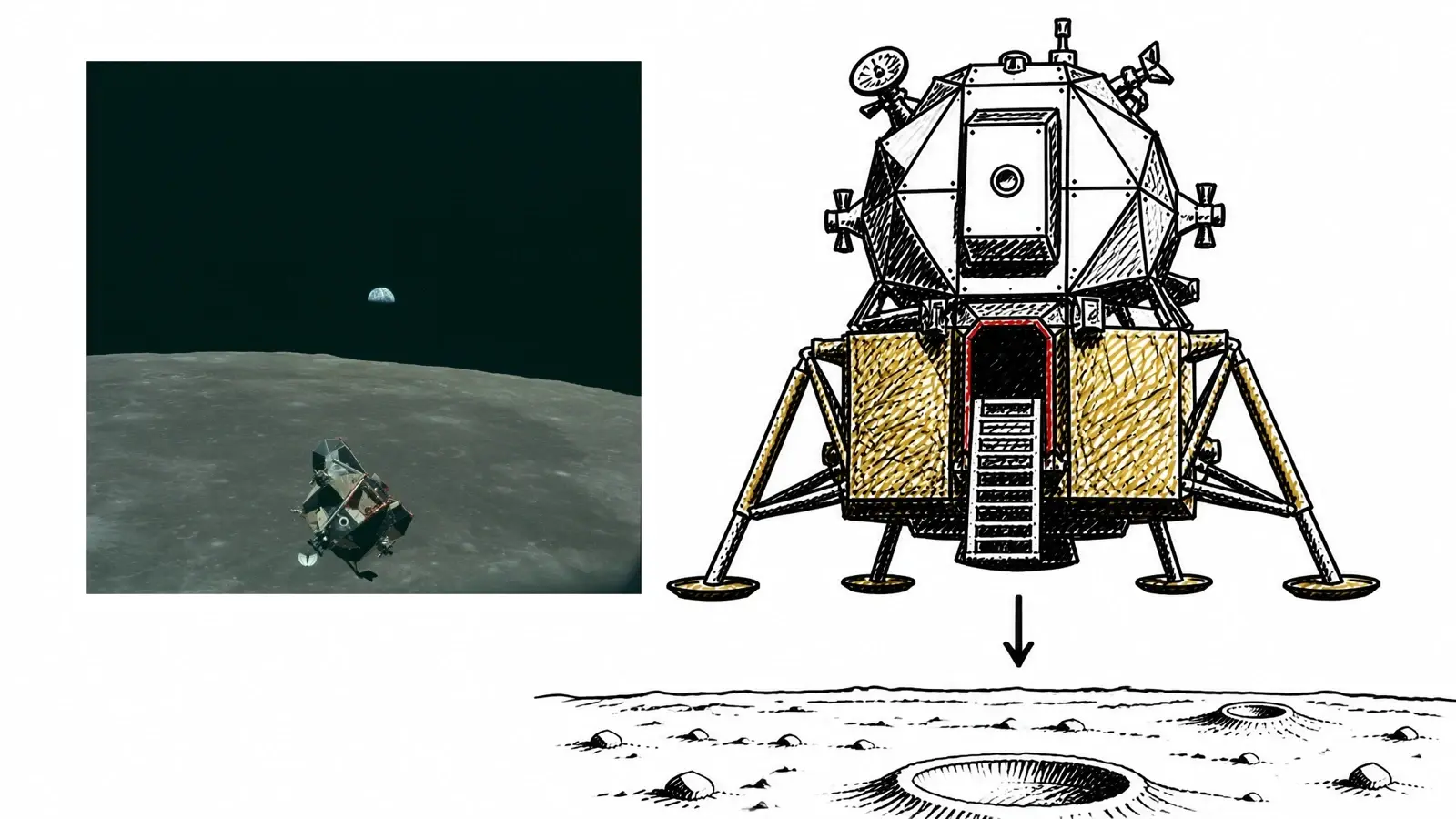
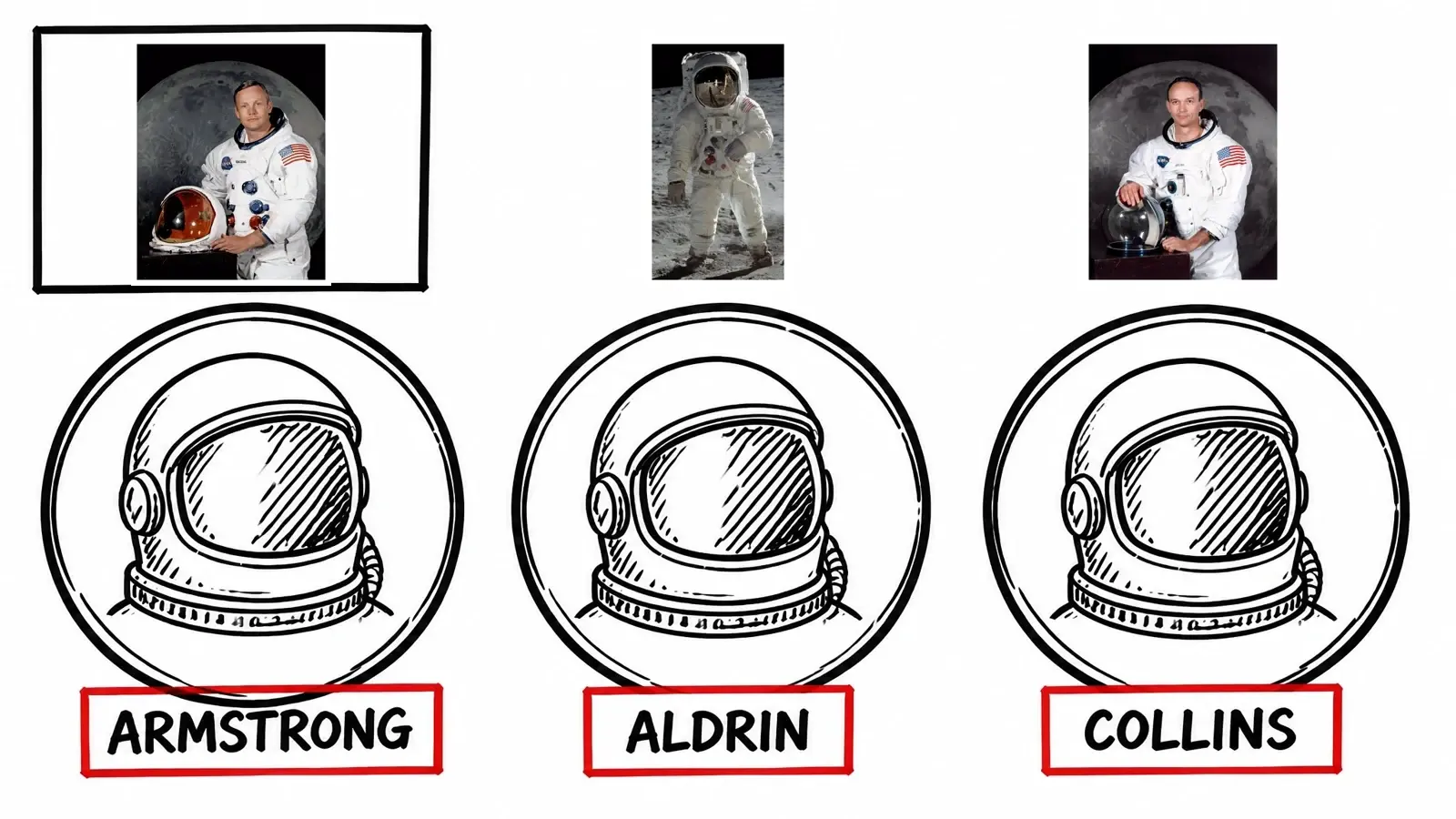
The first two frames are the same moment, before and after the real photograph is placed. Mission Control photo: NASA / Wikimedia Commons (public domain).
The honest version
It does when it's chosen to fill time. Here the real thing appears only when your narration names it, and never as decoration.
It doesn't try. The frame is drawn with room left for the real photograph, and the real Armstrong is placed into it. Look at the Apollo frames above.
The moment is drawn in your look instead, so nothing is left blank and the video still reads as one piece.
Footage and photos from Pexels are free for commercial use. Encyclopedic images carry their own licence, and Framesail records it with each one so you can check before you publish.
Questions
A tool that makes a narrated documentary end to end — and can fetch the real footage and real photos a documentary depends on, not just draw an impression of them.
Pexels for footage and photos, plus Wikipedia, Wikimedia Commons, and Open Library for the real people, places, logos, and covers your script names.
Pick the documentary b-roll look or the explainer-with-real-inserts look when you set up your channel, or tell your channel style in a sentence when you want real footage. It's off by default.
As much as the script names. Three real things, three inserts. No quota.
That moment is drawn in your look instead, so the video is never left with a gap.
Pexels, yes. Encyclopedic images carry their own licence — check the source before publishing.
Yes — the second preset is built for it. The illustrated look stays, the real logo or photo gets pasted in.
No. Diagrams, concepts and transitions were never filmed, so they are drawn in your look. Real people, places and machines are shown for real. Both land in the same finished video.
More on the main FAQ page. Both run on the same long-form AI video generator and script to video AI as every other video.
The real footage, the real people, and the story around them — one finished video, in your look.