A look that's yours, learned from videos that already work.
Presets make every channel look like every other channel, and describing a look in a prompt never quite lands. Give Framesail the videos that are already working and it writes down the look, the narration voice, and the pacing as a style your whole channel reuses. Edit any of it.
Style analysis is included in every paid plan. Or watch real videos made in Framesail.
Watch it make a video.
One style, held through a whole video. No signup. Click through a real video, start to finish.
Your idea
What Will Humans Look Like in 1000 Years
Characters
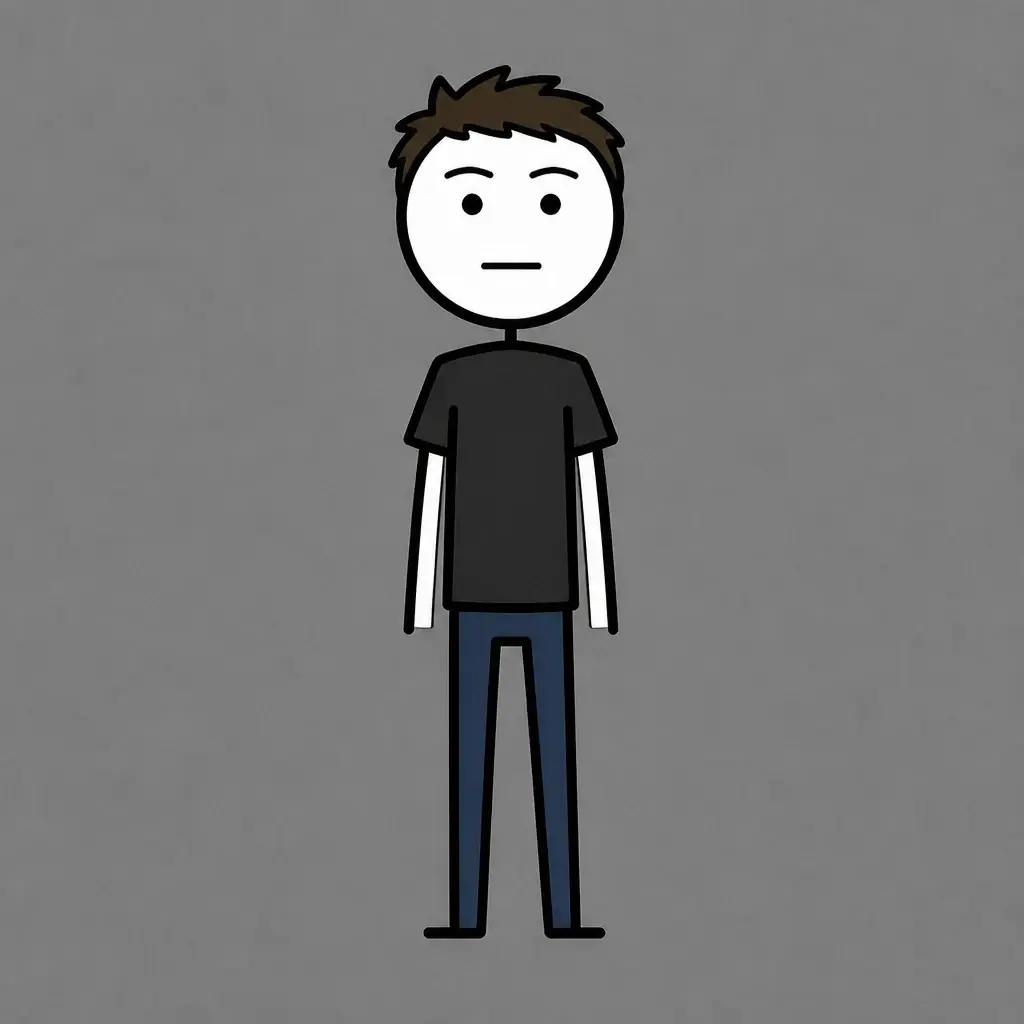
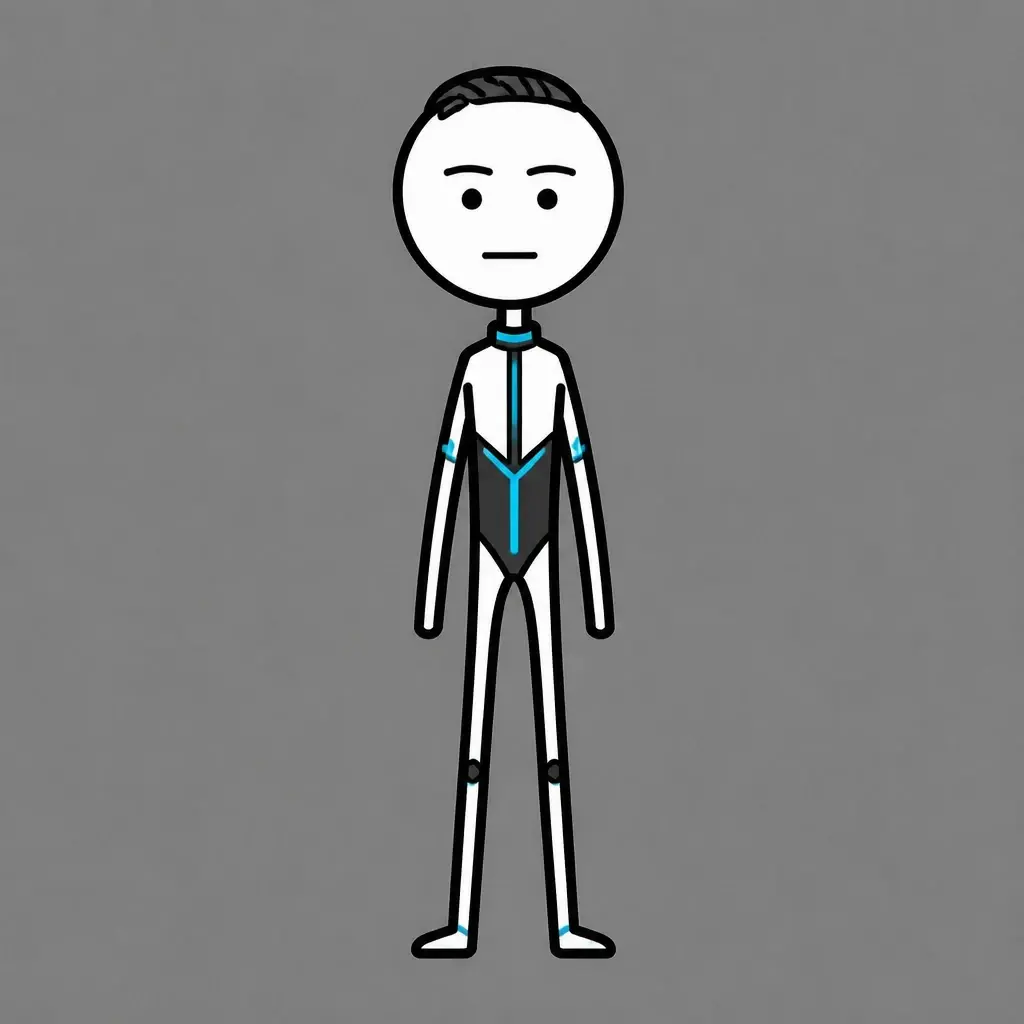
Places
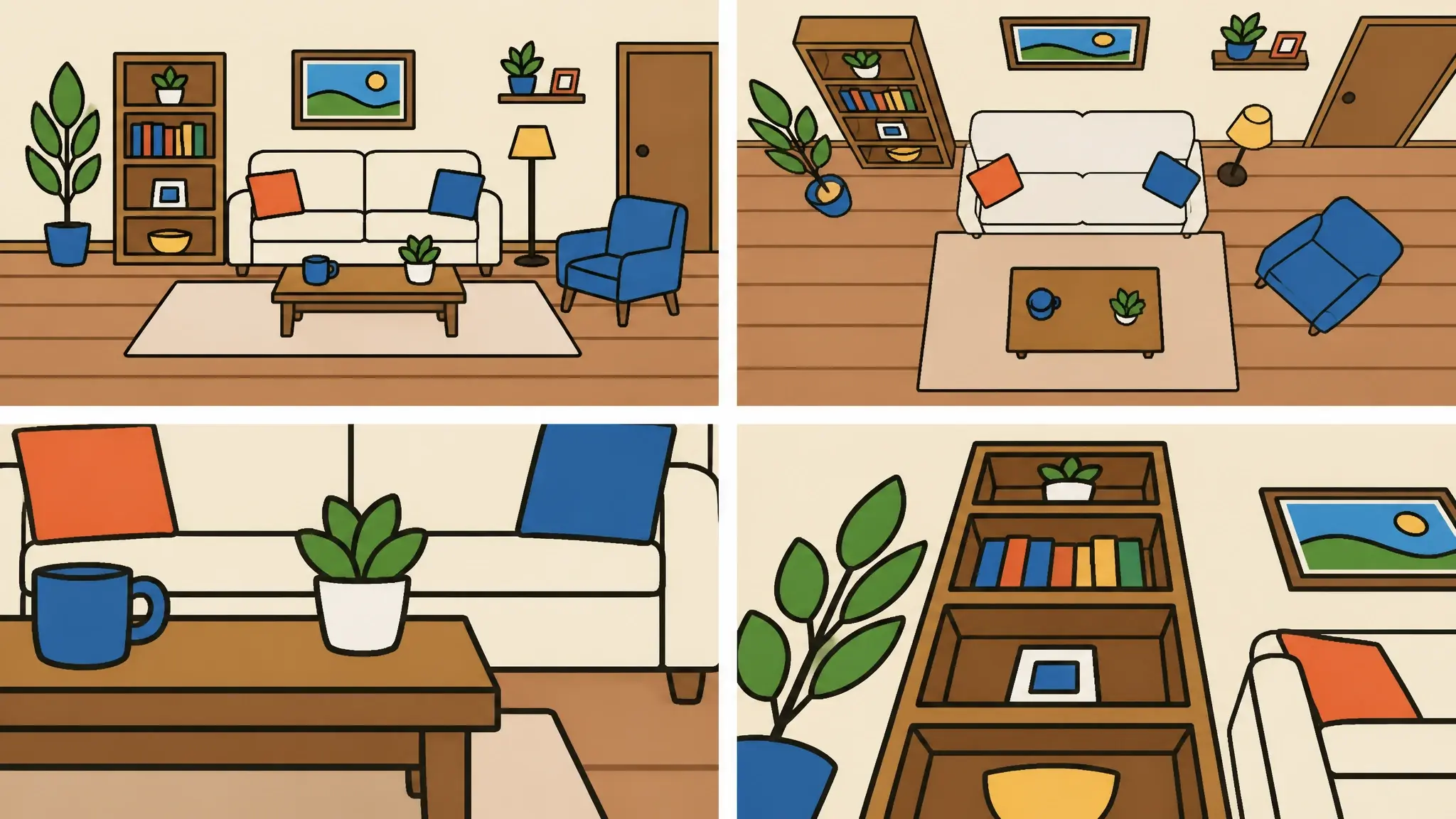
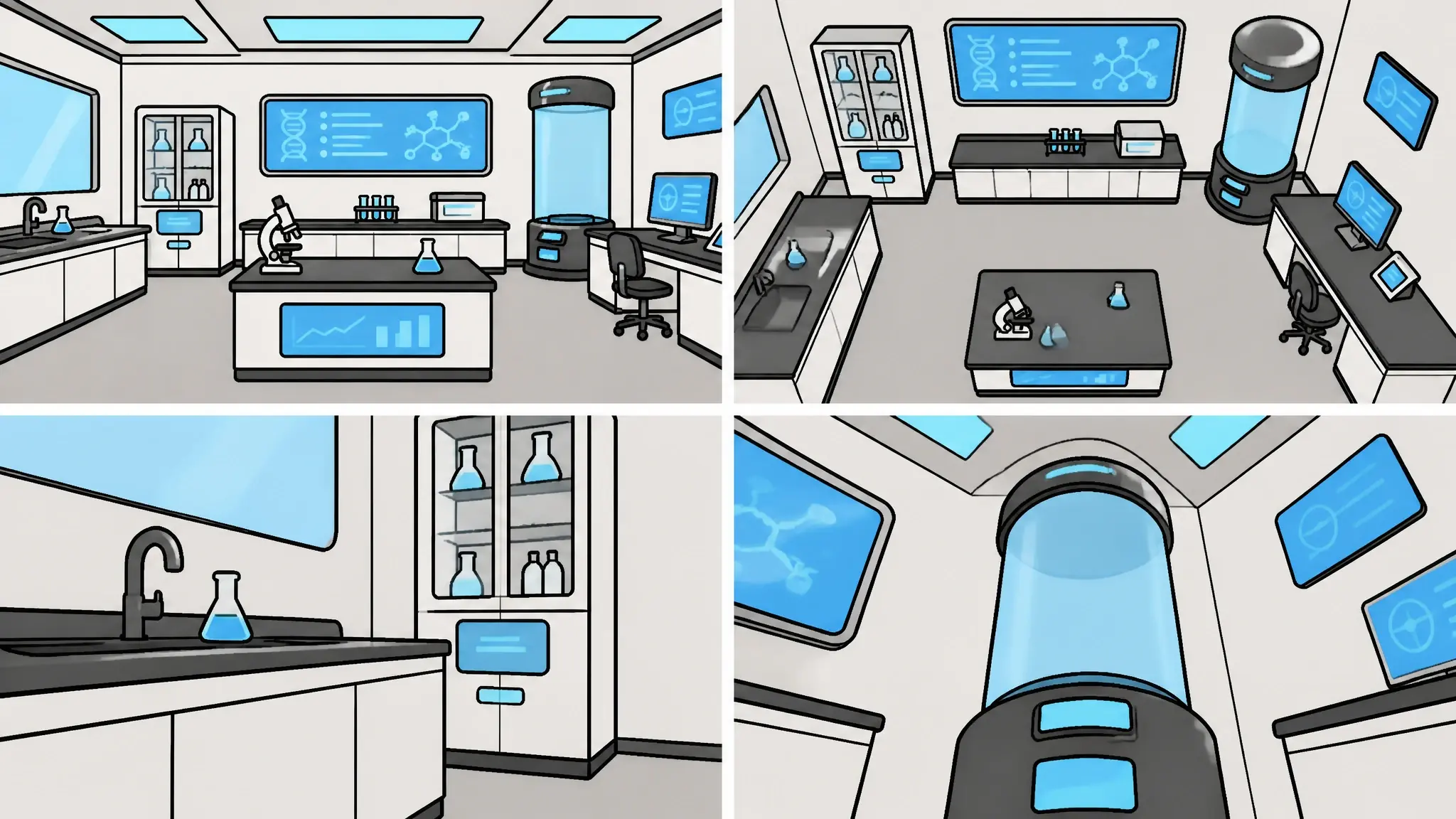
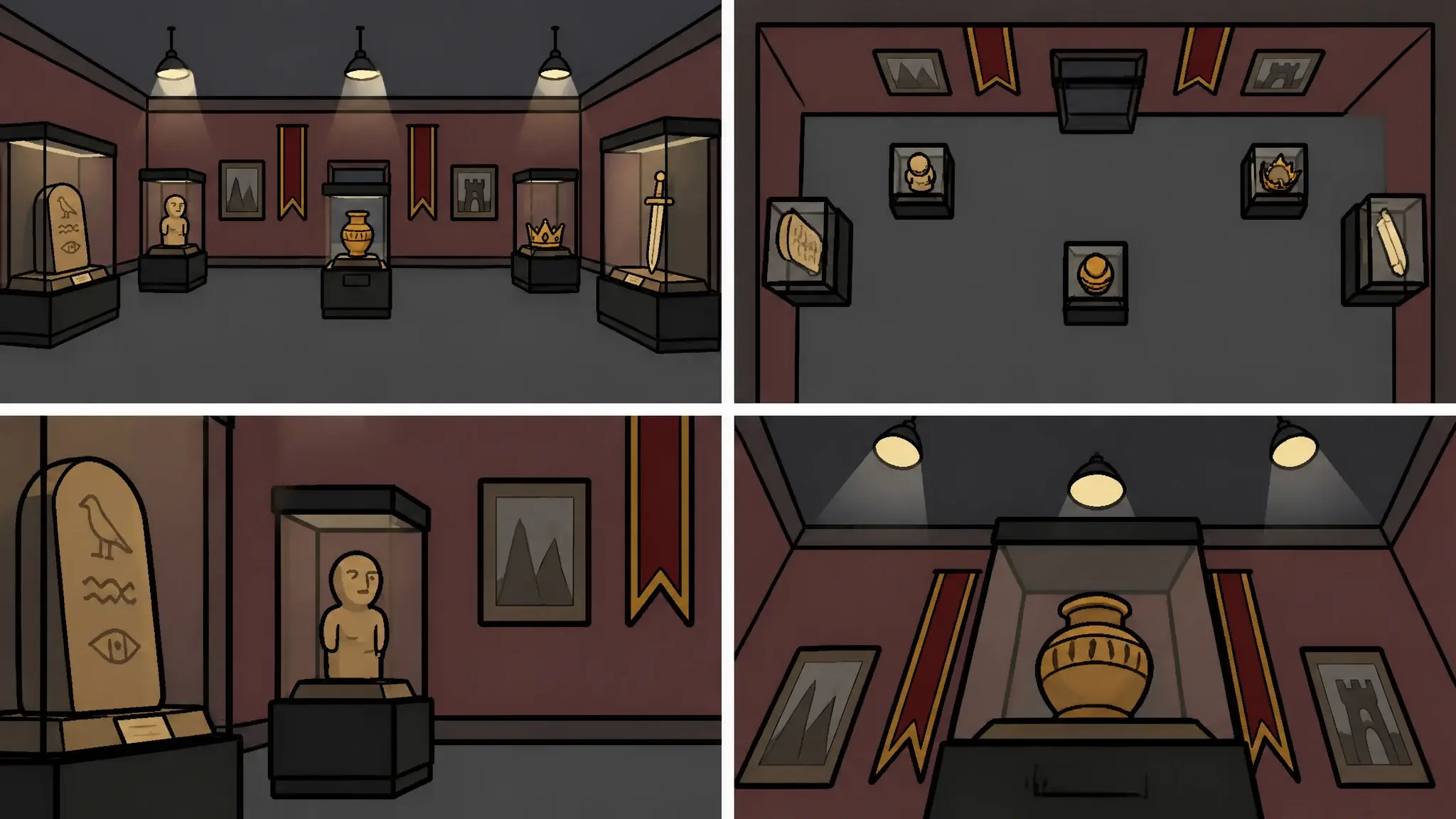
Objects





Expressive Narrator
Clear, upbeat explainer
 Scene 1
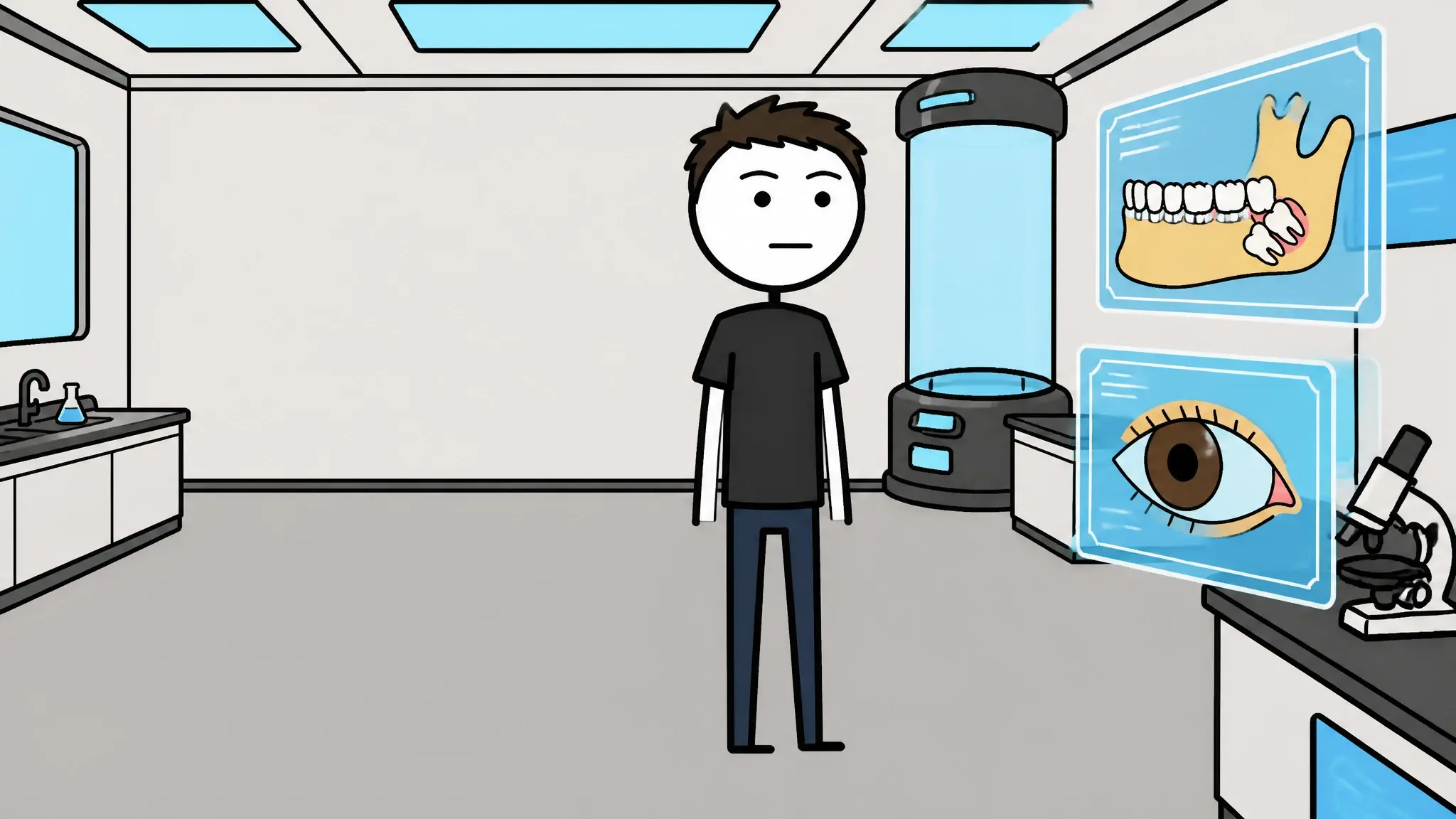 Scene 19
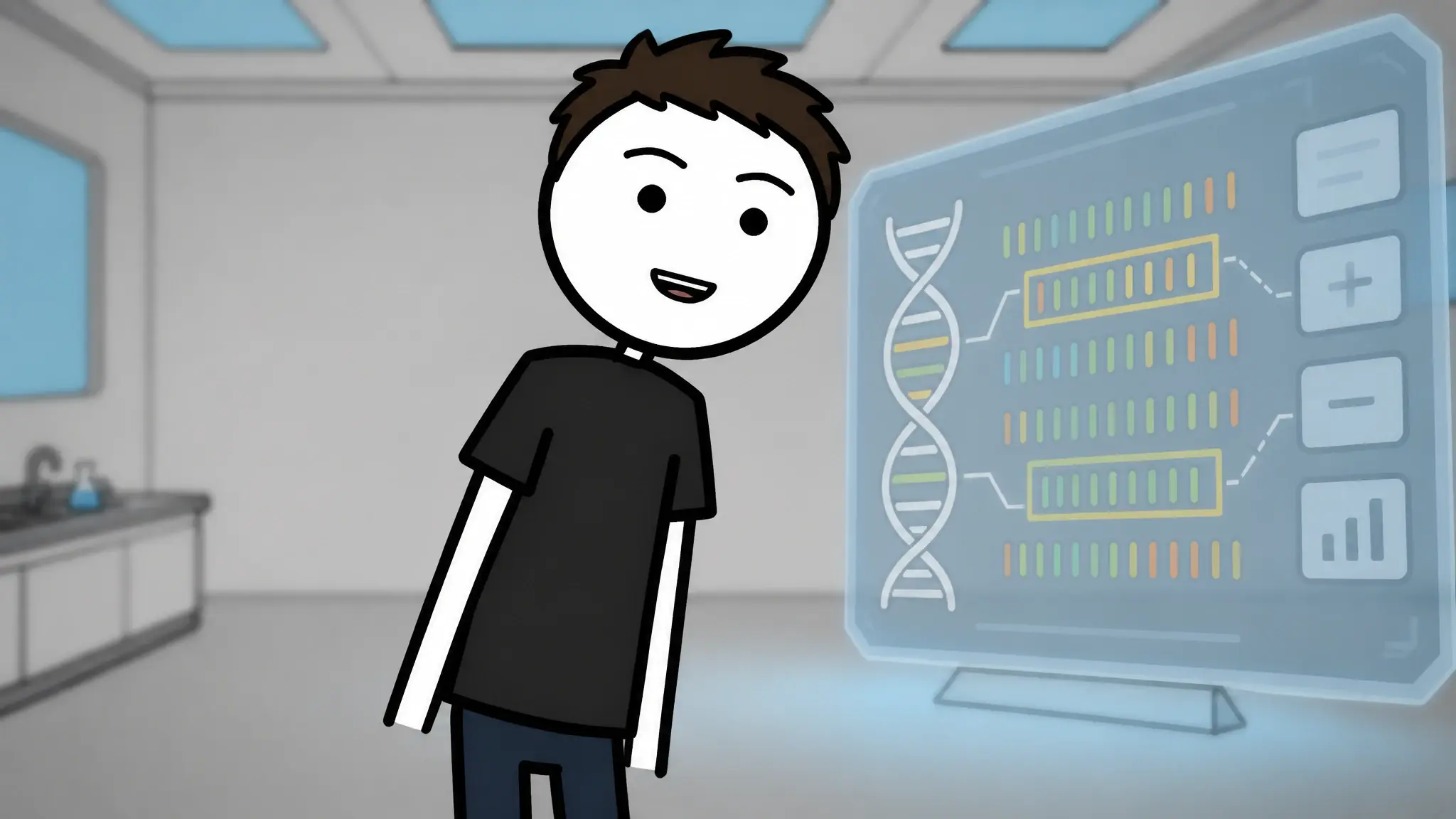 Scene 22
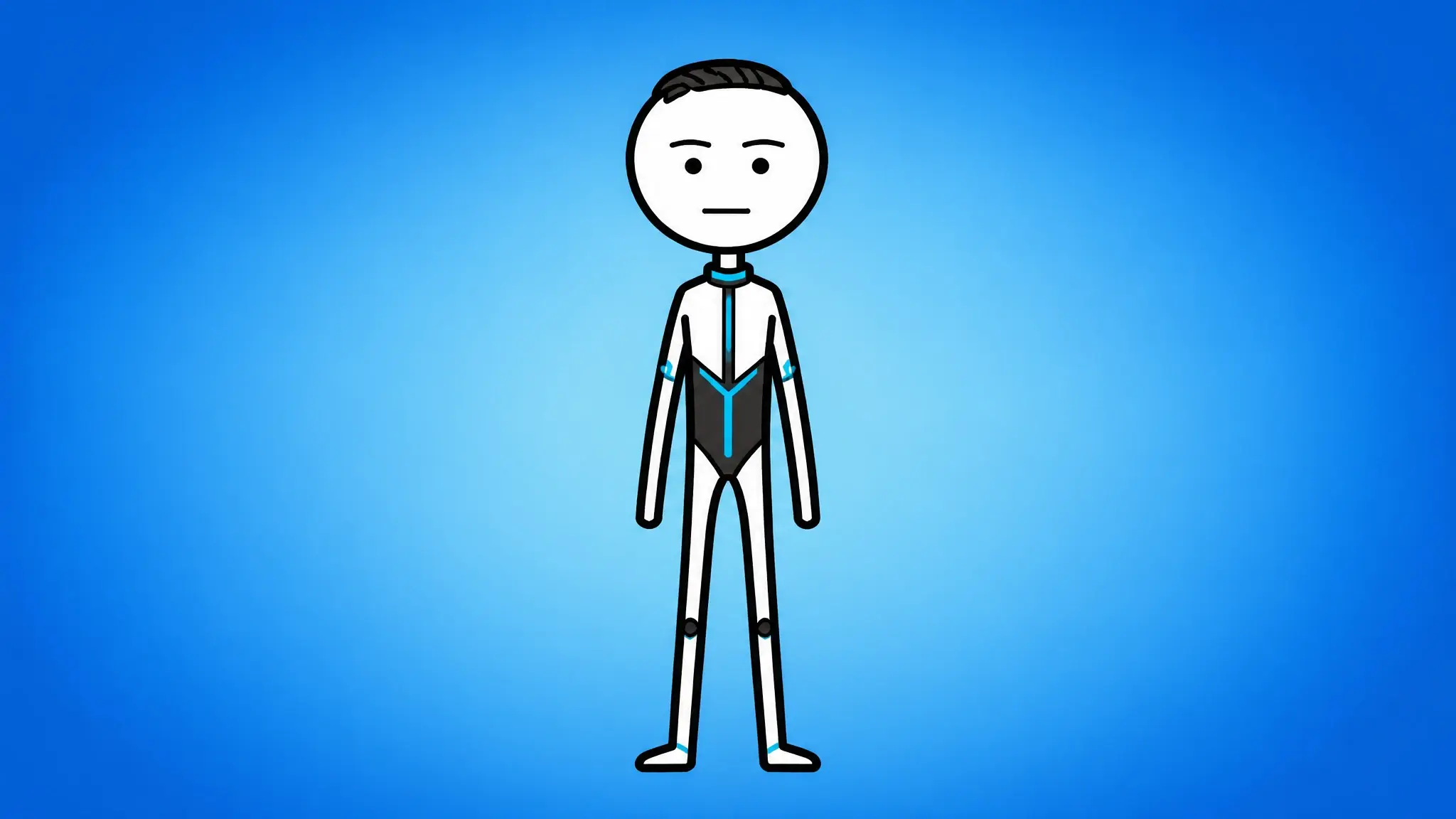 Scene 18
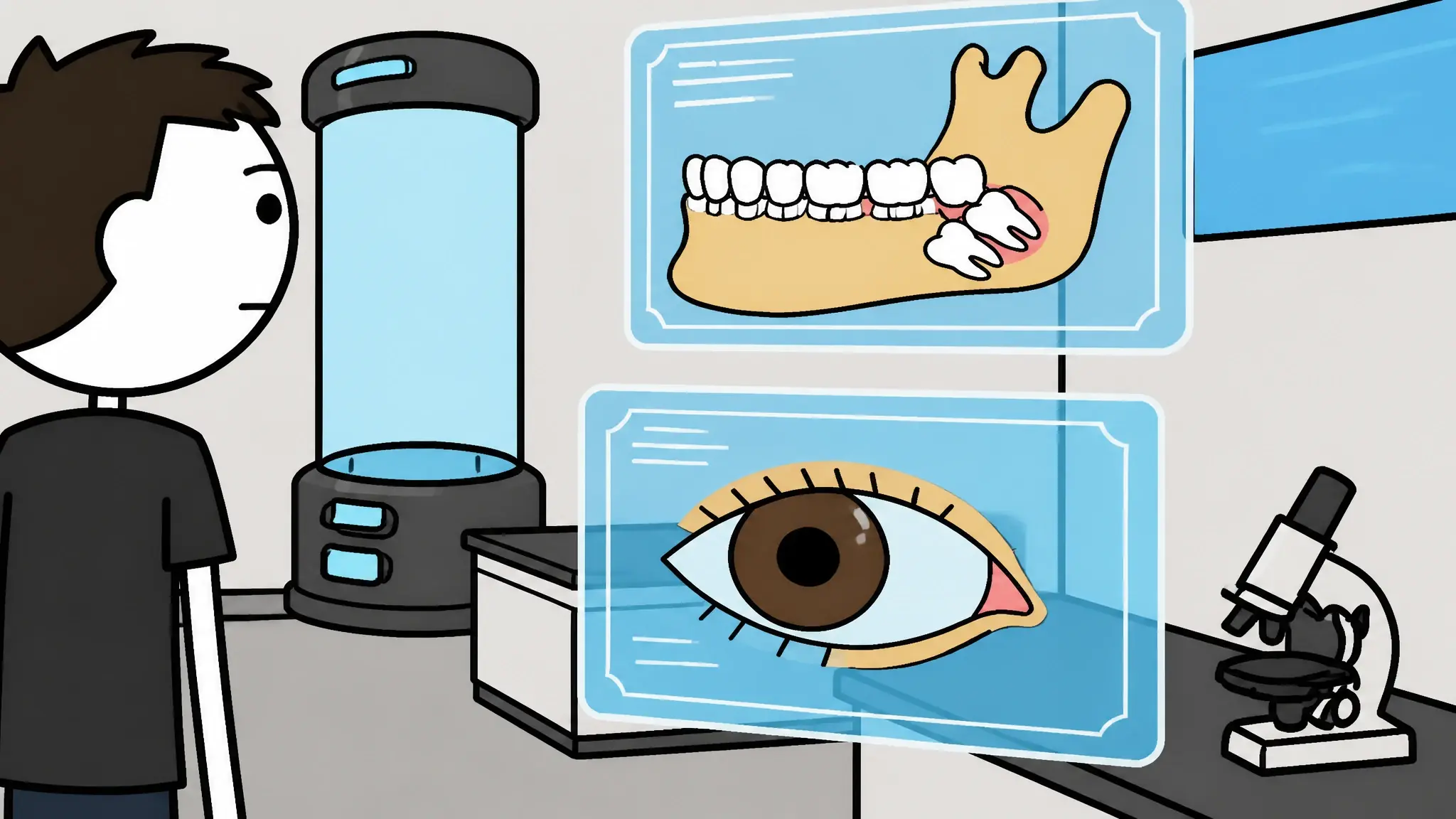 Scene 20
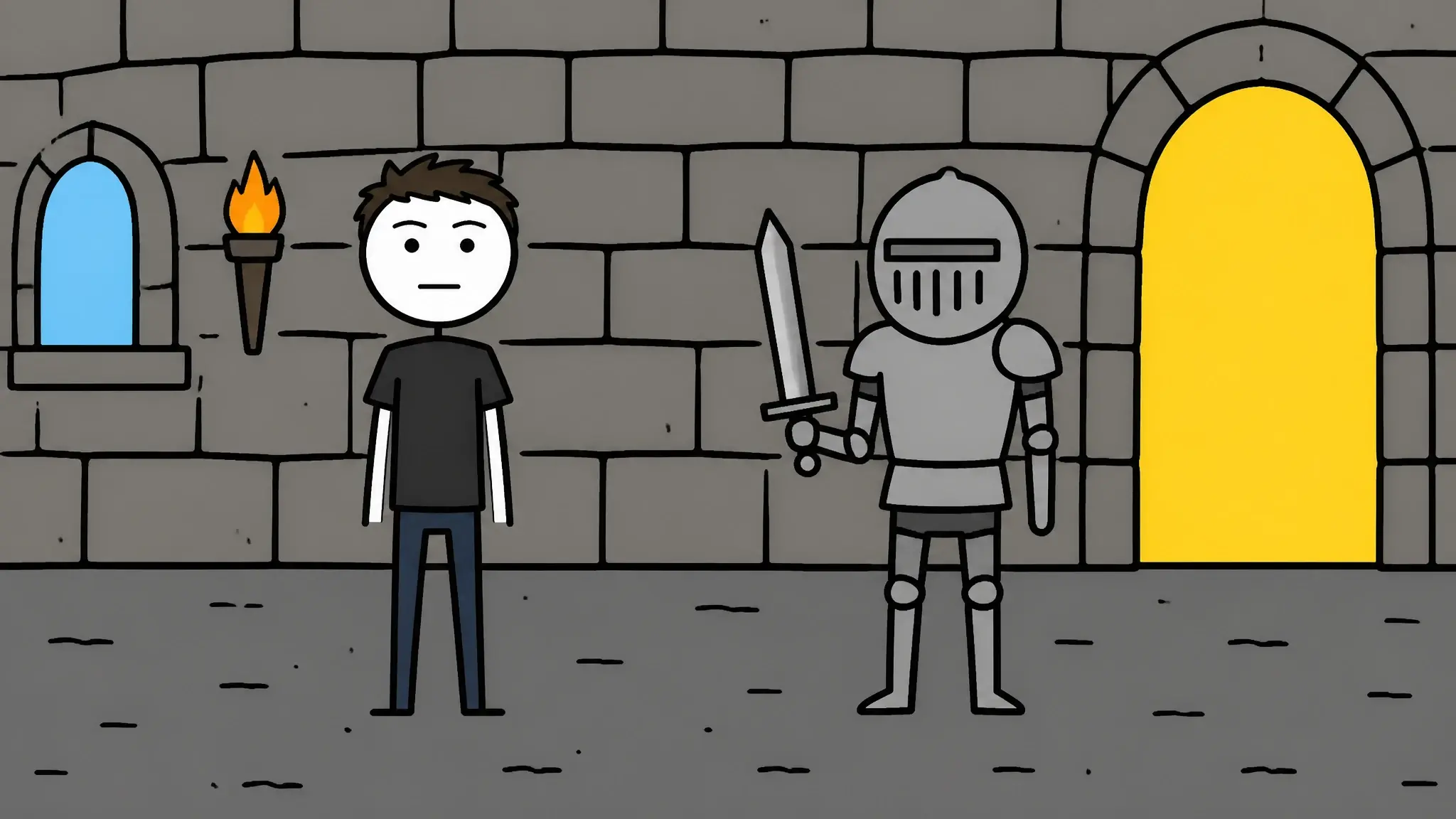 Scene 26
Type an idea or paste your script.No filming, no face on camera.
References in. Your own style out.
Framesail learns the look of any video and turns it into a style every one of your videos reuses.
References in

YouTube links
URLYours or a reference channel — read frame and cut, not a transcript.
Images
FILEFrames, mood boards, or finished art — palette, line, light, form.
Scripts & notes
TEXTA script, a logline, or notes on the voice you want.
Your style out
Art style
Palette, line, edge, shading, light, and form — written down in plain words you can read and edit.
Narrative style
Hooks, structure, and pacing — how the story is built to hold attention.
Director style
Cut pacing, framing, camera movement, transitions, and overlays — the rules the storyboard follows.
One scene. Five analyzed styles.
Same shot, same characters, same composition. The only thing that changed is the style.





Build your own style, exactly the way you want it.
Analyze once. Edit as much as you want.
Edit any field
Every field is editable — rewrite anything.
Add custom variables
Pin the custom variables you've saved.
Reanalyze anytime
Add new references and re-run it.
Analyzed, then rendered
Twelve channels, twelve looks.
Every one of these is a finished video, and every one carries the style recipe it was rendered against.

POV: you studied how past generations built wealth
Flat vectorSecond-person POVClean cut
What did ancient humans do to pass the time?
StickmanExplainerClean cut
How bias shows up in a hiring meeting
RealisticTrainingPresenter-led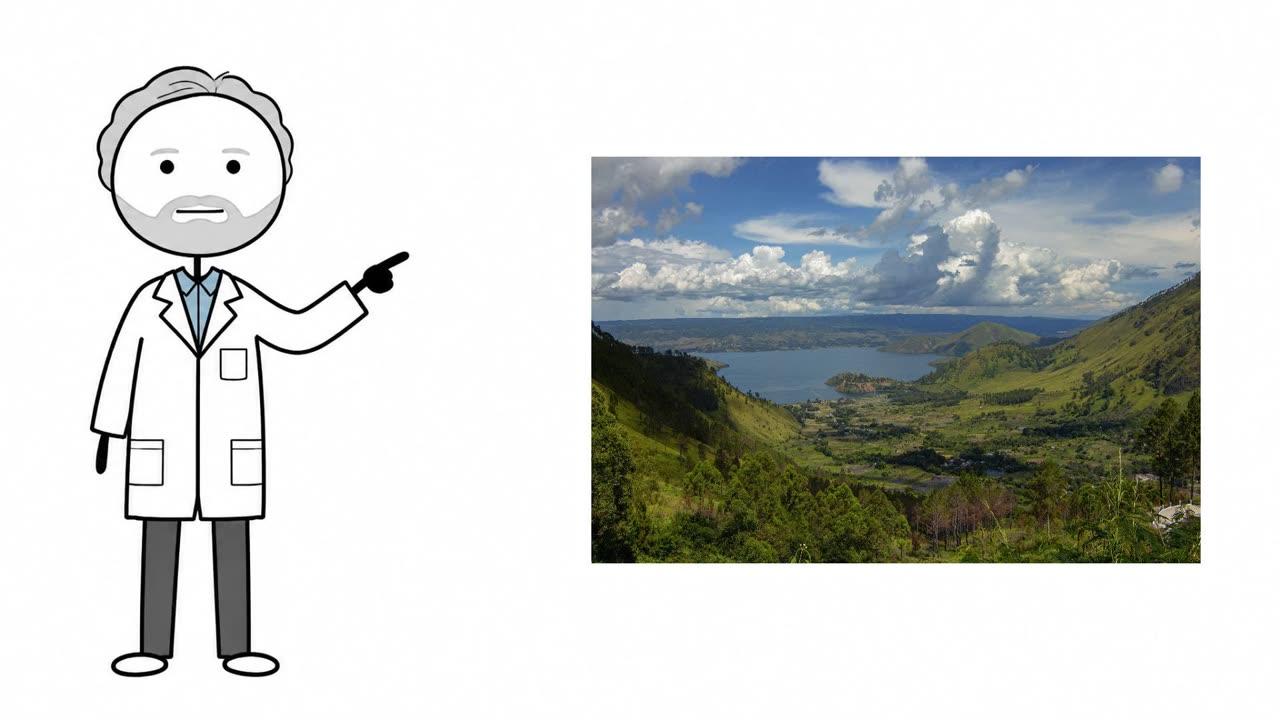
The most terrifying ways the world could end
WhiteboardHumorous countdownReal inserts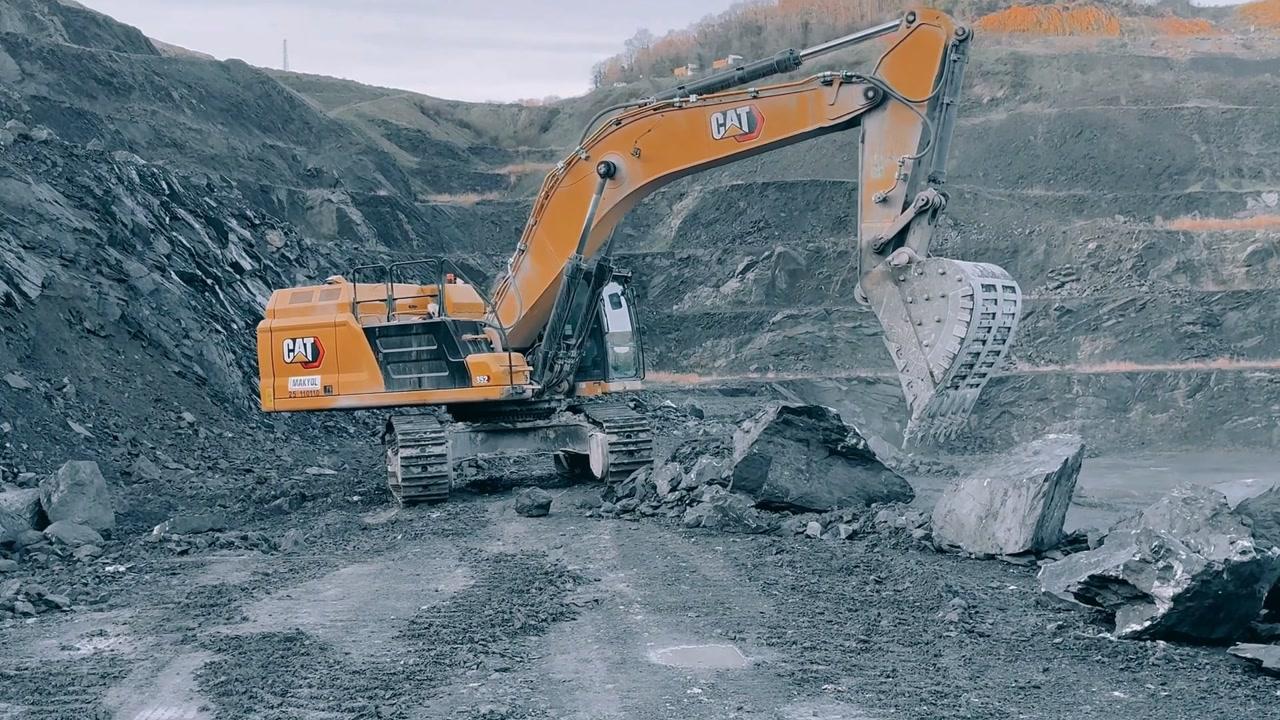
The economics of owning a gold mine
InfographicExplainerDocumentary b-roll
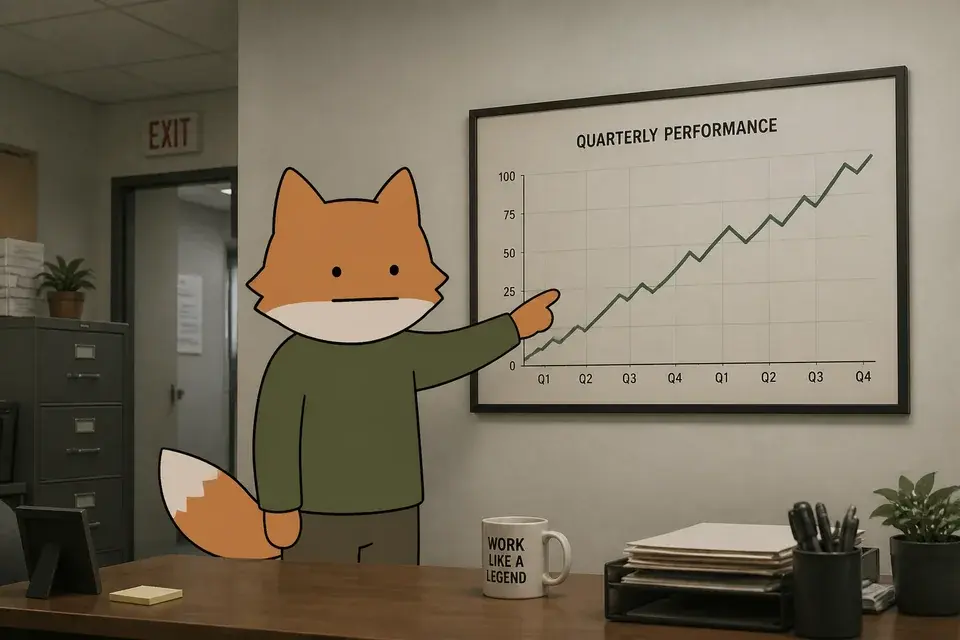
How rabies hijacks your brain
StickmanExplainerClean cut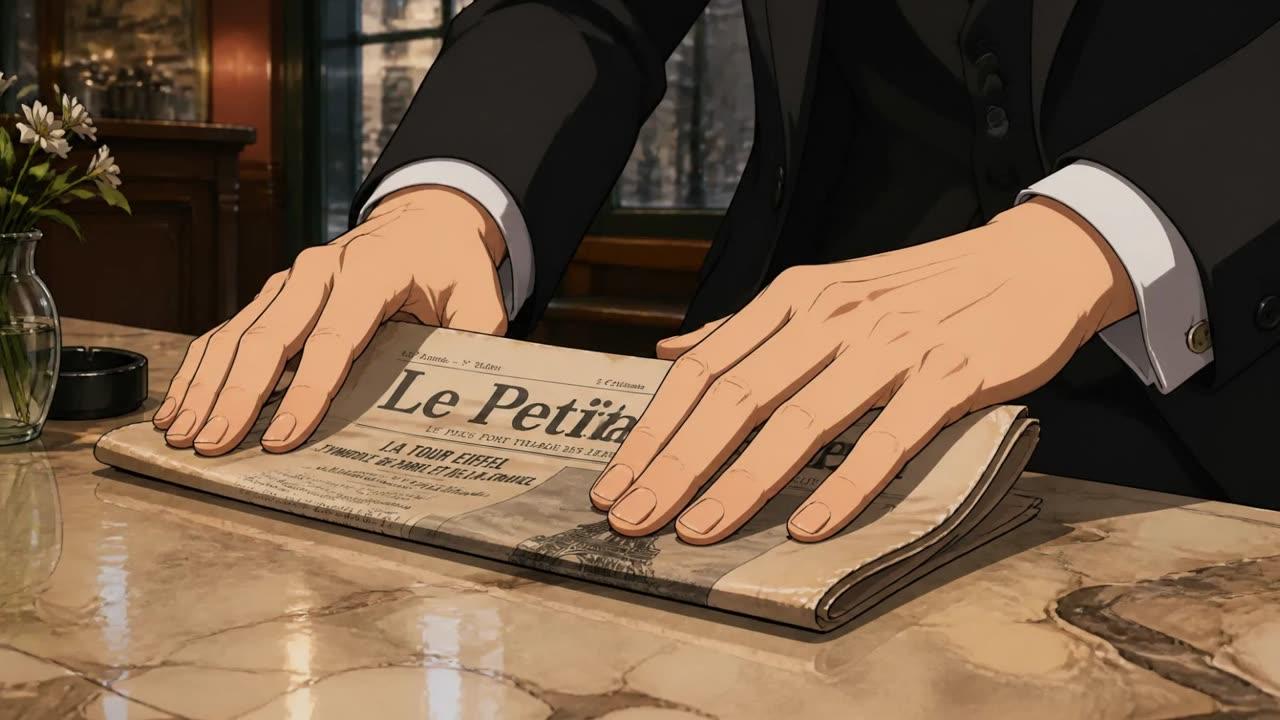
The man who sold the Eiffel Tower
AnimeStory + dialogueClean cut
The journey of a raindrop
ClaymationExplainerStop motion
The little tugboat who towed the storm
Kids cartoonStory + dialogueClean cut
Do animals remember the humans who hurt them?
Flat vectorExplainerClean cut
Why a farm never stops moving
Deadpan cartoonStorytimeClean cut
How humans survived winters that would kill you in an hour
StickmanExplainerClean cut
No references yet? Mix a style.
Pick a look, a voice, and an editing rhythm — that exact mix becomes a reusable channel style. No analysis, no waiting. Try it:
Art style
Narrative style
Director style
Voiceover
“Number three on the list of things that will absolutely ruin your day: the magnetar. It's a star. It's tiny. It can un-assemble you from a thousand miles away. Cozy.”
Camera: snap-zooms, relentless cuts · frames generated from the actual presets
Questions
Questions about style analysis.
What is style analysis?
It reads the references you give it and works out what makes them work: the look, the writing voice, and the editing rhythm. Instead of picking a preset from a dropdown, you hand Framesail the style you already have (or the one you want), and it writes that style down as a reusable blueprint every later render follows.
What references can I give it?
YouTube links, uploaded video, images, and text — in any mix. Paste a video URL, drop in stills or footage you've shot, and add a script or notes on the voice you want. The more angles you give it, the more the analyzer locks onto the patterns that repeat across them.
What does it produce?
Four editable fields: art style (the visual look), narrative style (the writing voice, hooks, and structure), director style (the editing rhythm and shot language), and text style (the look of on-screen text and overlays). Each one is written in plain language you can read and edit, not a vague mood board.
Am I locked into the result?
No — that's the whole point. Every field is editable, you can add your own custom variables, and you can reanalyze with new references whenever you want. Other tools lock you into a fixed style library; Framesail writes down yours and hands you the controls.
Does it copy the content of my references?
No. The analysis is a topic-agnostic blueprint, not a summary — it never references the subject matter, people, or events in your sources. It captures how the work is made, so the style holds whether your next video is about ancient history, cooking, or anything else.
How long does the analysis take?
It runs in the background — you can leave the page and come back, and the result is waiting when it finishes. Quick enough to run while you set up the rest of the channel.
Is commercial use included?
Yes. Styles you analyze or build are yours to use commercially on every paid tier — including styles learned from a niche you're entering.
A style is only half the lock — the cast is the other half. See how character consistency holds the same characters through every shot of a long-form render.