YouTube automation, in one tool.
Script, voiceover, storyboard, visuals, final cut: one tool instead of ten tabs. A topic goes in, a finished long-form video comes out, and you decide how much of it to touch.
Fully hands-off
Just tell Claude to make the video.
Stop stitching five tools together.
Five logins, five bills, and a file you keep exporting from one tool and re-uploading into the next. Faceless YouTube automation was supposed to be one app that does all of it.
Your stack
5 subscriptions
ChatGPT
Script

Grok
Images

Google Flow
Video

ElevenLabs
Voice

CapCut
Assembly
Every gap between those is a job you do by hand: export, re-upload, re-time, repeat — for every video, every week.
One tool, topic to finished video.
- Script
- Images
- Video
- Voice
- Assembly
Same frontier models, no exporting between steps. A topic in, a finished video out.
One app that does the whole channel.
Every video made in your channel's own look.
Original, not templated
Your channel's look, not a preset.
Paste a YouTube channel link and it learns the look as a style you can reuse.
- Art direction
- Narrative style
- Director style
- Every character and setting created once, reused in every shot
Reference channel
Locked references

The honest slider
How automated is it? Your call, per step.
Connect it to Claude for full automation, or work through it step by step. One app either way, instead of exporting between five.
- Approve the script before a frame renders
- Reorder the storyboard
- Swap the narrator voice
- Regenerate the one shot that missed
- Or let the whole run go and review only the final cut
- 01ScriptYou approve
- 02ReferencesYou approve
- 03VoiceoverRuns
- 04StoryboardRuns
- 05Final cutYou approve
Same process either way. You only choose where it pauses.
Fully hands-off
Hand the whole channel to an agent.
Every step is available over a REST API and a remote MCP server.
- Point Claude, Cursor, or your own script at it
- A brief goes in, a finished video comes out
- No dashboard, no tabs, no human in the loop until you want one
- Every step stays readable and editable between calls
framesail · mcp
- projects_edit
- script_generate
- assets_generate
- voiceover_generate
- storyboard_generate
- export_video
One platform, not five subscriptions,
and nothing to export in between.
Run a faceless channel, end to end.
Everything an automated channel needs, and the parts you can step into when a shot, a voice, or a frame isn't right.
 Cartoon
 Anime
Anime Cinematic
Style analysis from any channel
Paste a YouTube link and the look comes back as a style every video on your channel is made in.
Learn moreCharacters and worlds, locked
Every character and environment becomes a fixed reference, so a fifty-shot video still looks like one production.
Learn more- Deep Documentary
Cinematic narrator voices
Documentary, dramatic, deep-narrator — on MiniMax Speech or ElevenLabs, not flat text-to-speech.
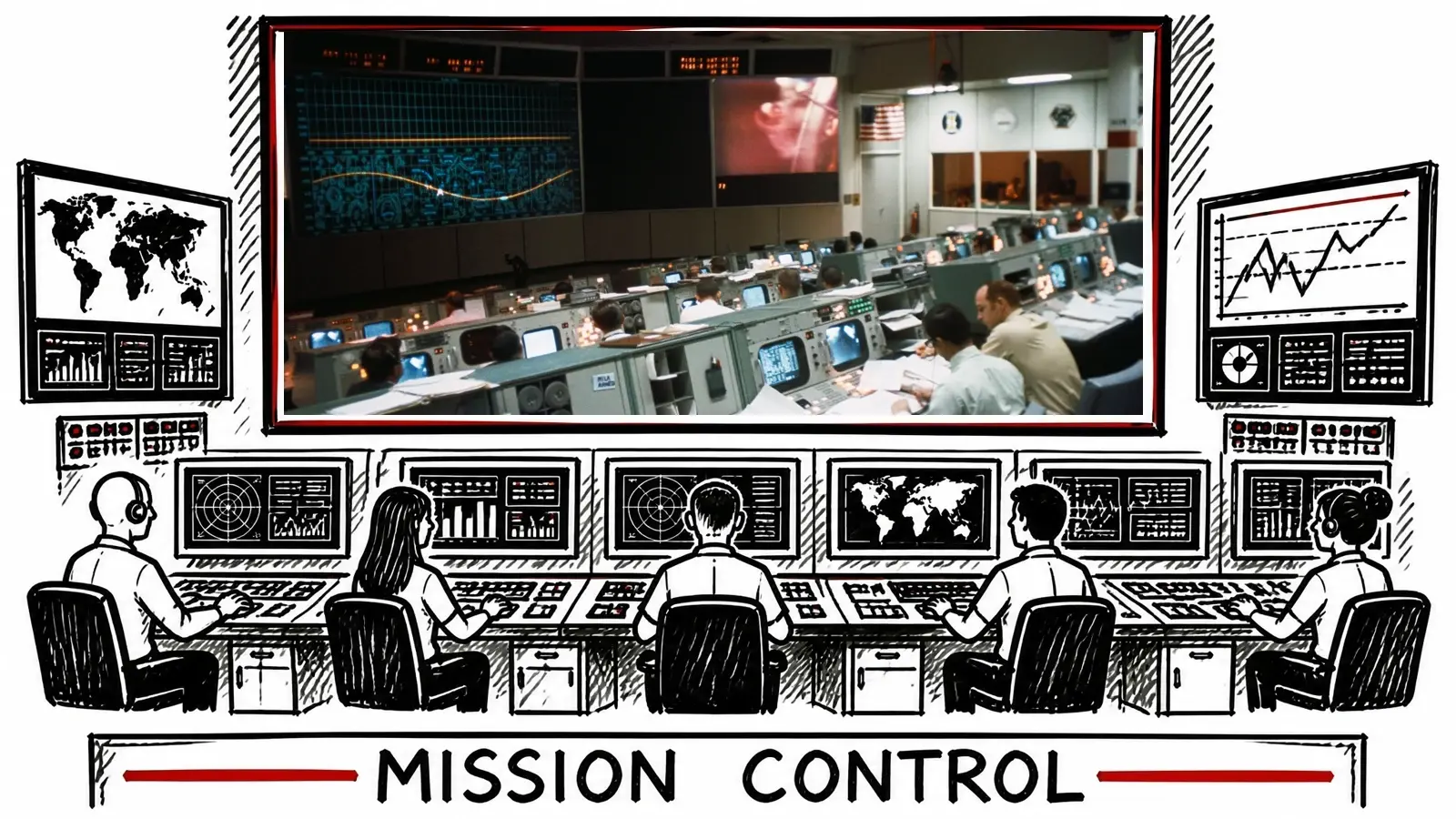 Real footage
Real footage where it helps
Stock and archive clips sit inside generated shots, so a b-roll moment looks filmed, not drawn.
Learn more 01
01 02
02 03
03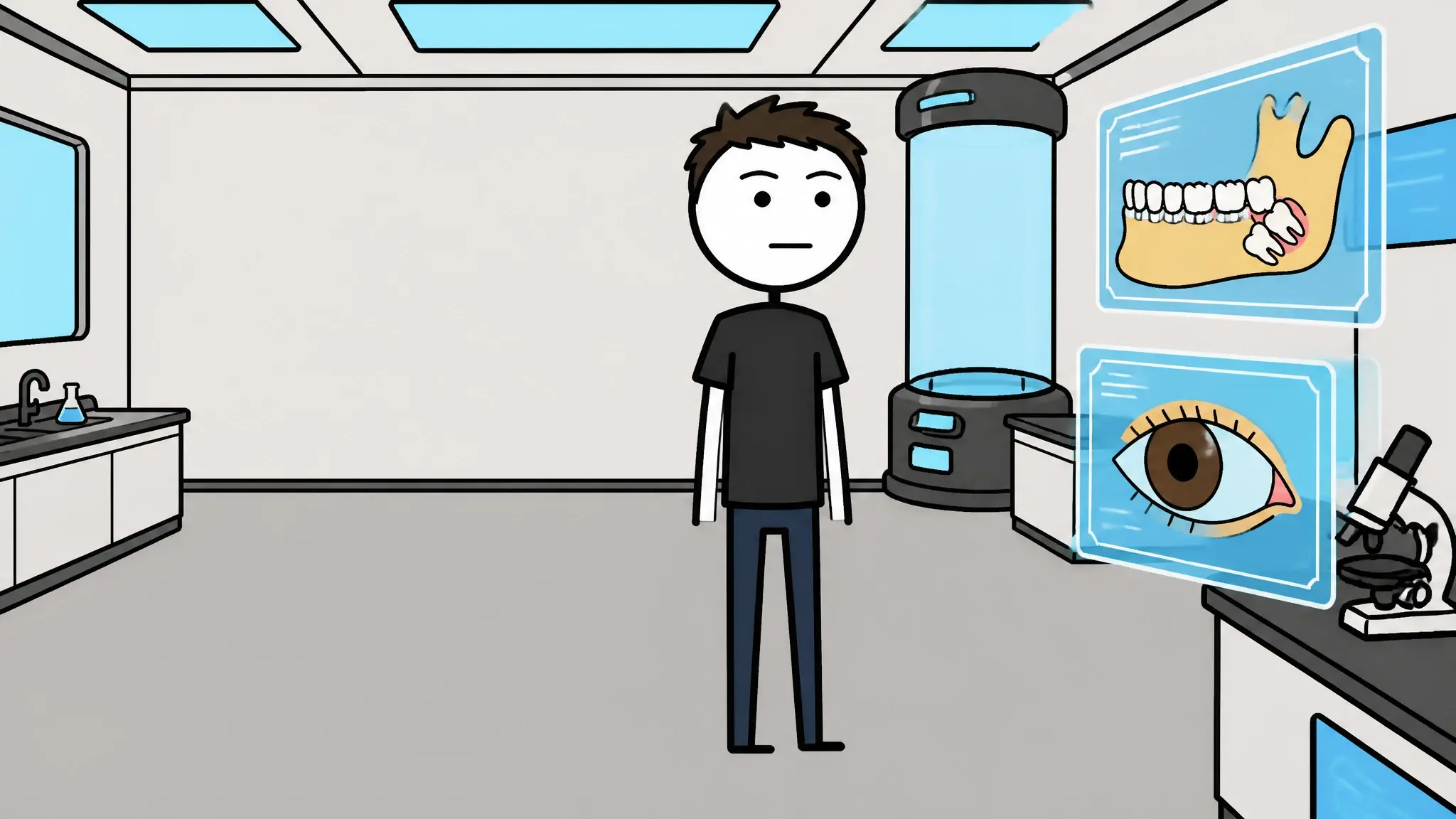 04
04Storyboard before you render
One frame per shot, timed to the voiceover — reorder, regenerate, or replace any of them before anything animates.
Learn more- projects_editscript_generateexport_video
Driveable by API and MCP
Every step as REST endpoints and MCP tools, so an agent can run the channel end to end.
Learn more
Watch YouTube automation make a full video.
No signup. Click through a real video, topic to finished video, and judge the result before you read another word of pitch.
What is YouTube automation?
Running a channel — usually a faceless one — by systemizing the production instead of doing every job by hand. Scripting, voiceover, visuals, and editing get delegated to people, to AI, or to both. The name oversells it: the “automation” is a production system, not a button, and the judgment calls — niche, angle, final cut — stay yours.
That's the honest version. The full playbook — what it really costs, which formats survive, the step-by-step workflow — is in our YouTube automation guide, and the tool-by-tool version is in YouTube automation tools.


Automation that survives the policy era.
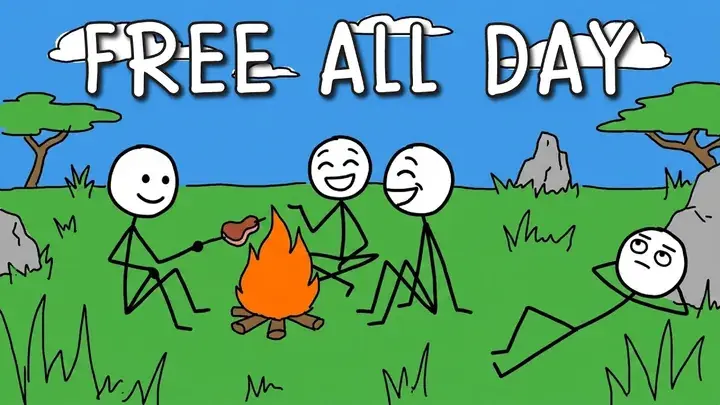
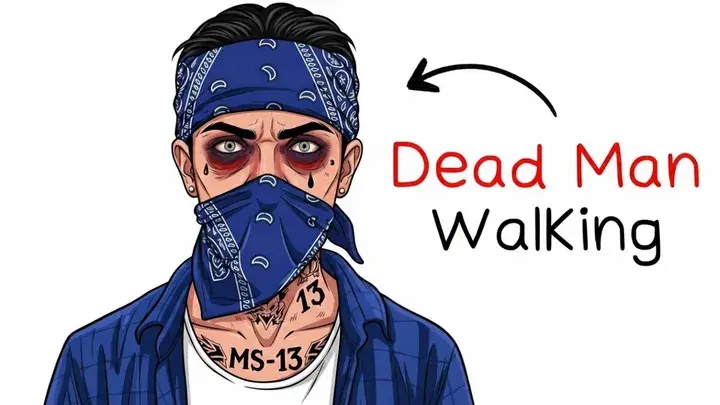
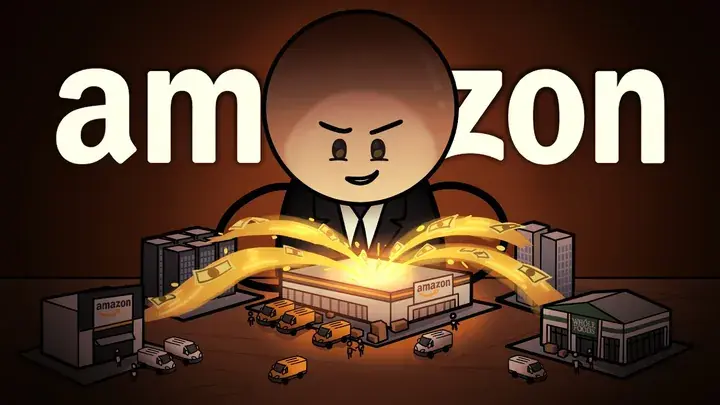
In July 2025, YouTube renamed its “repetitious content” rule to inauthentic content and aimed it at mass-produced, templated uploads — the exact output most YouTube automation AI ships. Reviewers assess the channel as a whole, so fifty videos stamped from one re-skinned template isn't a growth strategy; it's a demonetization queue.
The answer is original videos. Every Framesail video is made from your script, in your channel's own style, with your own recurring cast, the same tool behind our faceless video generator and script to video AI. No tool can guarantee monetization — YouTube judges the channel, and what you publish still counts. What a tool can do is make sure the thing you publish was never templated in the first place.

Shot 02

Shot 04

Shot 37
Shot 42
Questions about YouTube automation.
What is YouTube automation?
YouTube automation is running a channel — usually a faceless one — by systemizing the production: scripting, voiceover, visuals, and editing get handled by a system (people you hire, AI models, or both) instead of done by hand. The name oversells it. The judgment calls — niche, angle, whether a video is good enough to publish — never automate; the production around them does.
Is YouTube automation legit?
Yes — it's a production model, not a scam, and nothing in YouTube's rules forbids it. The line is content quality: YouTube's inauthentic-content policy demonetizes mass-produced, templated uploads regardless of whether a human or a model made them, and original work monetizes regardless of the same. Automation is legit to the exact degree that the output adds something a template can't.
Can an automated YouTube channel be monetized in 2026?
Yes, if the content clears the originality bar. The Partner Program thresholds are unchanged — 1,000 subscribers plus 4,000 public watch hours in 12 months — and the monetization review now assesses the channel as a whole for inauthentic content. An automated channel with original scripts, its own visual style, and consistent characters monetizes like any other channel; a template farm doesn't, no matter how it was made.
How much does YouTube automation cost to run?
Framesail does the whole channel on one subscription — current plans are on the pricing page. For comparison: delegating to freelancers costs far more for a weekly channel, and a self-assembled AI tool stack means stacking separate subscriptions for scripting, voice, images, and editing. The cost nobody quotes is runway — YouTube pays nothing until you cross the Partner Program thresholds, so budget for months of production before revenue, whatever you run it on.
Do I need to show my face?
No. YouTube automation and faceless YouTube overlap almost completely — the formats that automate well are the ones carried by narration and visuals rather than a presenter: explainers, documentary, history, true crime. Framesail is built for exactly that: cinematic faceless long-form, with the narrator voice and visual world doing the work a face would.
How much of the process can I control?
All of it, at any step. You can approve the script before a frame renders, swap the narrator voice, reorder the storyboard, regenerate a single shot, and pick the script, image, video, and voice models per job. You can also do none of that and review only the final cut — it's the same tool either way, and the whole thing is driveable from an API or MCP client with no dashboard at all.
The numbers behind these answers live in the automation guide and the monetization requirements post.
One app. The whole channel.
Make one real video, topic in, finished long-form video out, and judge the result, not the pitch.