Every style. Including yours.
Most tools hand you a few presets, and every channel ends up looking the same. Framesail starts from a preset or from any video you admire, and keeps that look in every shot of every video you make.
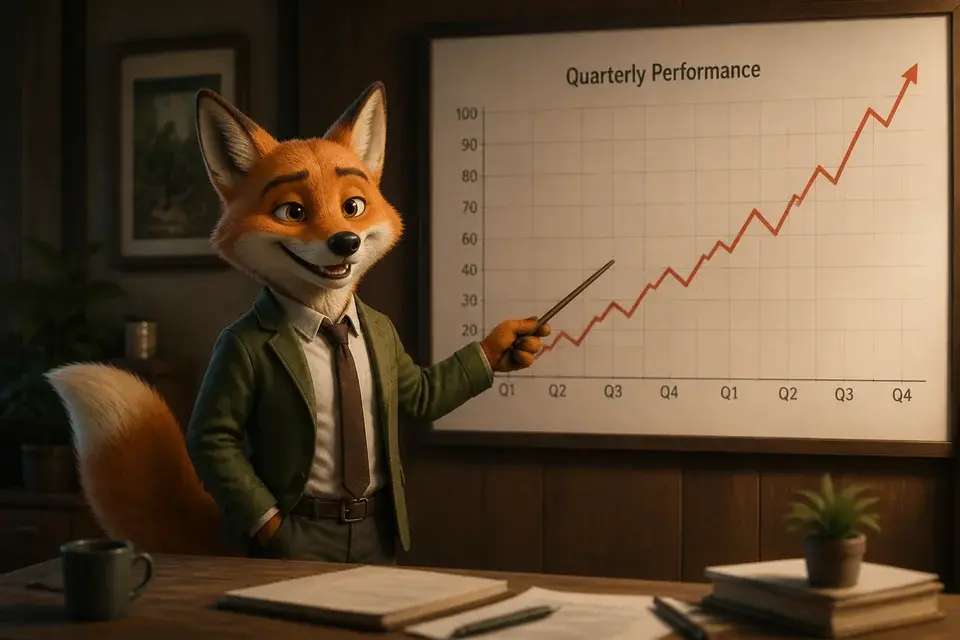

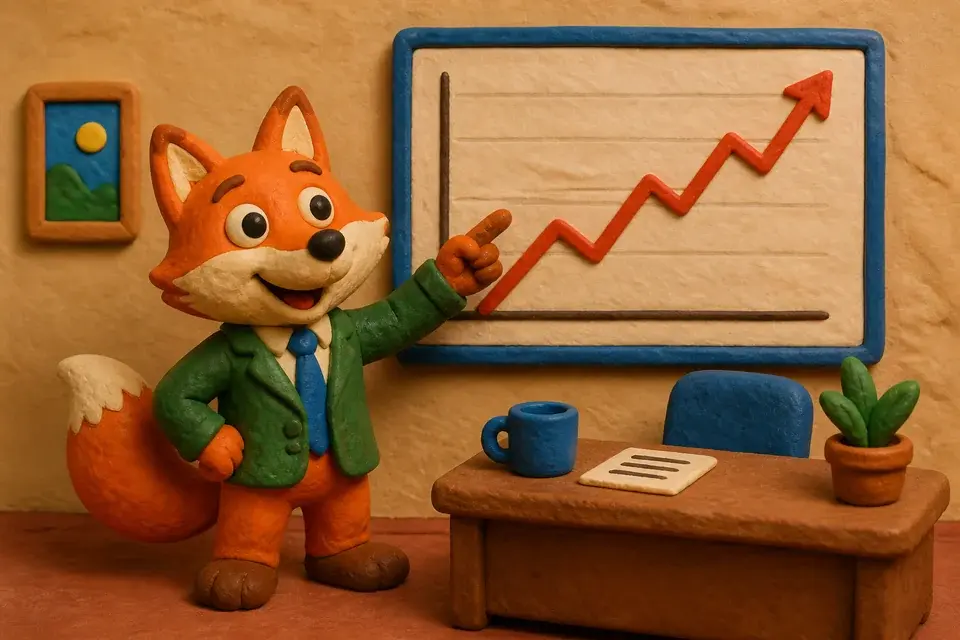
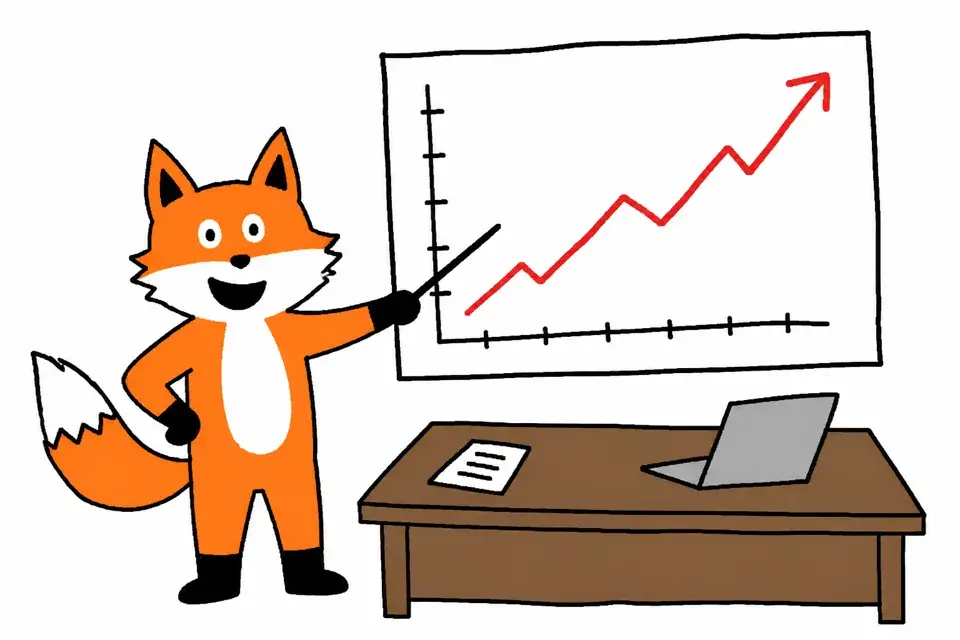
The presets
Starting points, ready out of the box.
Each one is a full art direction, not a filter — and every frame below is a real generation from its preset. Pair any of them with a narrative voice and an editing rhythm, and the mix becomes your channel's reusable style.
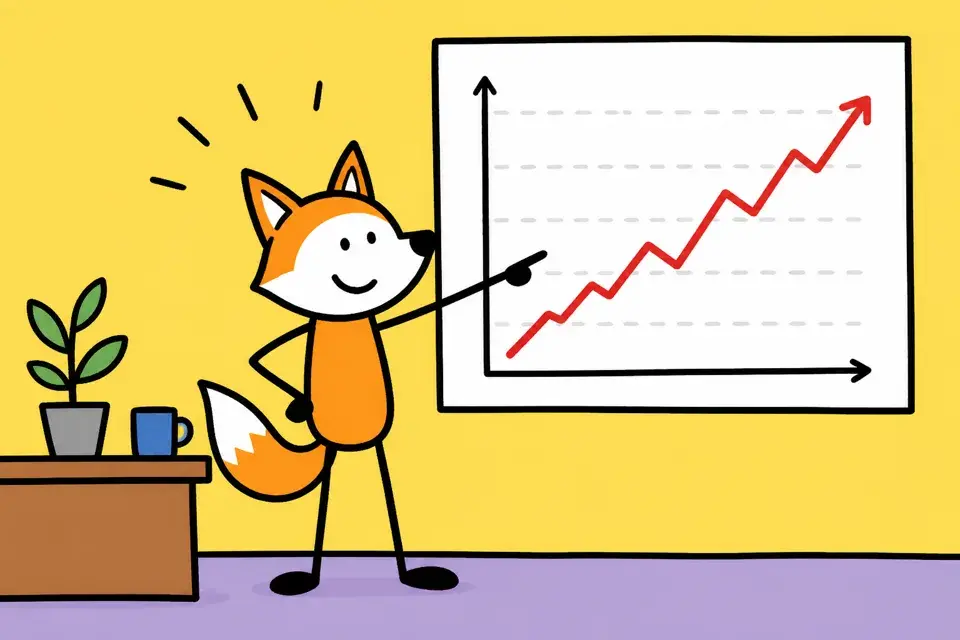
Stickman comic
Hand-drawn stick figures with shaky outlines on bright flat colors — fast, funny, instantly readable.
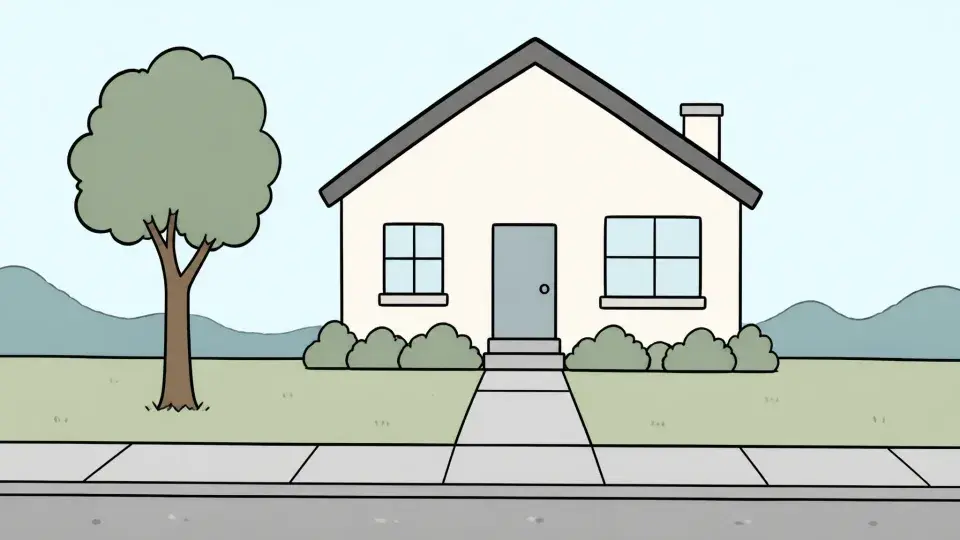
Whiteboard explainer
Wobbly hand-drawn characters and diagrams in flat pastel fills on a clean white canvas — the friendly explainer look.
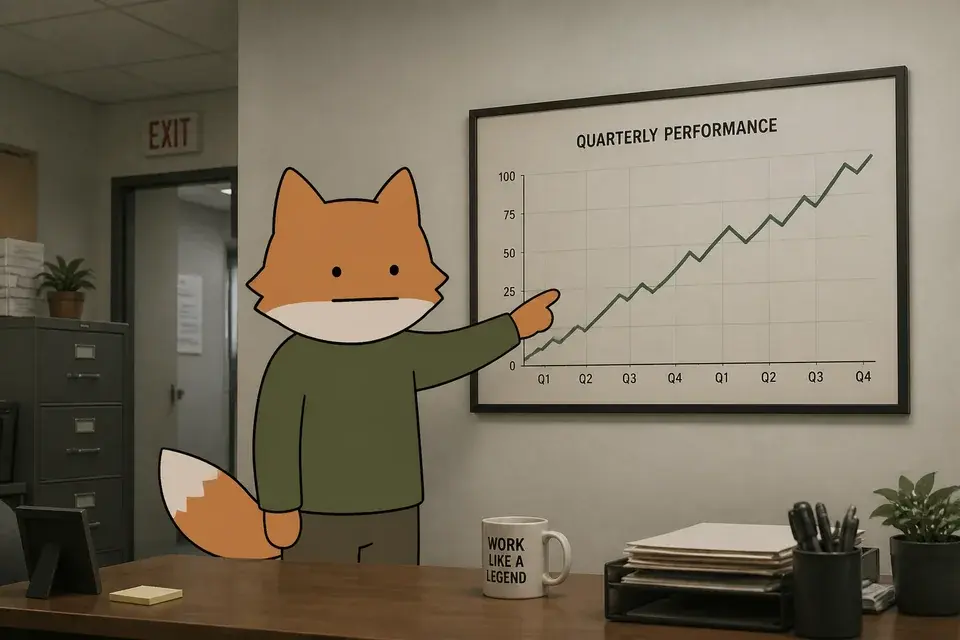
Deadpan cartoon
Blank-faced minimalist characters against detailed, mundane, naturalistic backdrops — dry, deadpan comedy energy.

Kids cartoon
Bright, rounded preschool-cartoon look — bold simple shapes, cheerful colors, big friendly characters.

Bold flat vector
Thick outlines, flat cel shading, saturated poster-like palette — the classic explainer look.
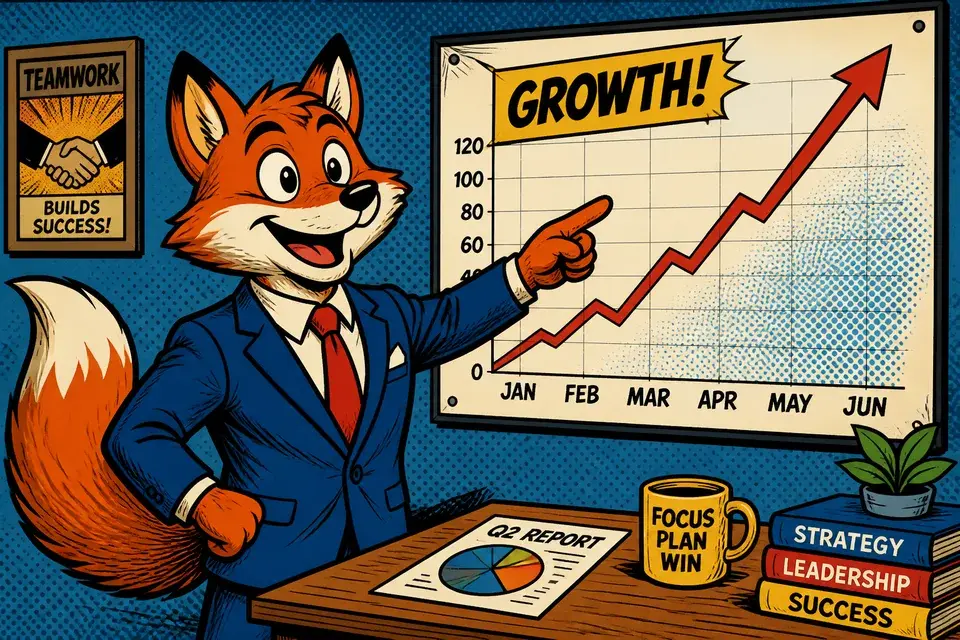
Comic book / graphic novel
Inked comic panels — bold outlines, halftone shading, dramatic high-contrast action.
Anime
Cel-shaded anime look — expressive eyes, dramatic lighting, clean linework and lush skies.
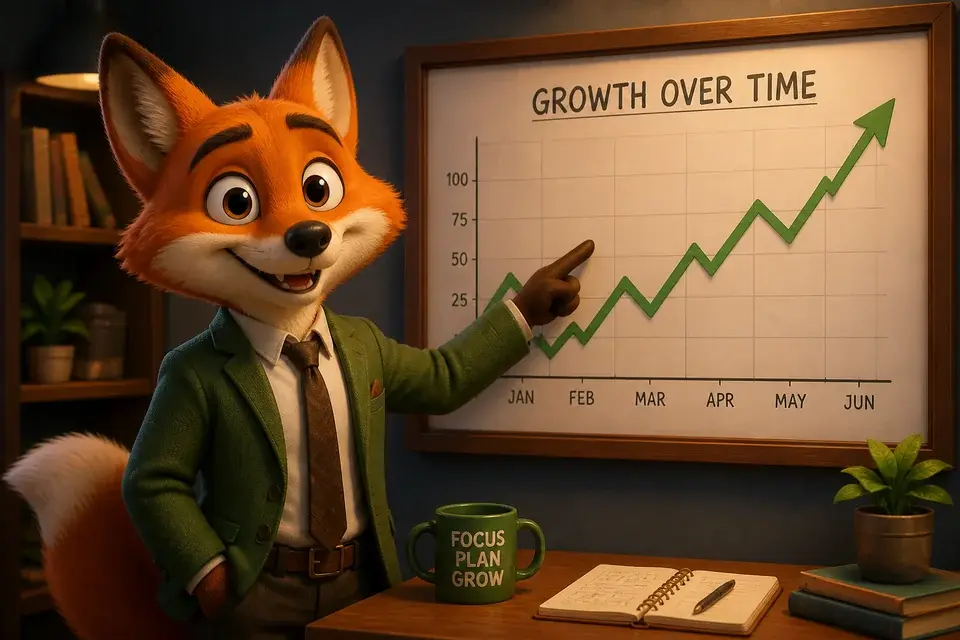
3D animated
Stylized 3D render with soft global illumination and rounded, appealing characters — the modern animated-feature look.
Claymation
Handmade clay look — fingerprint texture, soft plasticine forms, tactile stop-motion charm.
Realistic / cinematic
Photorealistic cinematic footage — natural lighting, real textures, shallow depth of field, filmic color.
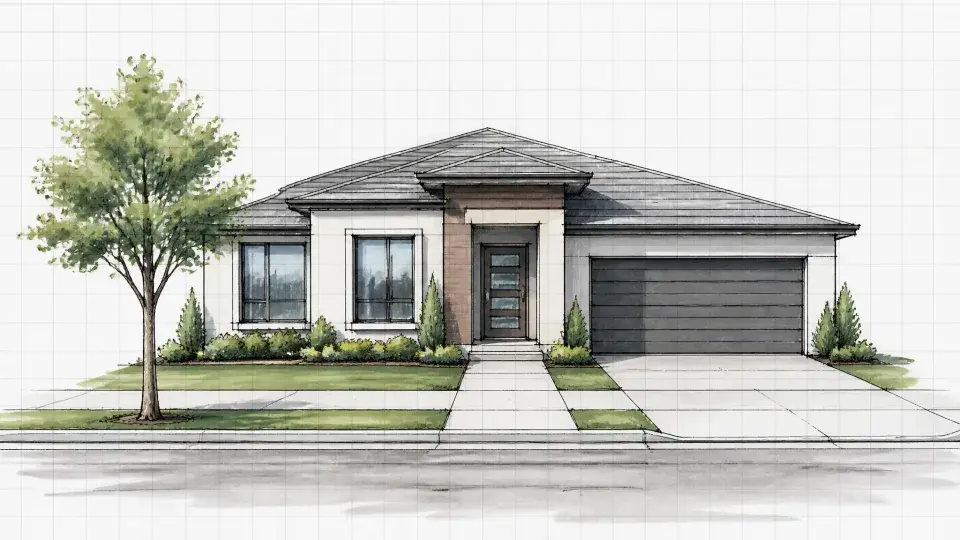
Sleek infographic
High-contrast charts, diagrams, and UI mockups with glowing neon accents on dark charcoal — built for business and data explainers.
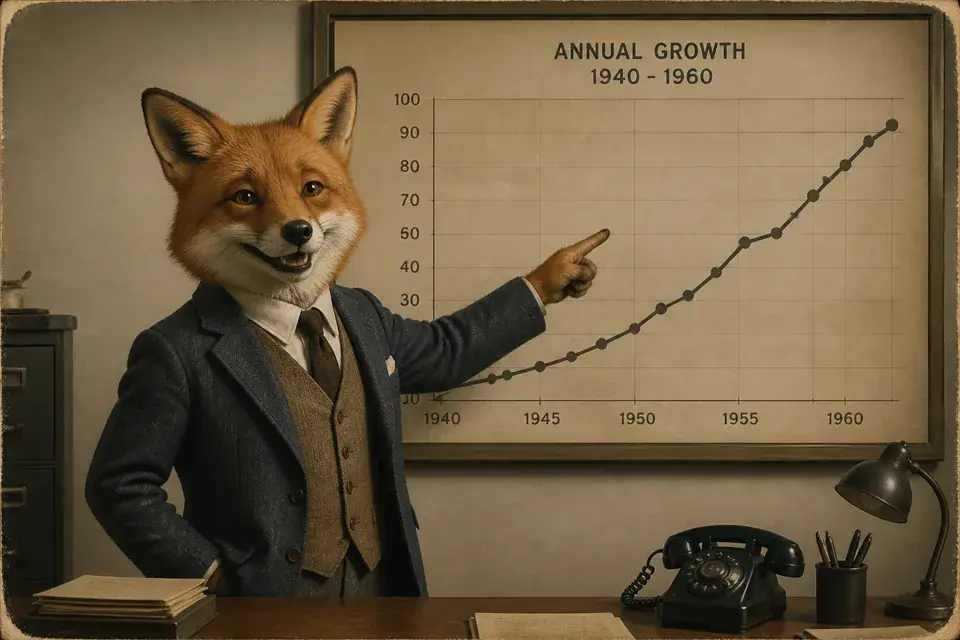
Archival documentary
Sepia and slate-blue rediscovered photographs with soft film grain — quiet, weighty, authentic.
MS-Paint crude
Deliberately amateur mouse-drawn doodles — wobbly lines, flat fills, meme-explainer energy.
Beyond the presets
Analyze a video. Keep the flair.
The presets are a curated few. The catalog is every look. Point style analysis at any channel or video you admire, or your own back catalog, and it works out what makes it work: the art direction, the narration voice, the editing rhythm. That becomes a style you put your own spin on, and every video you make with script to video AI uses it.
The style holds the look. Your characters and places are created once in that style and used in every shot; the character consistency page covers that half.
No references yet? Mix a style.
Pick a look, a voice, and an editing rhythm — that exact mix becomes a reusable channel style. No analysis, no waiting. Try it:
Art style
Narrative style
Director style
Voiceover
“Number three on the list of things that will absolutely ruin your day: the magnetar. It's a star. It's tiny. It can un-assemble you from a thousand miles away. Cozy.”
Camera: snap-zooms, relentless cuts · frames generated from the actual presets
Define it once,
hold it for every shot.
Deep dives
The styles people search for.
Five looks get asked about enough that we wrote each one up properly — the technique, the pitfalls, real output. They're worked examples of the system above, not the extent of it.
Stop Motion Animation
AI stop-motion, frame by frame.
Read the deep diveWhiteboard Animation
Hand-drawn explainers from a script.
Read the deep divePaper Cutout Animation
Layered-card shorts, grain and all.
Read the deep diveAnime Video
One anime look, every shot.
Read the deep diveClaymation
The handmade clay look, generated.
Read the deep dive
Questions
Questions about AI video styles.
Can Framesail do my style?
If you can describe it or show it, yes. A plain-language description becomes a style, and style analysis turns reference videos or images into a full definition — art direction, narrative voice, editing rhythm. The five styles with their own landing pages are the ones people search for, not a menu of what the pipeline renders.
Do I have to pick a preset?
No. The presets are the fast path — curated looks, ready the moment you create a channel, each mixable with a narrative and director style. When none of them is your look, describe one in plain language or analyze references — a defined style holds just as well as a preset.
Can I copy another channel's look?
You can point style analysis at any channel or video you admire, and it extracts the principles — palette, linework, pacing, how shots are framed. What you get back is a starting point to build your own spin on, not a cloning tool: the output is your characters and your scripts, rendered in a style the reference inspired. Channels win on a look that's recognizably theirs, and that's the point of building one.
Does one style actually hold across a long video?
Yes. The style is set once for the video, the characters and places are created once, and every shot uses both, so shot eighty looks like shot one. Drift is what you get from prompting a look each time; setting it once is what prevents it.
More on the main FAQ page.
Pick a look. Or build one.
Preset, analyzed, or described from scratch — define it once, and every shot answers to it.