Long-form AI video generator for creators.
Generate long videos from text: script in, finished video out. The same characters, the same settings, and the same look from the first minute to the last, at any length.
Paid plans, monthly or quarterly. Watch a finished video made in Framesail first.
How long can an AI video be?
In Framesail, there's no set length limit. The script writer goes up to 30 minutes in one go, you can paste a longer script of your own, and the whole video exports as one finished video. Most AI video models make one short clip at a time, so a long video falls apart when those clips are stitched together. Framesail builds every scene around the same characters, settings, and look, so the last minute matches the first.
What AI tool can make long-form videos?
Framesail is built for long-form YouTube videos: give it a one-line idea or your own script and it makes the finished video, with the script, the narration, and every scene in one tool. There's no set length limit: write up to 30 minutes in one go with the script writer, or paste a longer script of your own, and the whole thing exports as one finished video.
How to make a long AI video
Five steps from an idea to a finished video you can upload. You see each one before the next starts, so nothing goes wrong at minute fifteen that you only find at the end.
- 01
Start from an idea or your own script
Give it a one-line idea and pick a length, and Framesail writes the script to fit. Or paste a script you already have and it follows it line for line.
- 02
Set your characters, places, and look once
Framesail finds every character and place the script names and makes each one once, in your channel's style. Every scene after that uses the same ones.
- 03
Pick the voices
Choose a narrator, and a voice for each character who speaks. Redo any single line until the read is right.
- 04
Review every scene before it's made
Each scene is planned to the narration, so the picture shows what the words are saying. Change anything before it's animated.
- 05
Fix what you want, then download the finished video
Adjust any scene, add captions and music, and download a finished video with no watermark. Change something later and download again.
Every type of footage we generate, created in your style.
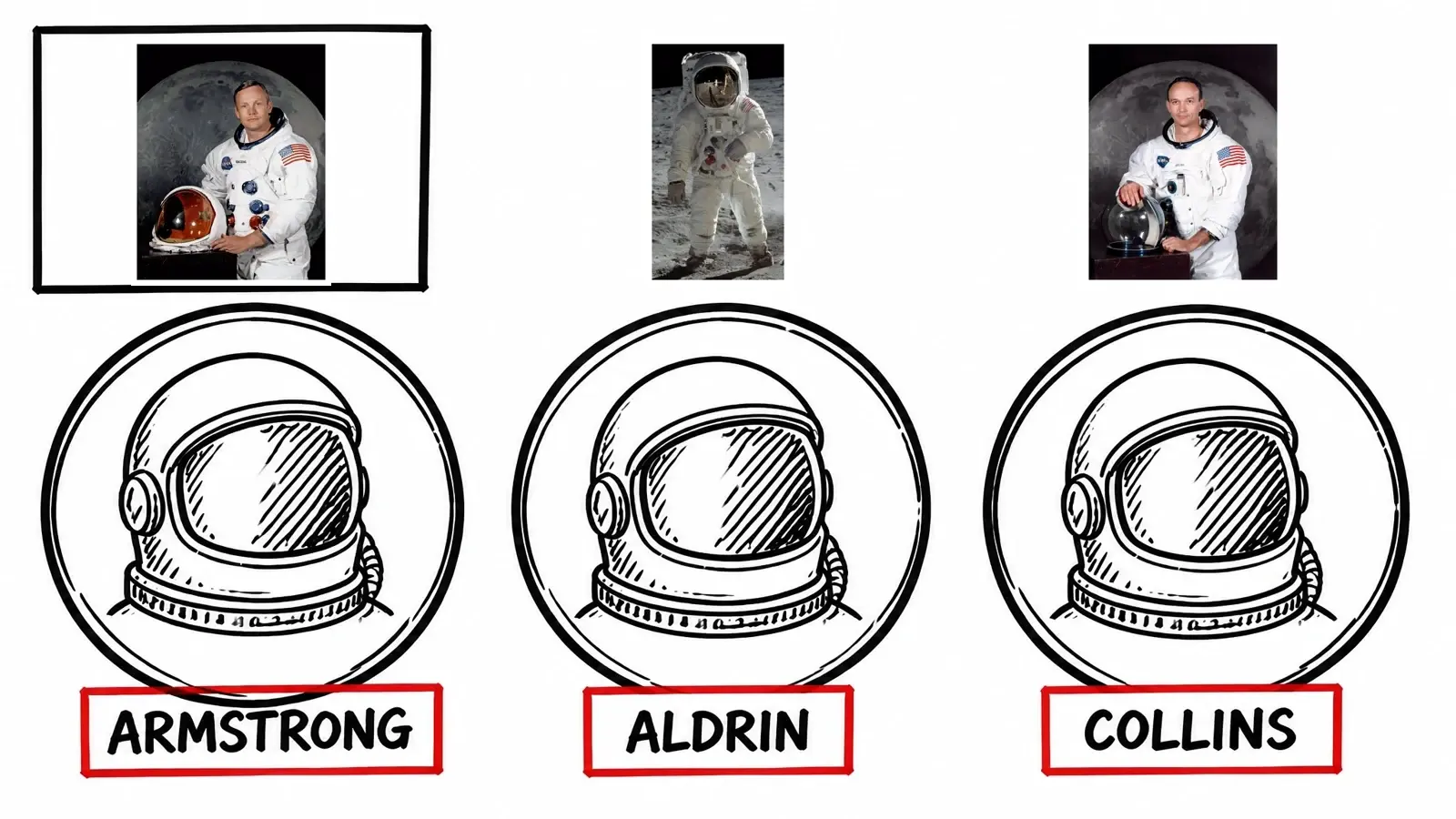
Characters, worlds, art styles, real footage — pick what each video is made of and mix them however your channel needs.
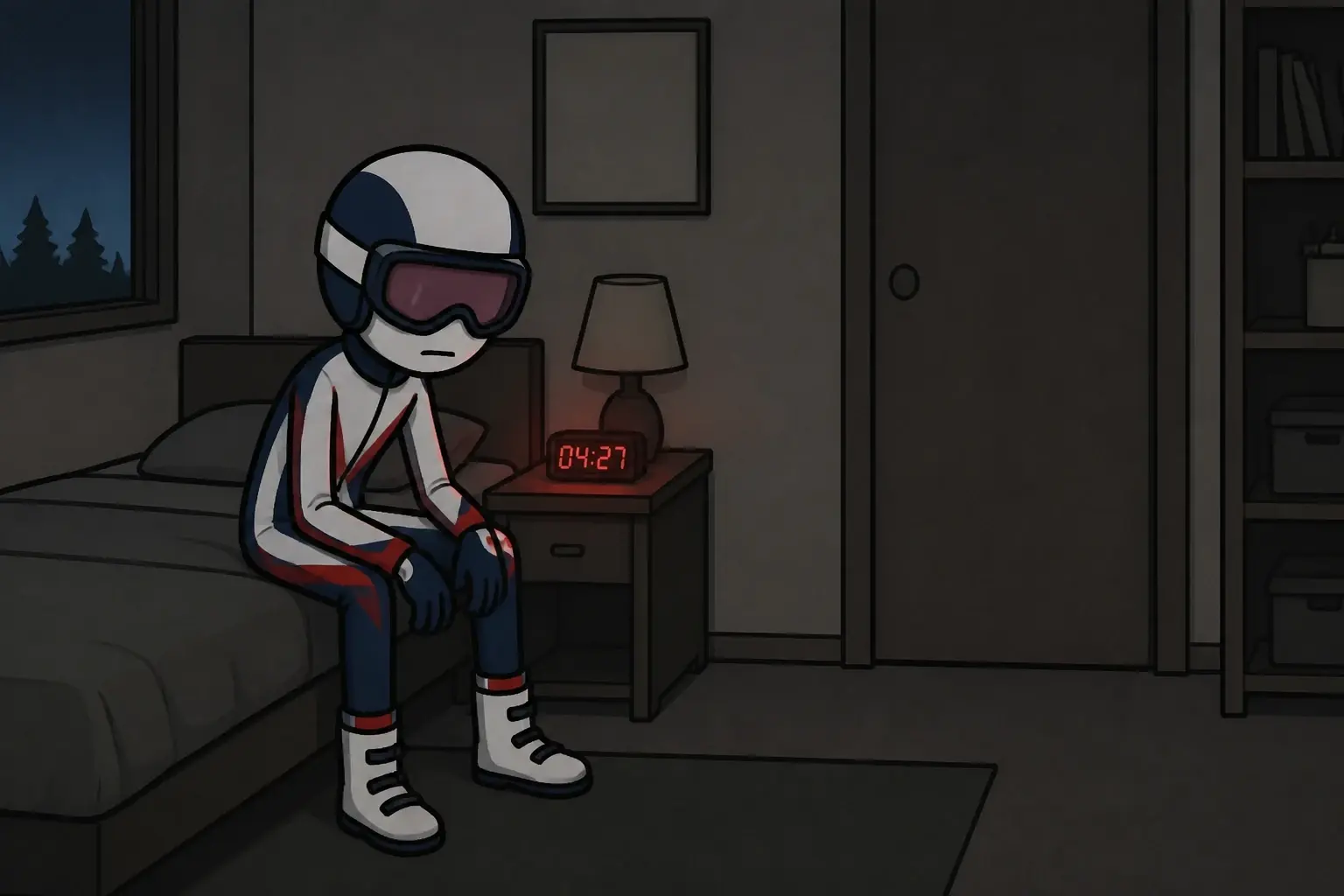
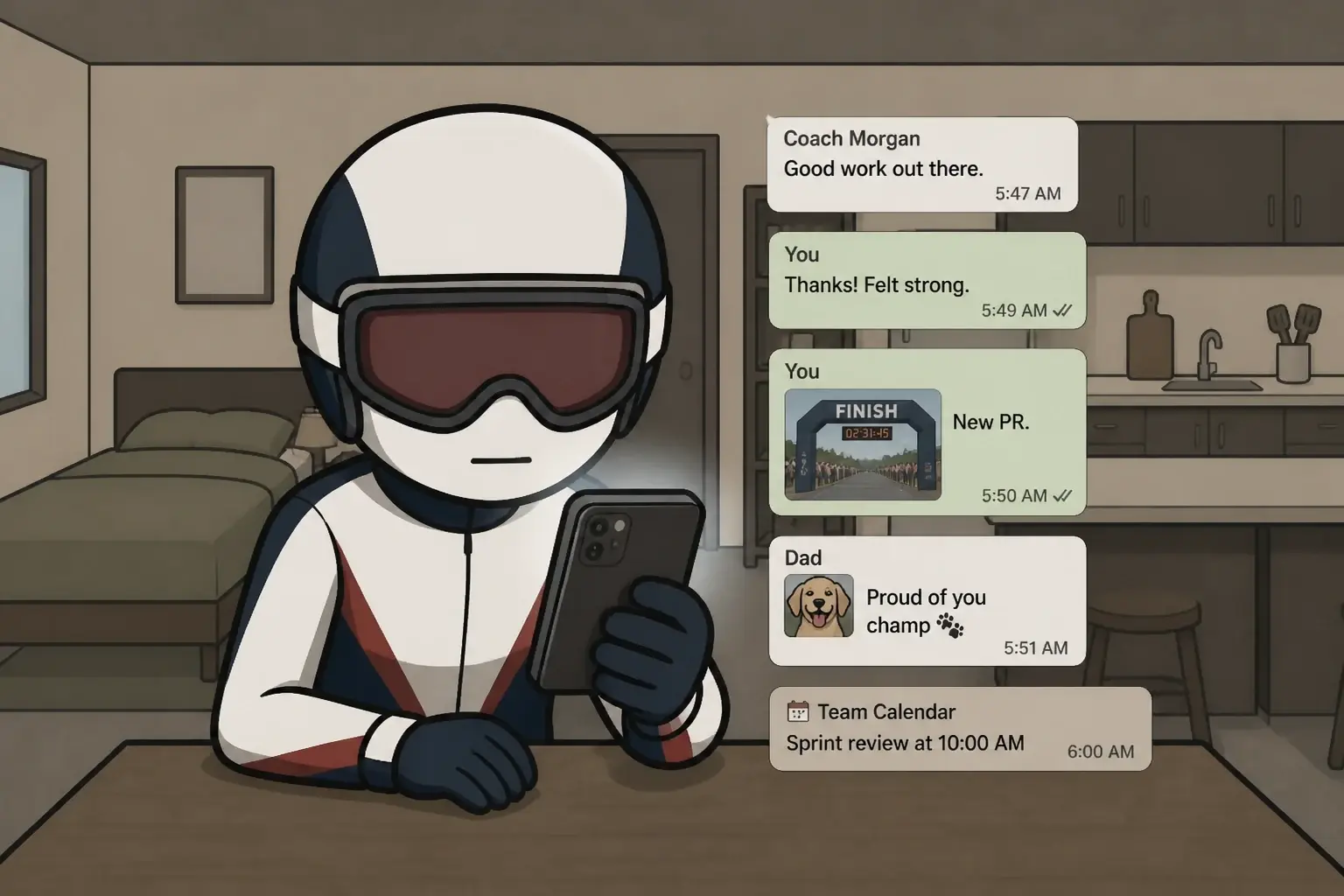
Consistent characters
Define a character once and every shot uses it, so scene 2 and scene 42 are the same person.



Real footage, not only generated
Pull licence-clean stock and archive clips straight into the cut, wherever a real shot lands harder than a drawn one.

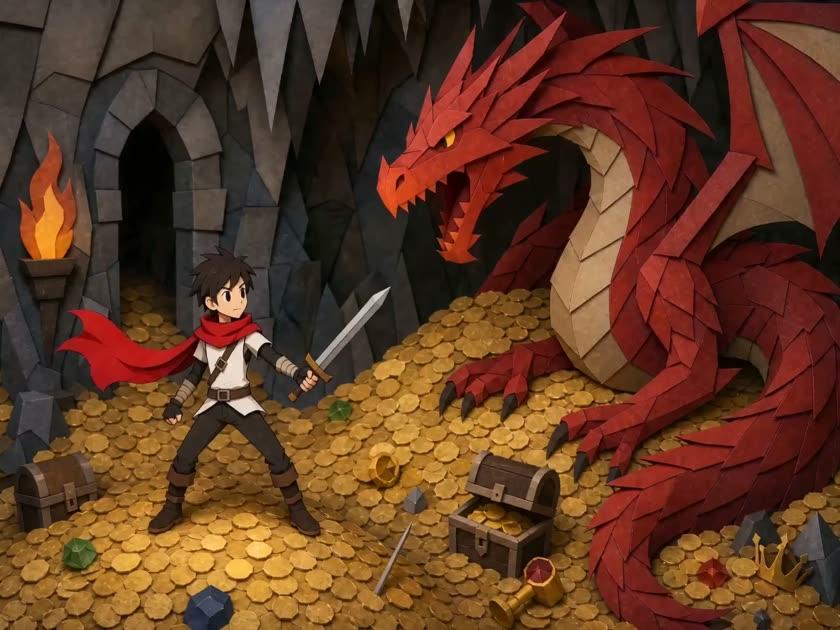
One character, any world
Drop the same cast into a dragon's lair, a spacecraft, a crime scene, the open sea. The world changes; the character doesn't.

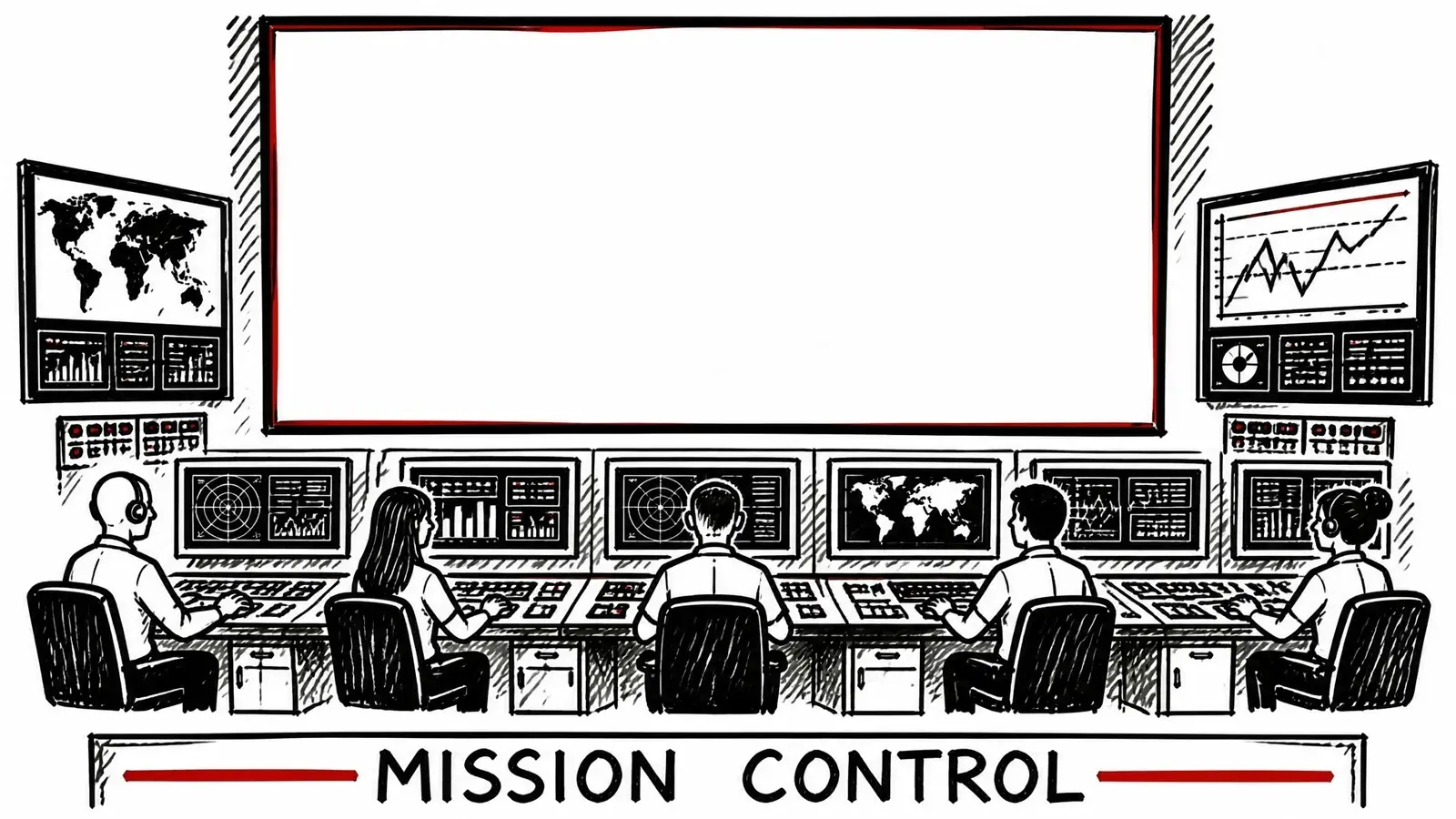
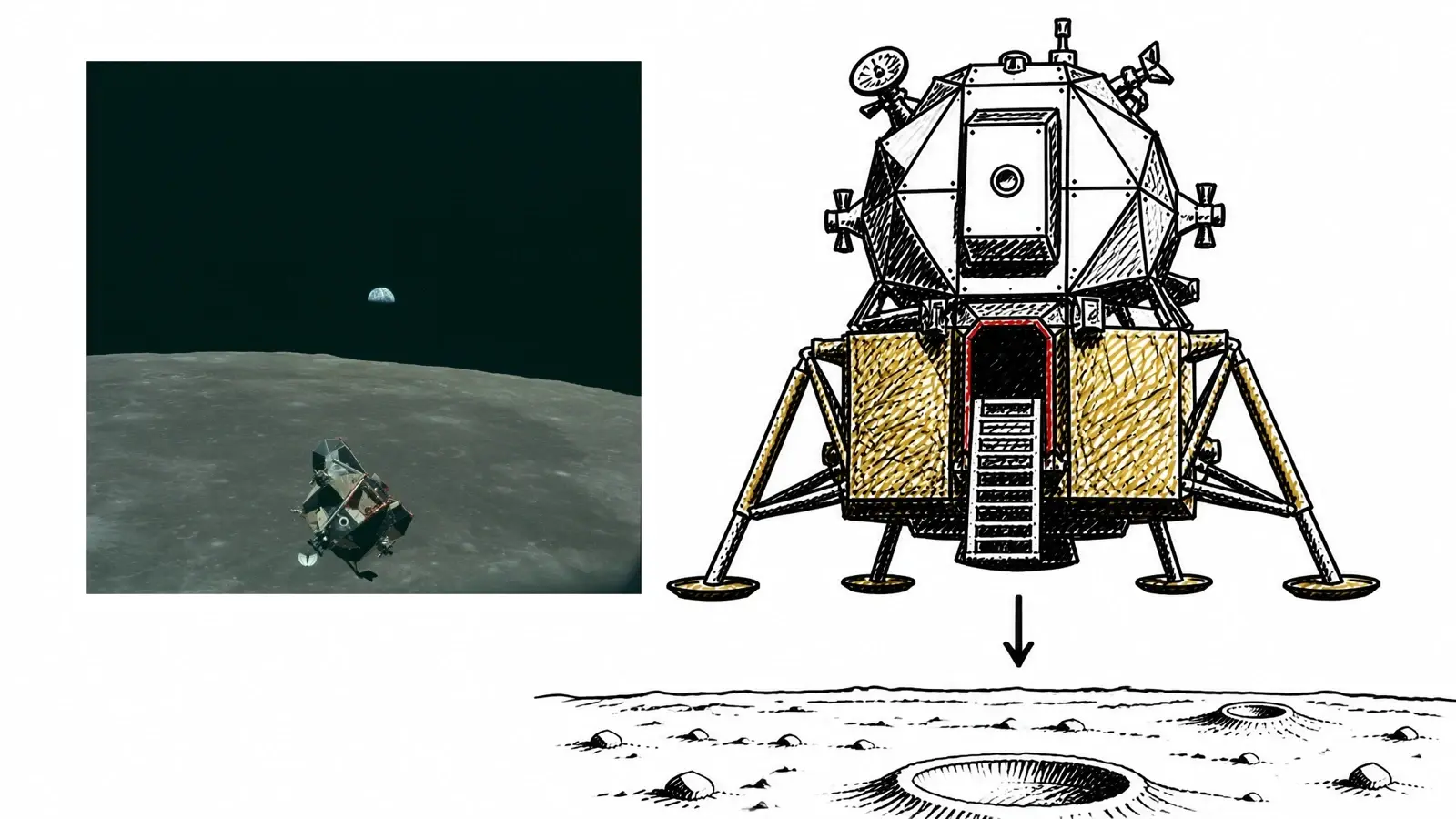
Both, in the same shot
Real footage placed inside a generated shot, so an archive clip and a drawn scene sit in the same frame.
Any style, not a template
Photoreal, anime, paper-cut, cartoon, storybook — lock the look once and the same scene renders your way, never squeezed into a preset.

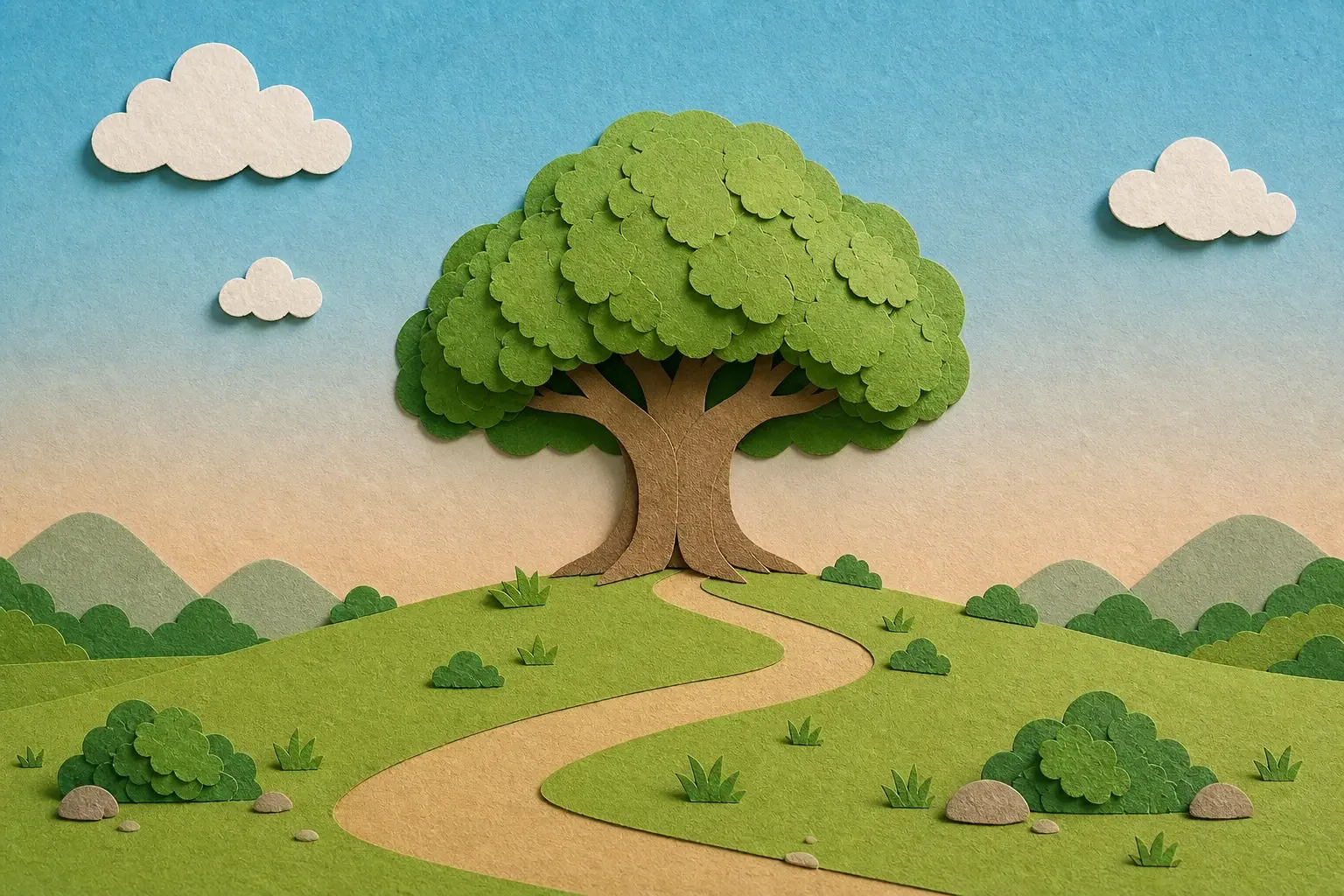


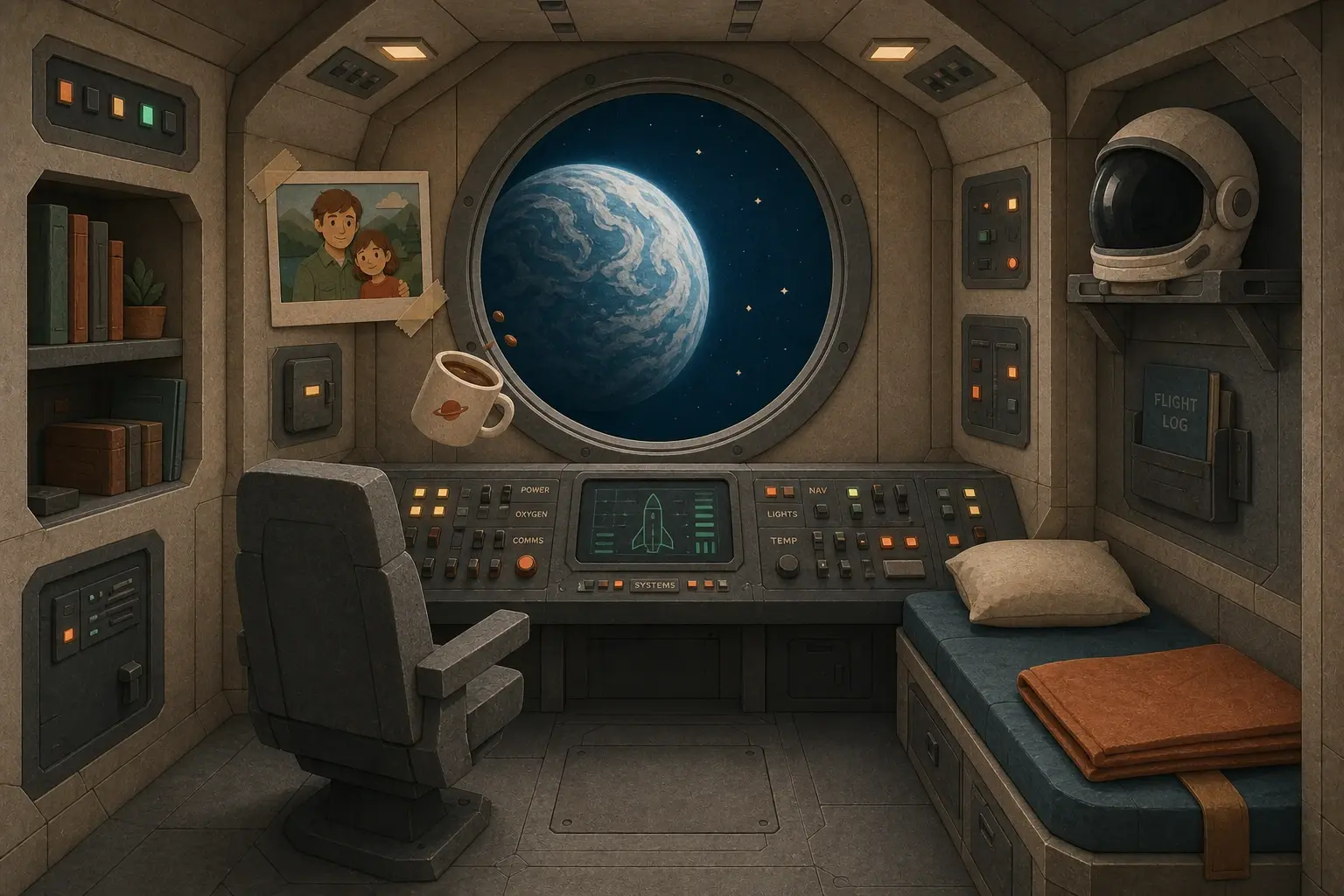
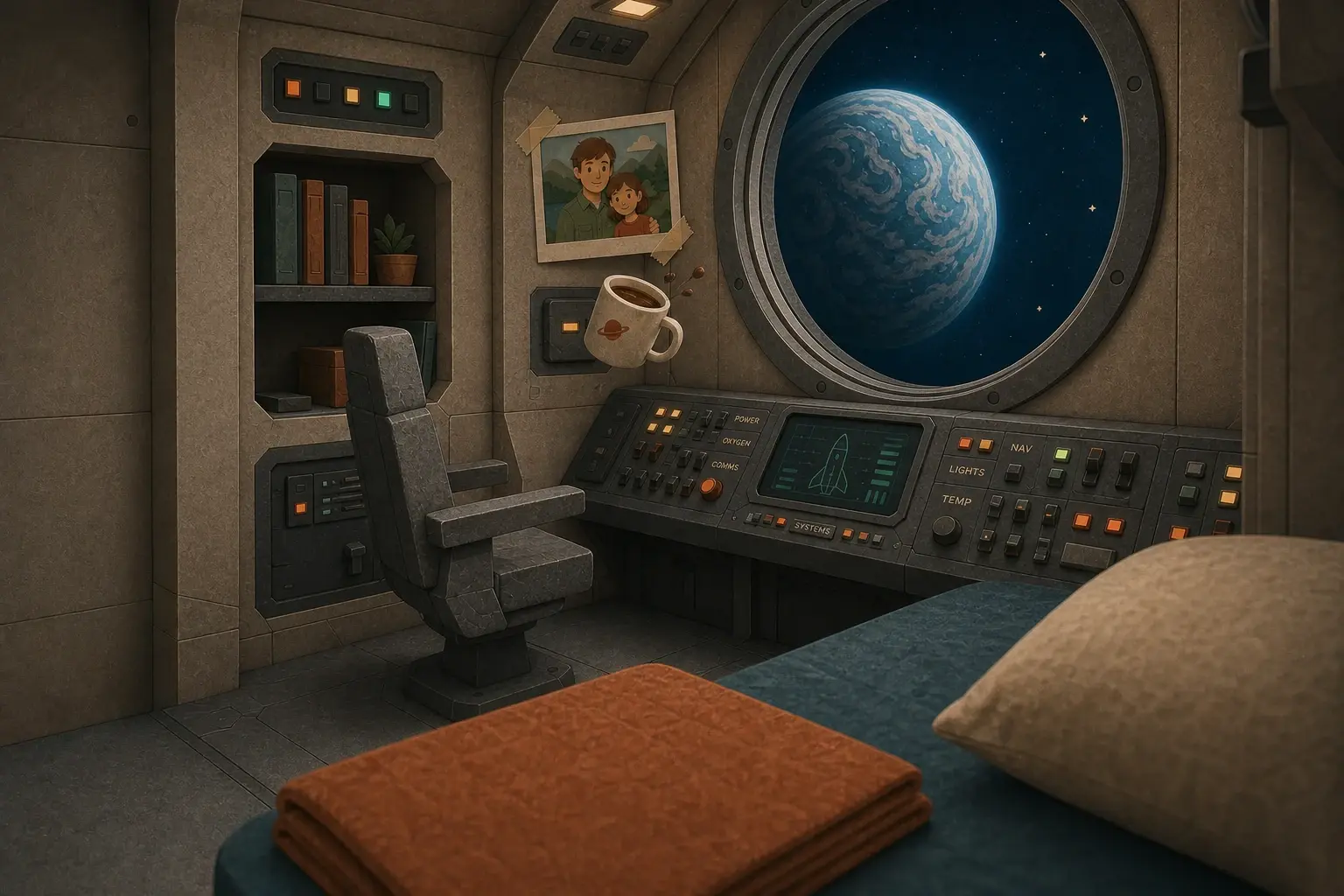
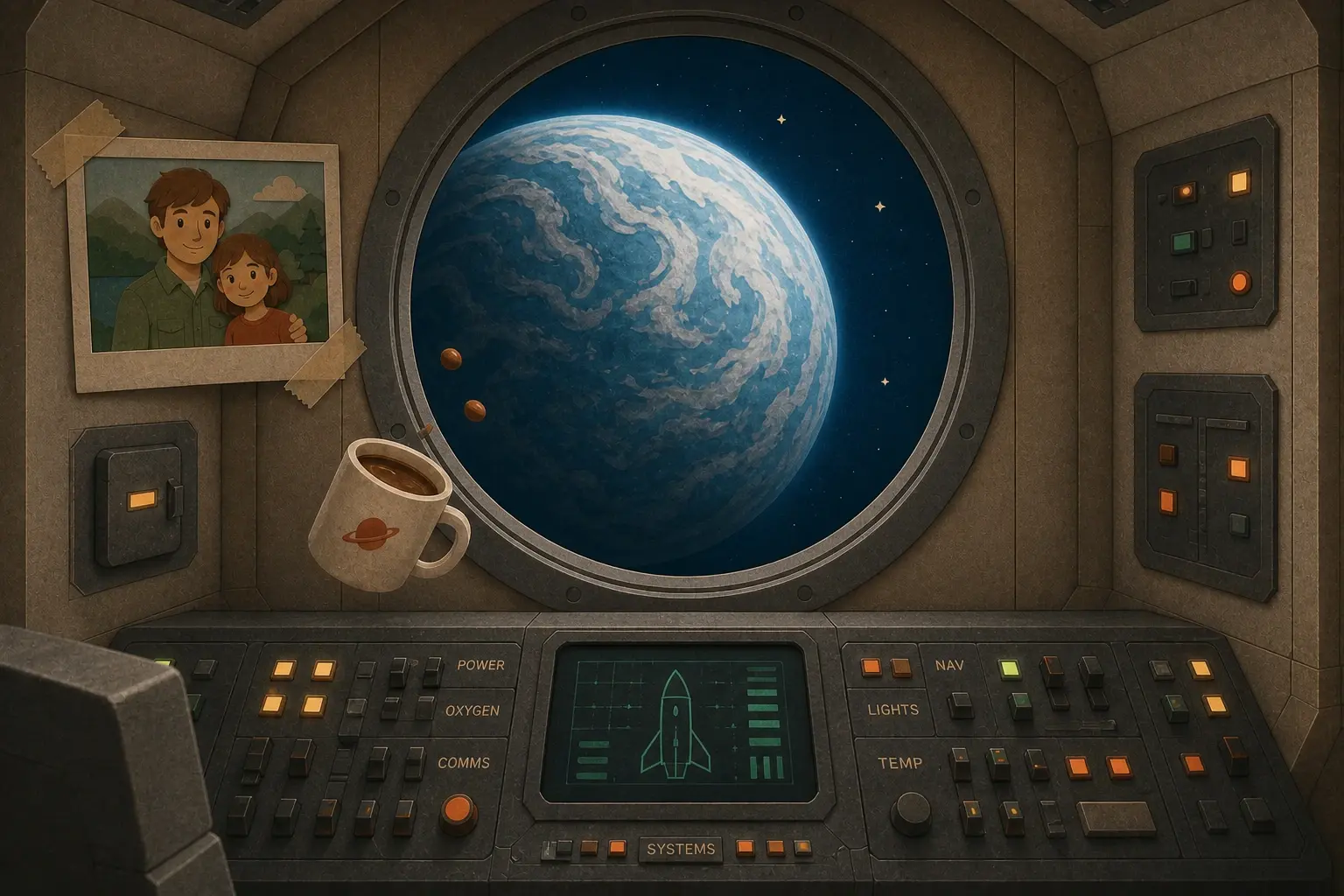
Environments that stay put
Lock a world once and every angle, prop, and close-up inside it agrees with the rest of the video.

Talking-head presenters
Put a presenter on camera who speaks your script, lip-synced, in the same look as the rest of the video — training, explainers, and briefings without a studio or a shoot.


Keeping a long AI video consistent is the hard part.
Framesail locks the look before shot one.
See for yourself
YouTube videos, made in Framesail.
Not clips. Finished long-form videos, made the same way yours will be.
What long AI videos can you make?
Any kind of channel that runs on a long, narrated video. Each of these was made in Framesail.
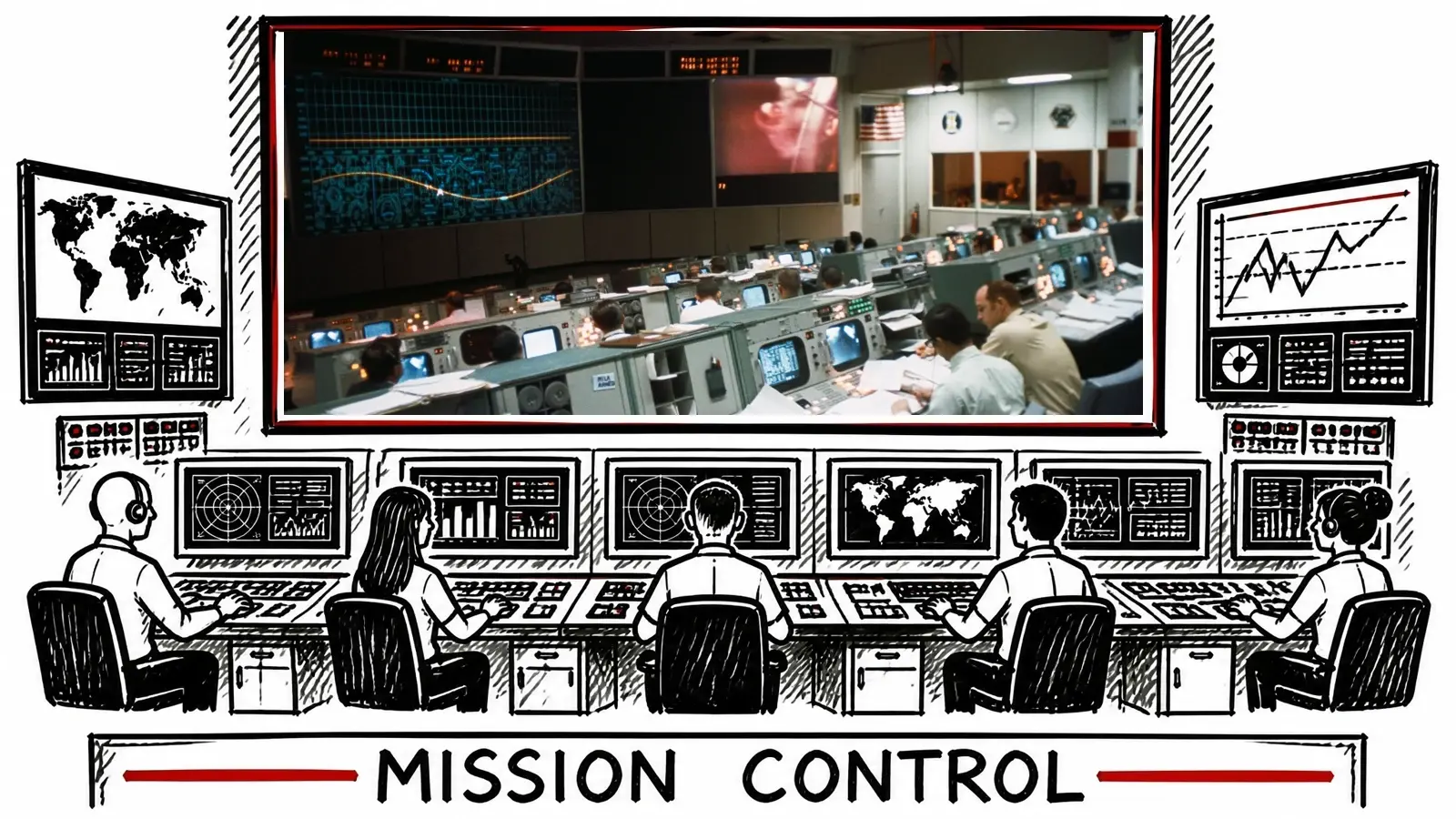
Whiteboard and stickman explainers
Hand-drawn hosts, diagrams, and real photos that carry a big topic from start to finish without a camera.
Made in Framesail: “The most terrifying ways the world could end” · 19:38
Whiteboard animationFaceless story channels
Narrated stories that follow one recurring character, so a long video plays as one story, not a slideshow.
Made in Framesail: “POV: you studied how past generations built wealth” · 18:27
Faceless videosDocumentaries and business explainers
Real footage and photos where they exist, generated scenes where they don't, cut together in one look.
Made in Framesail: “The economics of owning a gold mine” · 14:29
Documentary videosAnime and story episodes
A cast that speaks in its own voices and looks the same in every scene of the episode.
Made in Framesail: “The man who sold the Eiffel Tower” · 7:58
Anime videosTraining with a presenter
A presenter on camera who speaks your script, with the rest of the video built around them.
Made in Framesail: “How bias shows up in a hiring meeting” · 6:45
Talking-head videosClaymation and stop motion
Handmade-looking worlds that stay handmade-looking from the first scene to the last.
Made in Framesail: “The journey of a raindrop” · 5:14
ClaymationIn a short clip, nobody notices a character change. In a long video, everyone does.
- Continuity
- Style
- Characters
- One tool
- Pacing that holds viewers
Framesail keeps the same characters, settings, and look from the first minute to the last.
Lock it once,
and it holds for the whole video.
Long-form vs. short-form generators
Built for whole videos, not clips.
Short-form tools make one shot at a time and leave you to stitch them together. Framesail makes the whole video, so nothing below is a setting you have to fight.
| Dimension | Templated / short-form tools | Framesail long-form |
|---|---|---|
| Length | Short disconnected clips | Full-length long-form videos |
| Continuity | Changes between shots | Same characters, same world, every shot |
| Voice | Flat AI text-to-speech | Cinematic narrator voices |
| Style | Re-rolled every render | Set once, used in every video |
| Export | Watermarked, locked-in | Clean video, yours to publish |
A long-form AI video editor, scene by scene.
A long video always needs fixes. Make them on the scene that needs one, not by starting the whole video again.
Change a scene by saying what you want
Describe the change in plain words, like move this, add a title, or drop that, and the scene updates. Undo it if you don't like it.
Redo one line, not the whole video
Re-record a single line of narration instead of the whole voiceover. The captions follow the new read.
Captions that match every word
Captions come from the narration itself, so they land on the right word. Start from a preset, then set the font, size, and position.
Music and sound effects
Pick tracks from the library or upload your own, then set where each starts and how loud it sits. Add or remove sound effects on any scene.
A thumbnail in the same style
Make the thumbnail from the video's own characters and places, so it looks like the video it sells.
Download again whenever you change something
The video stays editable after you download it. Fix a scene next week and download the new version.
Model stack
Your models. Your call.
No black box. Every step runs on a frontier model you can see and change.
Script
1 provider
GPT-5.4
OpenAI
Swap model
Image
2 providersGPT Image 2
OpenAI
Swap model
Video
4 providers
H3 Max Turbo
MiniMax
Swap model
Voice
2 providersMiniMax Speech 2.8 HD
MiniMax
Swap model
The field moves fast — as new frontier models ship, they land right here.
Your stack
GPT-5.4 · GPT Image 2 · H3 Max Turbo · MiniMax Speech 2.8 HD
Questions
Questions about long-form AI video.
Can AI generate a long video from text?
Yes. Paste a script or start from an idea, and Framesail turns it into a scene-by-scene script, your cast and settings, a storyboard, a voiceover, and a finished long-form video. Text is the input; a full-length video is the output.
What is a long-form video generator?
It's a tool that renders multi-minute videos end-to-end — script, storyboard, voiceover, animation, and final video — rather than short disconnected clips. Framesail is built specifically for long-form: full-length cinematic videos where the characters and the look stay the same all the way through.
How long can an AI video be?
In Framesail, there's no set length limit. The script writer goes up to 30 minutes in one go, you can paste a longer script of your own, and the whole video exports as one finished video. Most AI video models make one short clip at a time, so a long video falls apart when those clips are stitched together. Framesail builds every scene around the same characters, settings, and look, so the last minute matches the first.
What AI tool can make long-form videos?
Framesail is built for long-form YouTube videos: give it a one-line idea or your own script and it makes the finished video, with the script, the narration, and every scene in one tool. There's no set length limit: write up to 30 minutes in one go with the script writer, or paste a longer script of your own, and the whole thing exports as one finished video.
How do I make a long AI video?
Start from a one-line idea or paste your own script and pick a length. Framesail sets up your characters and places once, records the narration in the voices you pick, plans every scene to it, and makes the finished video. You review and change any step before the next one, and download when it looks right.
Can AI make a 10-minute video?
Yes. Set the length to 10 minutes and Framesail writes the script to that length, then makes every scene for it with the same characters and look throughout. Ten minutes is well inside what it's built for, and a longer script of your own works the same way.
Why do other AI tools break at long length?
Most generate clips one at a time with no memory of each other. By shot ten, the main character looks like a different person and the setting looks like a different place. Framesail sets up your characters and settings once and every shot uses them.
Is there a text-to-video generator that keeps continuity?
That's the problem Framesail is built around. Most text-to-video tools generate each clip in isolation, so continuity is left to chance. Framesail decides the cast, the world, and the look before the first shot and keeps them for every shot after, so you're not re-rolling until it happens to match.
Can I edit a long AI video after it's made?
Yes. Every scene stays editable: describe a change in plain words, re-record a single line of narration, turn on captions, add music and sound effects, then download again. The video isn't locked once you've downloaded it.
Can long AI videos be monetized on YouTube?
Monetization is YouTube's decision, made channel by channel, so Framesail doesn't guarantee any monetization results. What you publish, and whether it meets YouTube's policies, is up to you.
How long does it take to make a long AI video?
It scales with the length of the video and how many shots you redo. Everything runs in the background, so you start it and step away. At long-form length the real bottleneck is your review time, not the machine's.
Can I export to Premiere or DaVinci?
Yes. The finished video exports cleanly, and at long-form length many channels take it into DaVinci or Premiere for a final color and pacing pass before publishing. Framesail gets you a complete video; your editor is where you tighten the last 10%.
What does it cost?
Paid plans, monthly or quarterly — see the pricing page for current Creator, Pro, Studio, and Scale options.
More on the main FAQ page. For what keeps viewers through the full runtime, read our retention guide for long faceless videos.
Ship the long-form video you've been planning.
Same characters, same look, from the first minute to the last. See it on a video of your own.