See the whole video before you pay to animate it.
Re-rendering a finished video because one scene missed is the expensive mistake. Framesail shows you every shot as a storyboard first, timed to your narration. Change what you don't like, then the same board becomes the video.
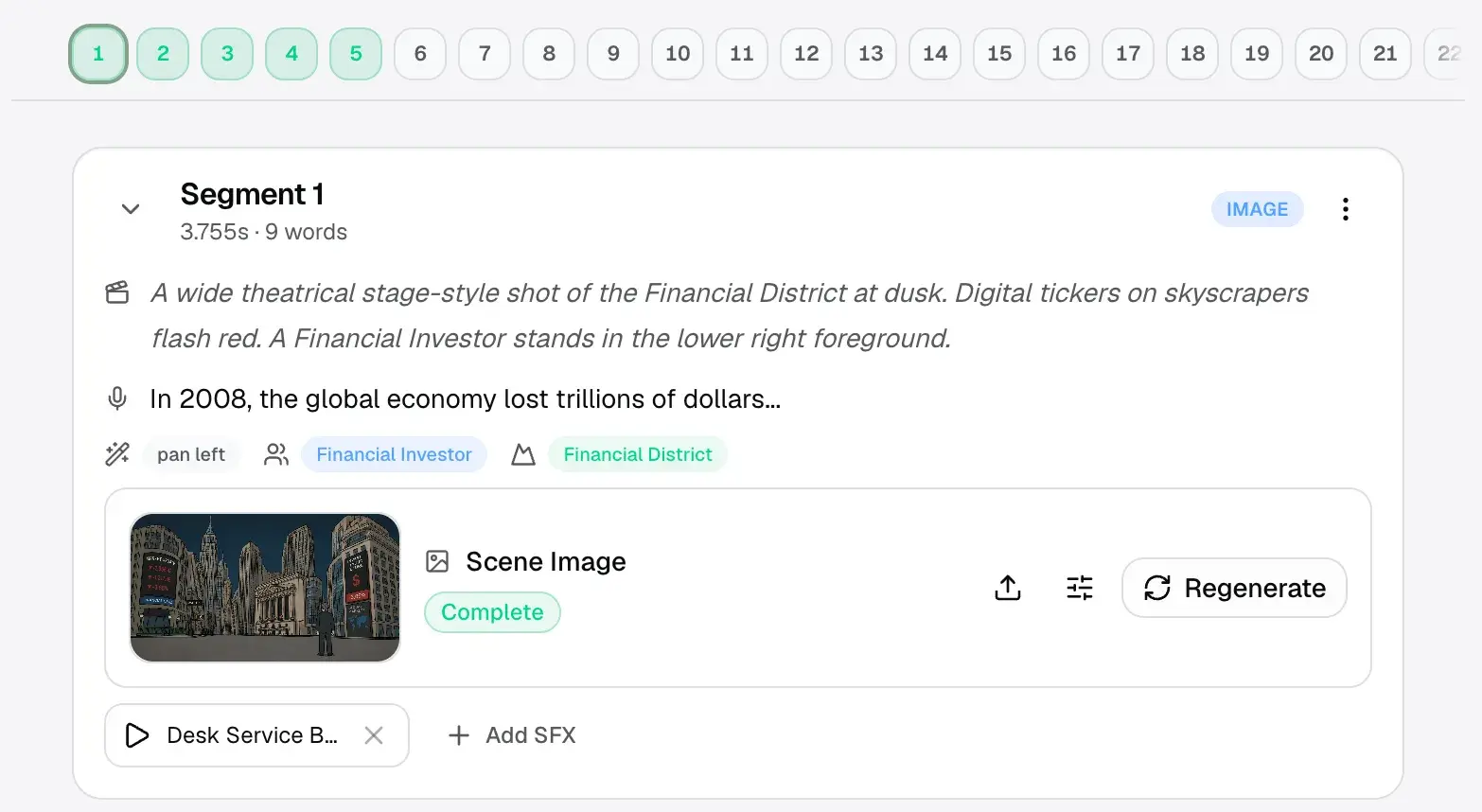
One panel per shot
A board that becomes the video.
Not sketches for a pitch deck — every panel carries the narration it covers, what's on screen, and the references it is built against.
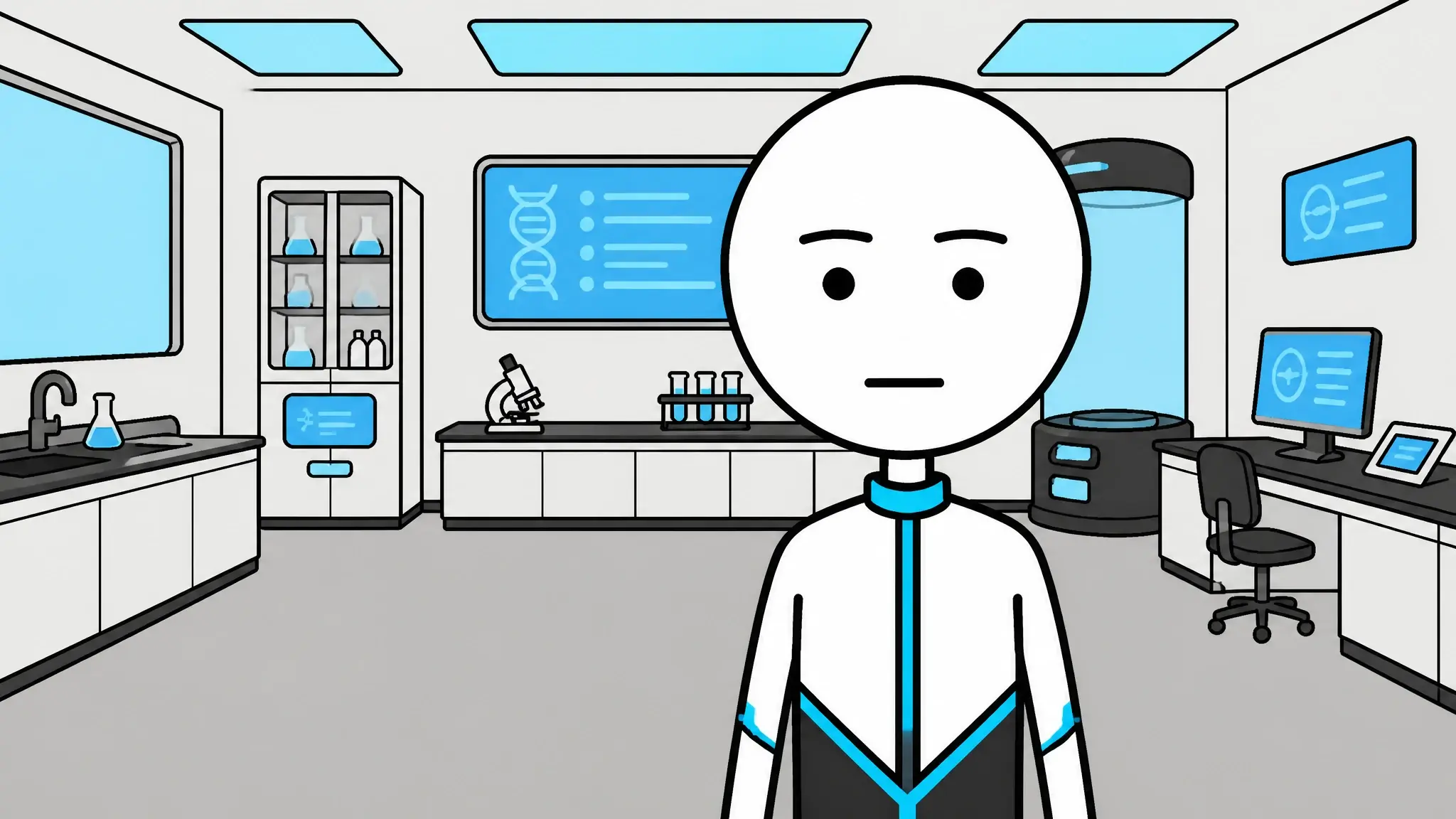
- Narration
- “…and the lab had been running the experiment for thirty years.”
- On screen
- Wide of the lab interior, subject centre frame, slow push in.
- Tags
- ProtagonistFuture labCross-fade
 01
01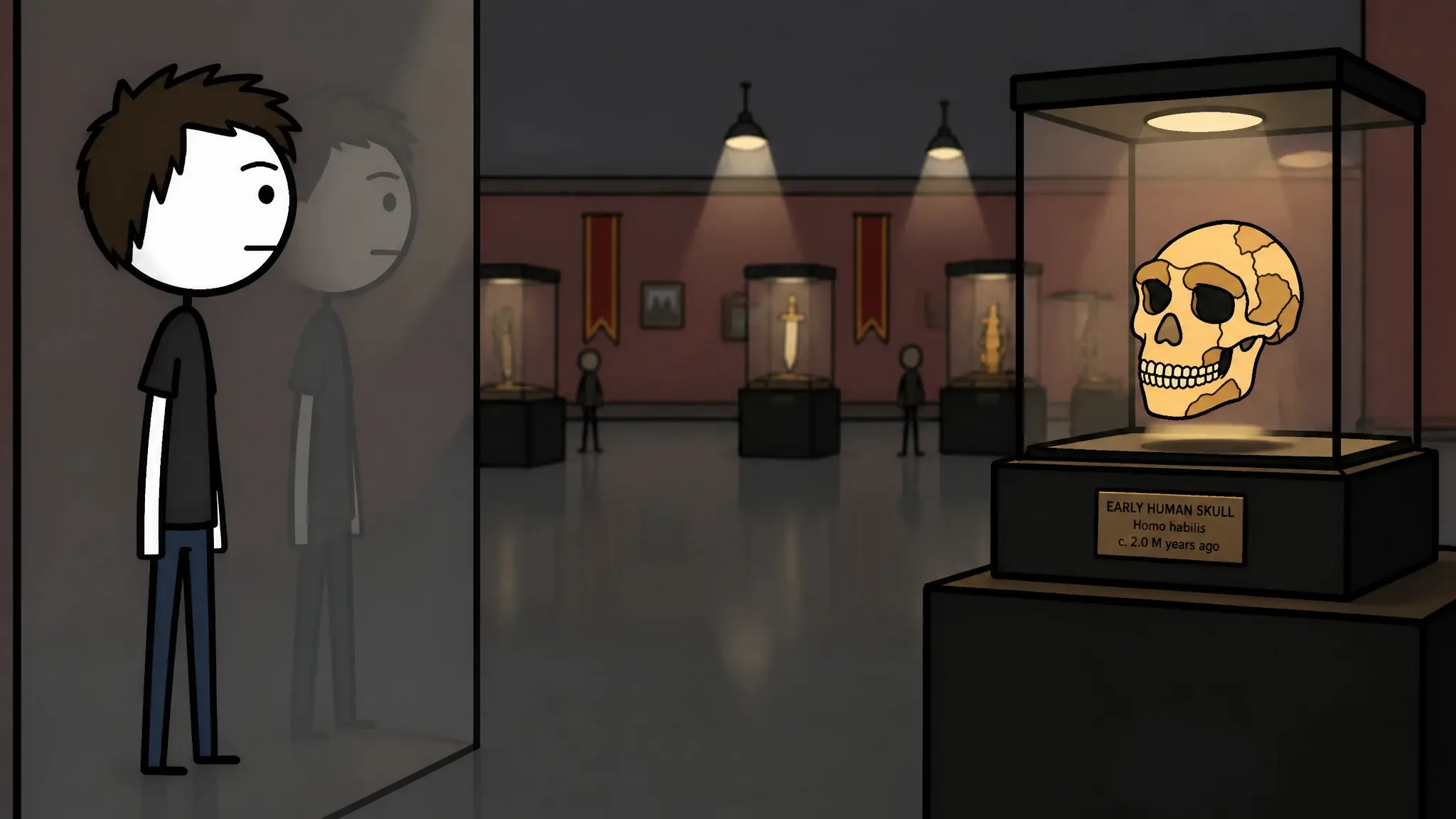 03
03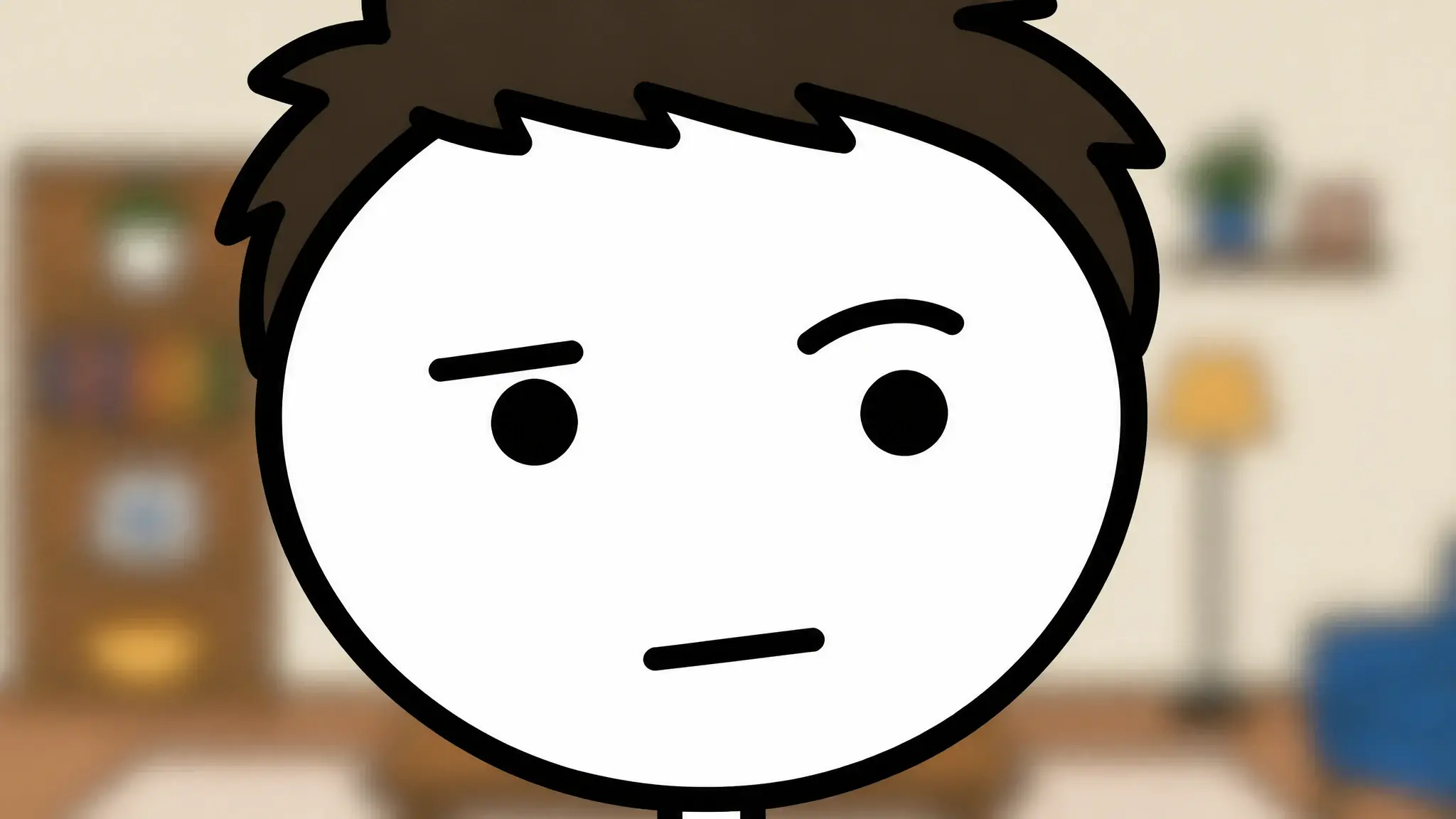 0507
0507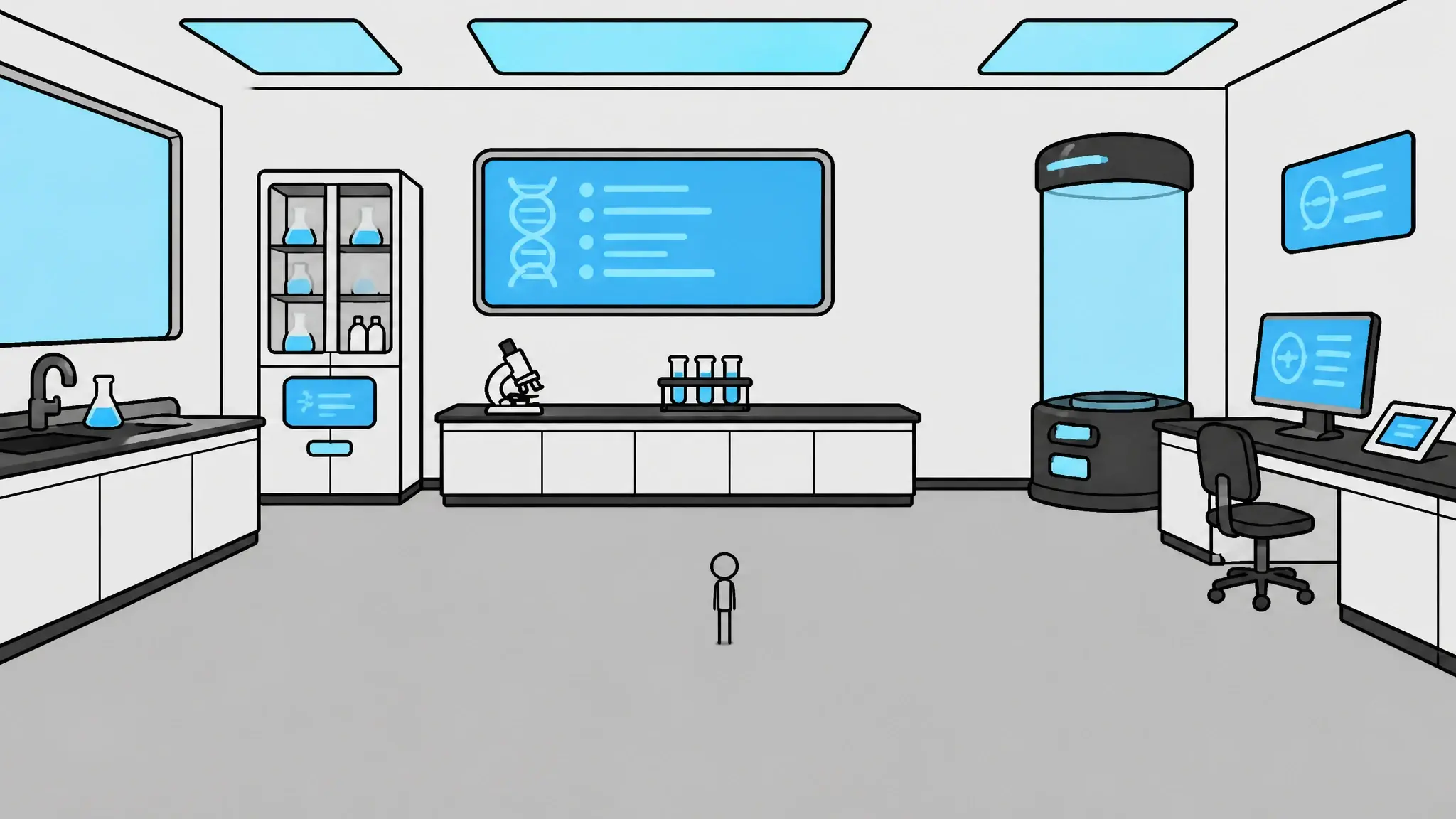 09
09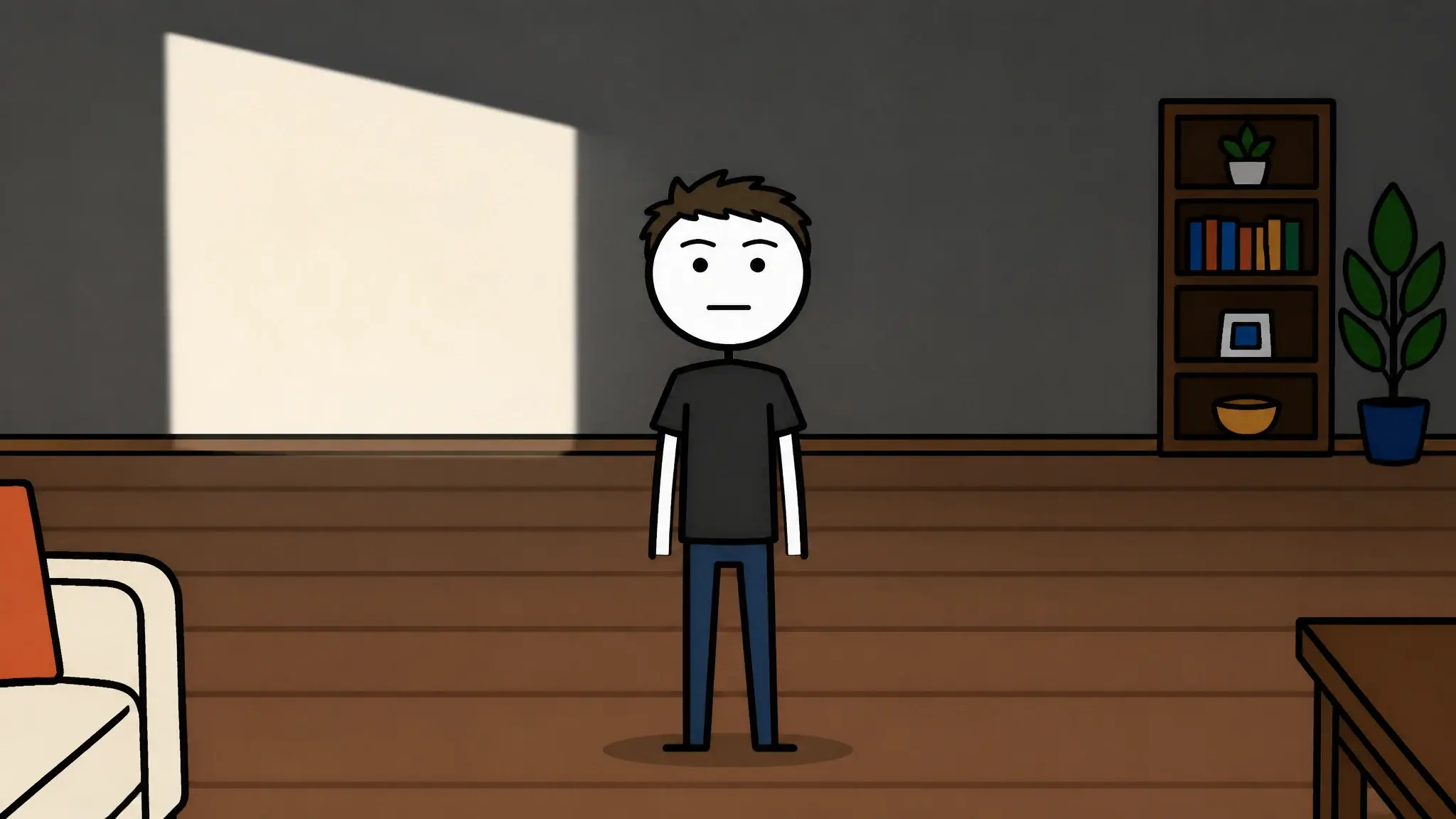 11
11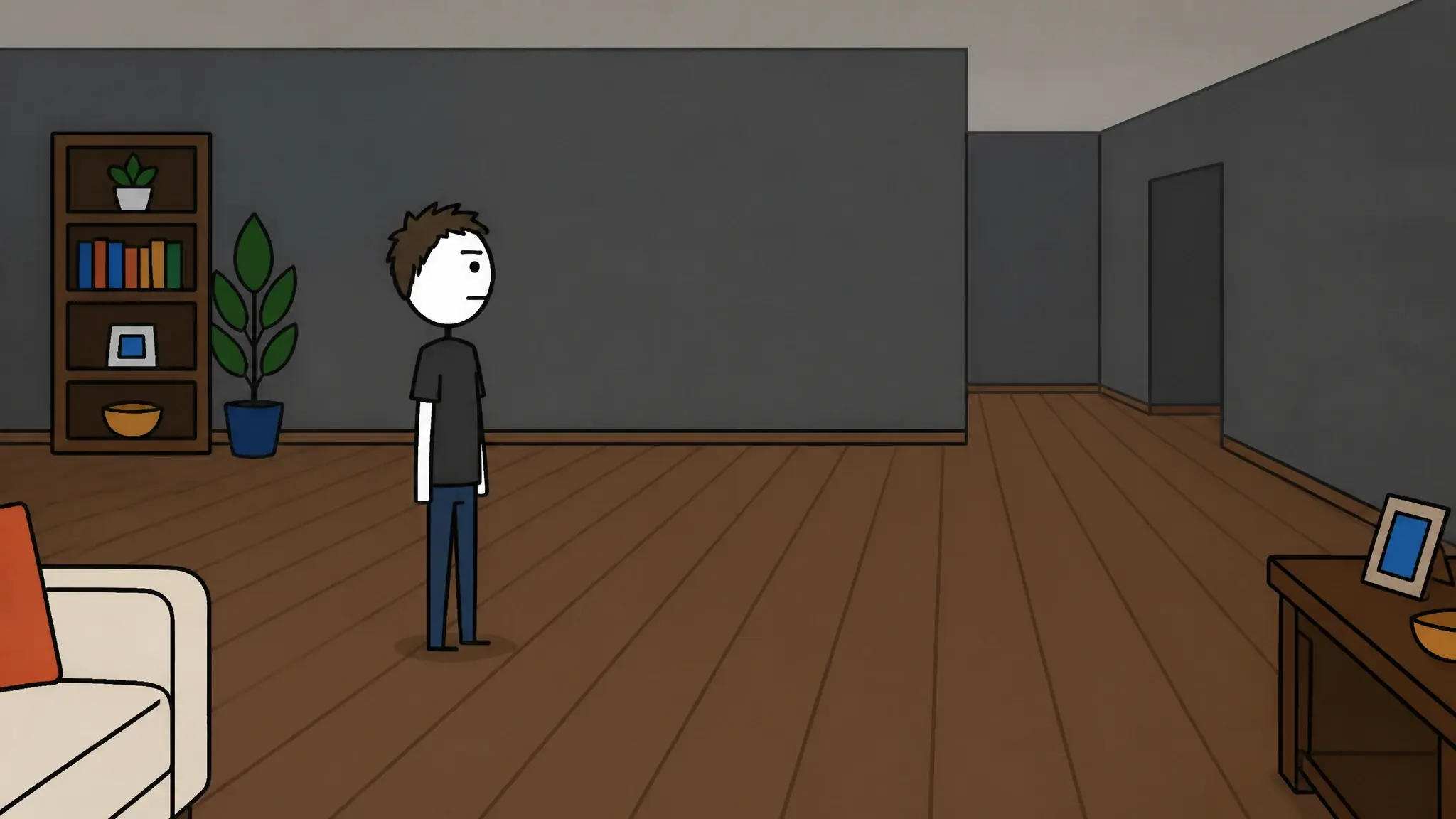 13
13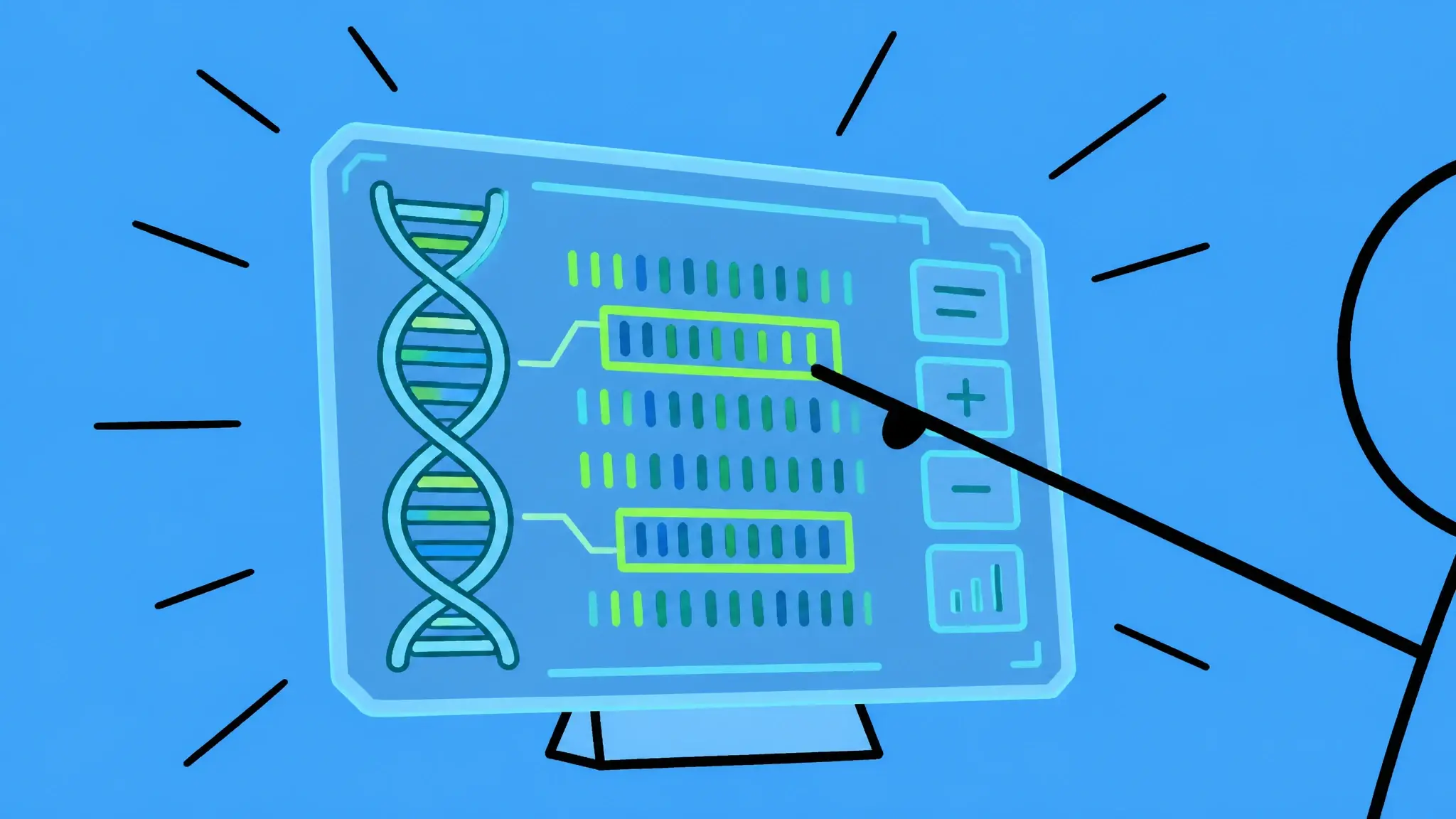 15
15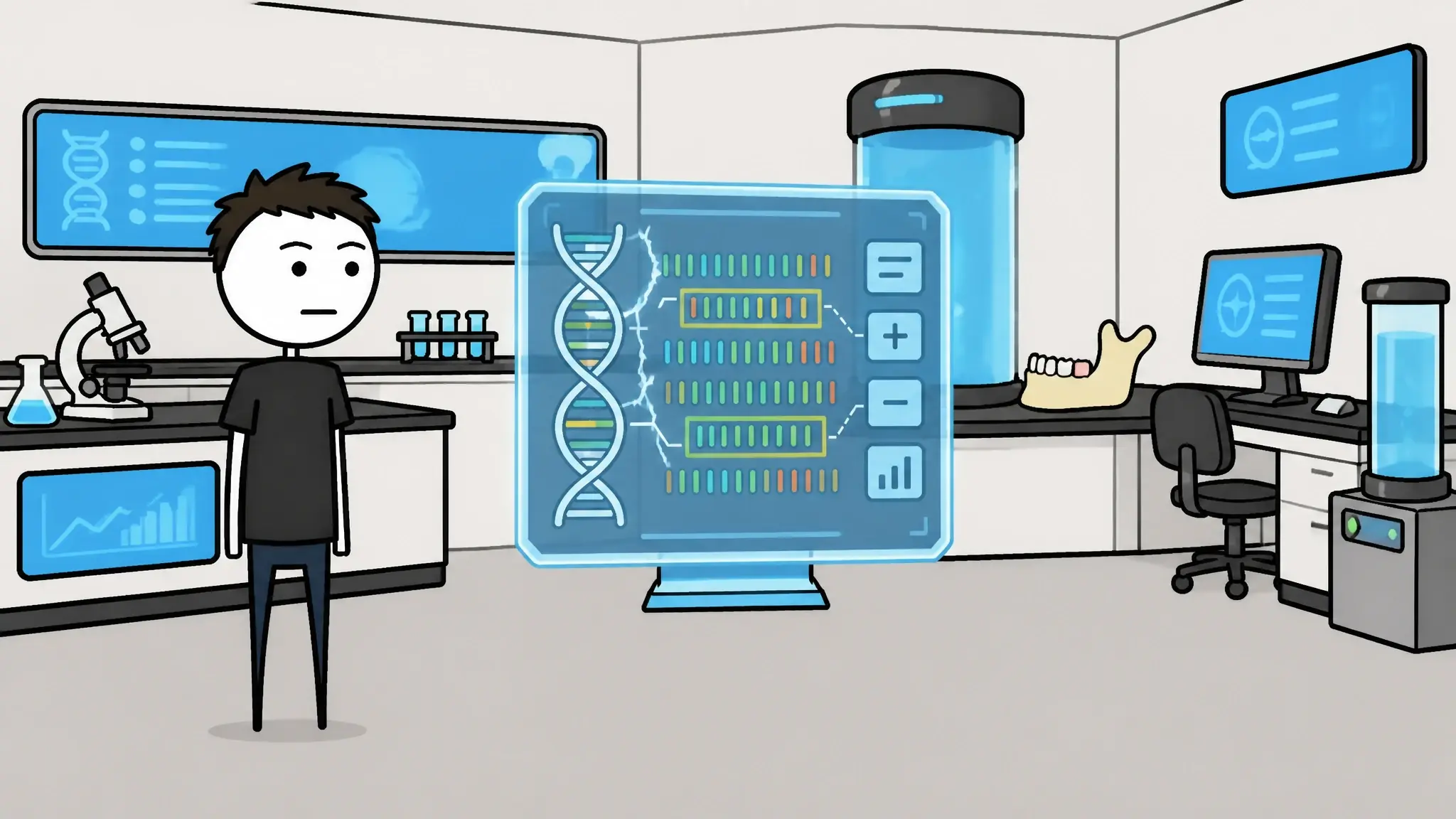 17
17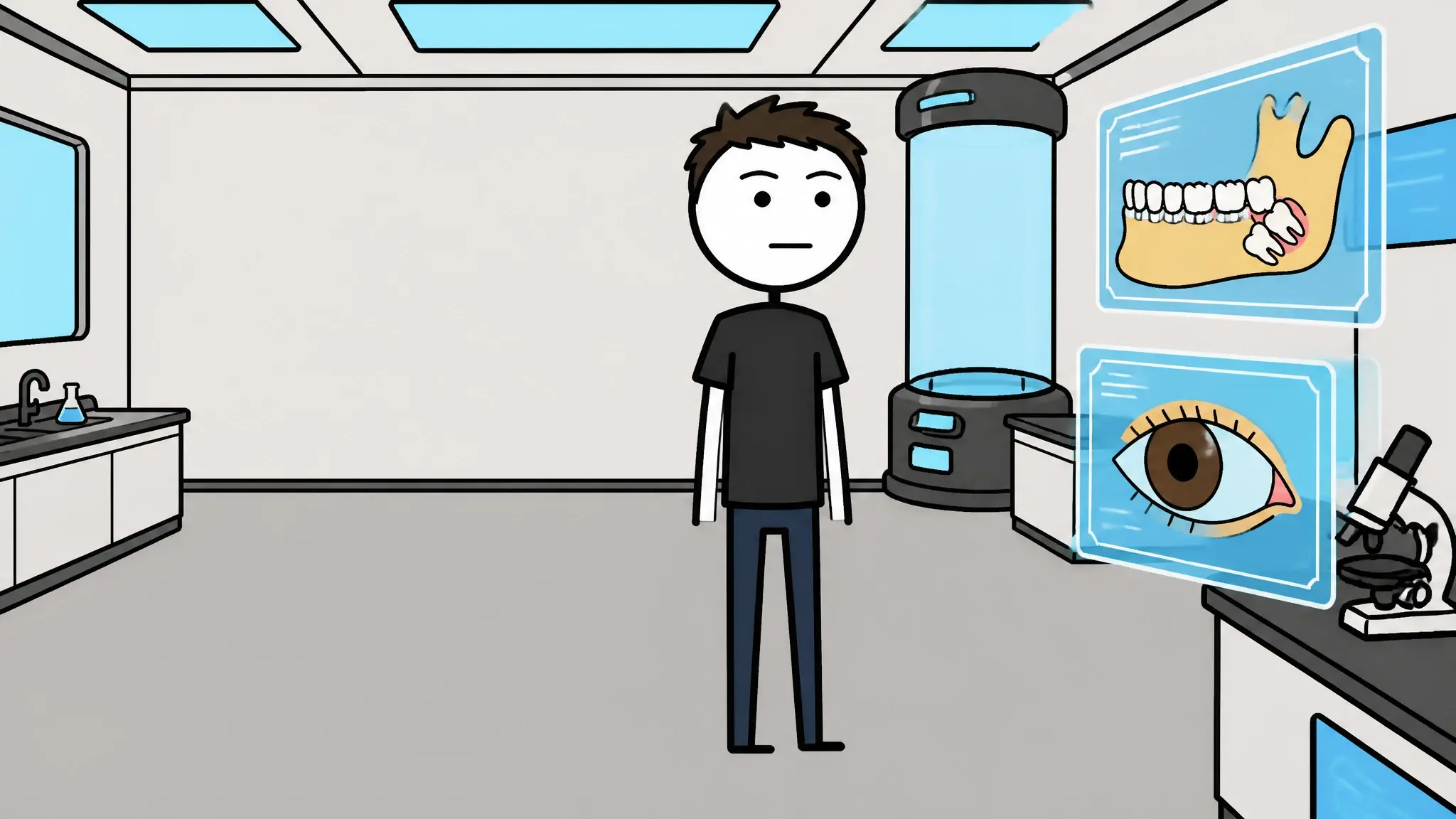 19
19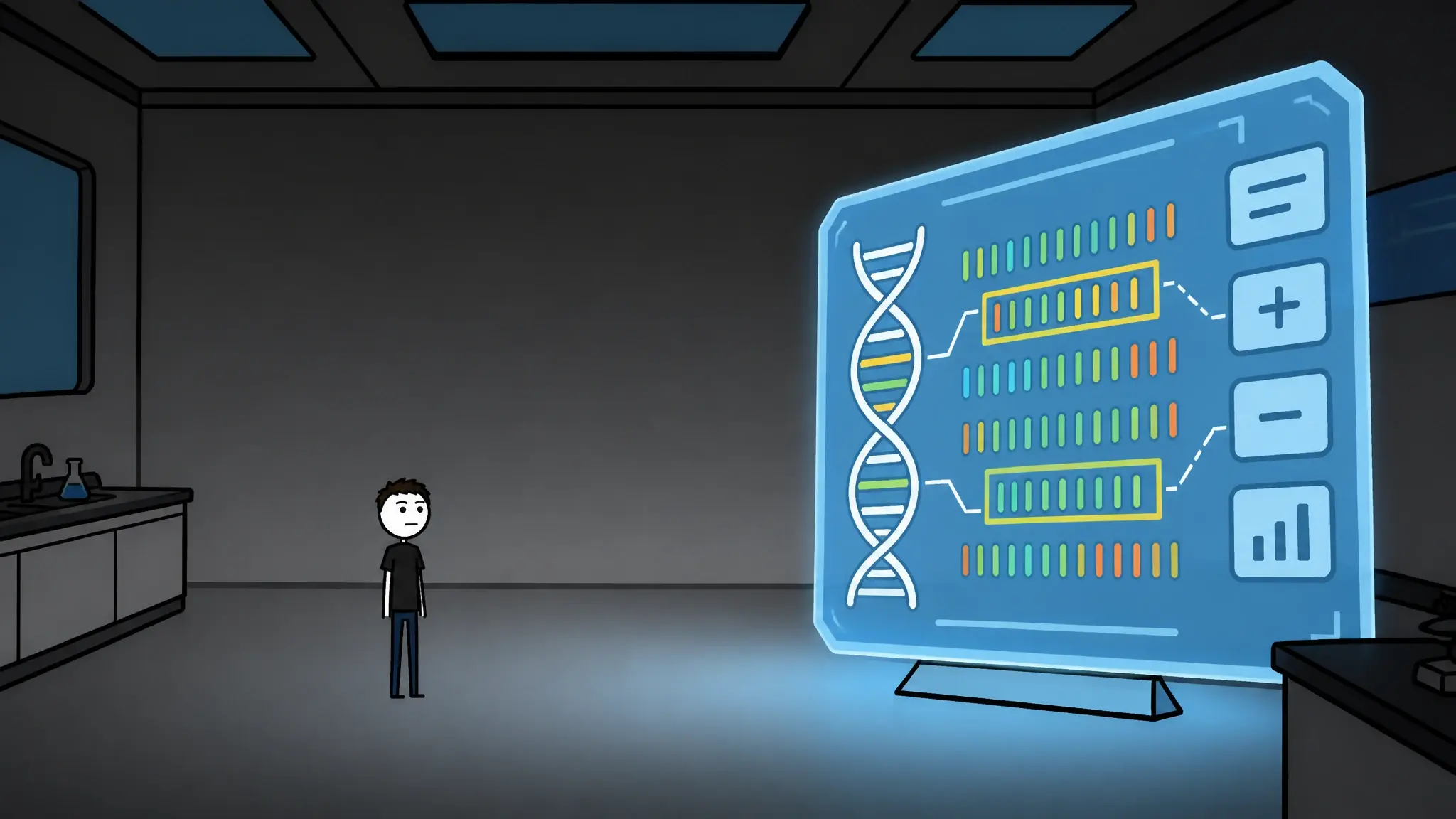 21
21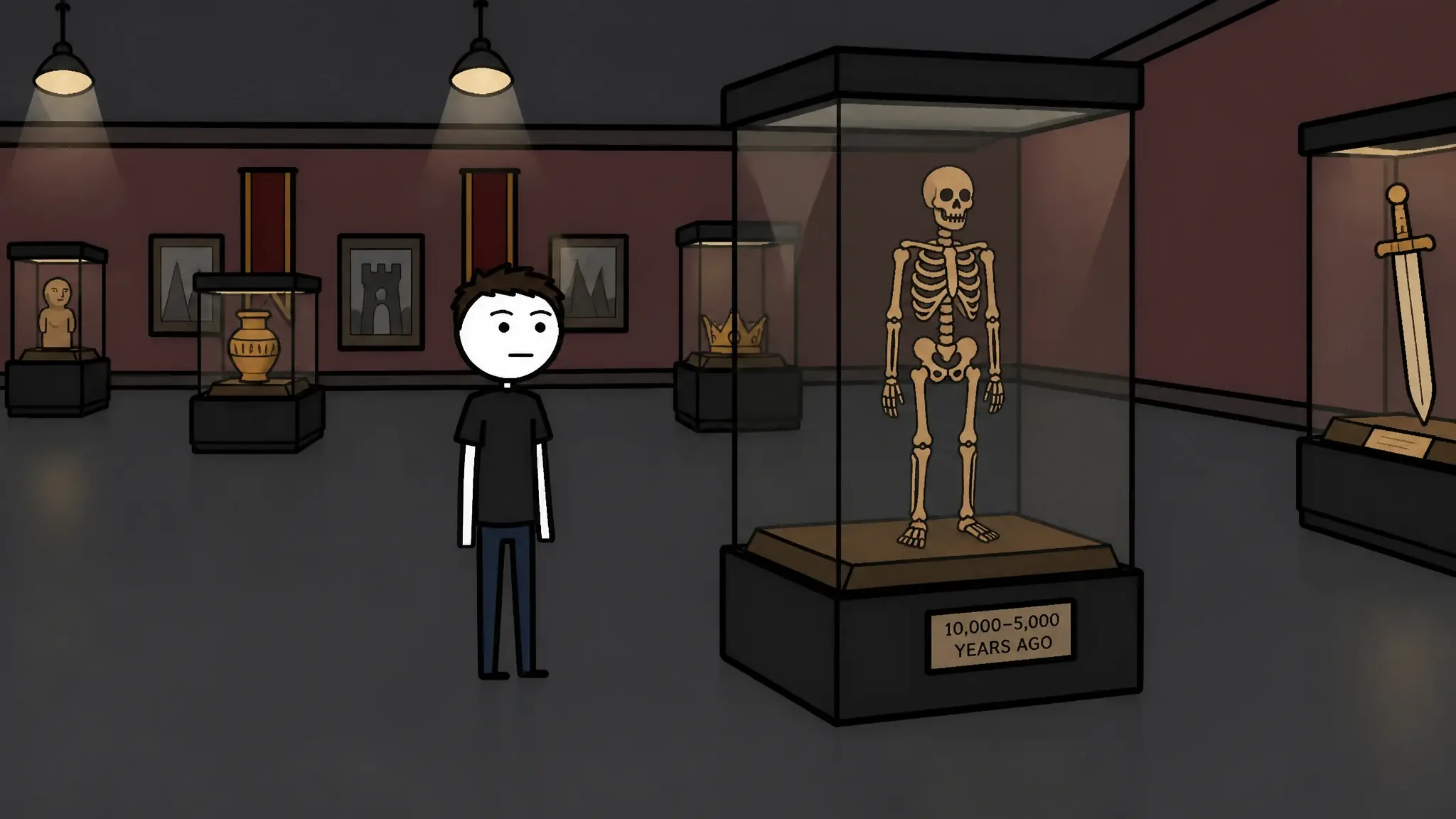 23
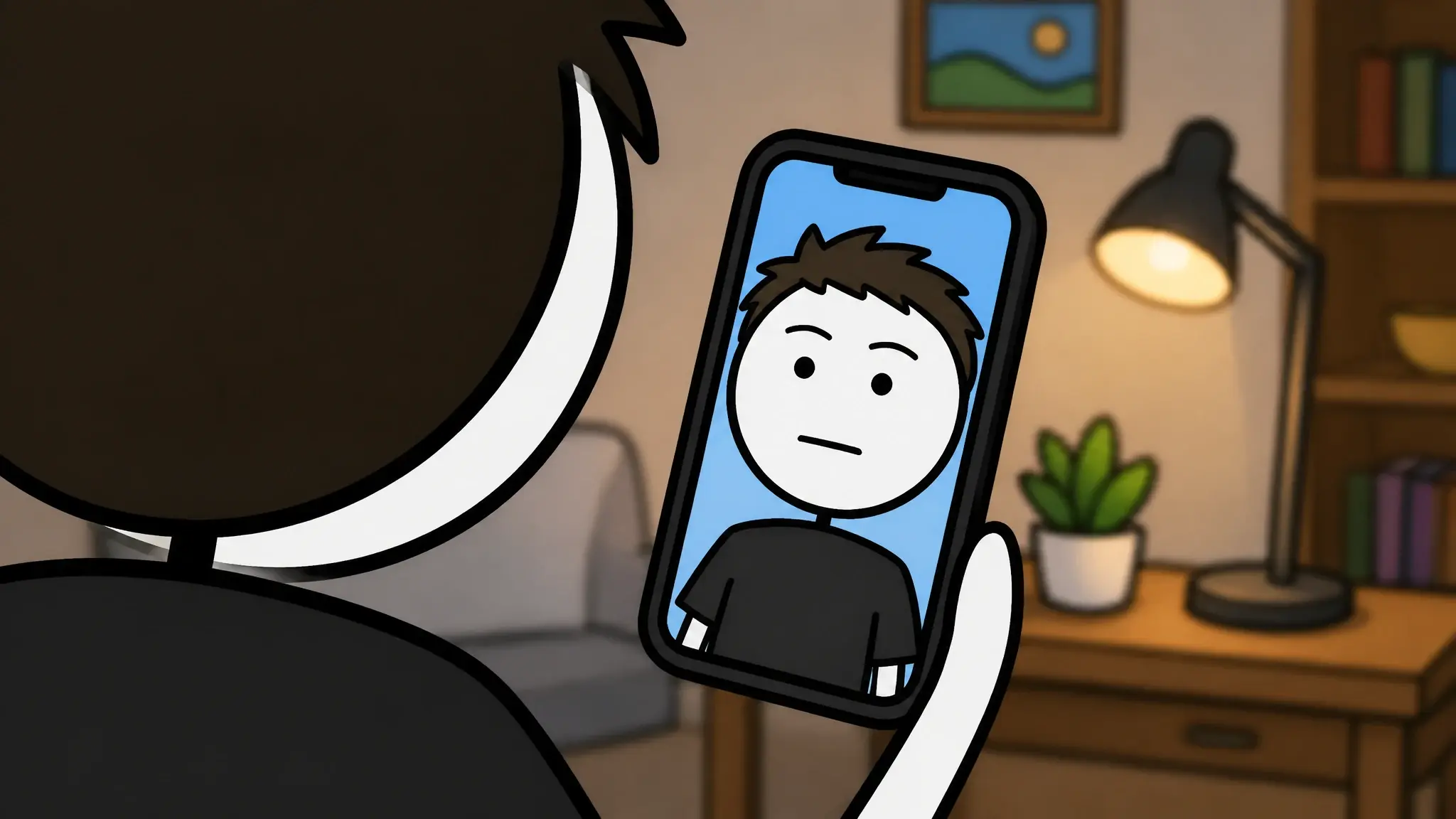
23Twelve of thirty-one panels from one video — same cast, same world, start to finish.
How the AI storyboard generator works
- 01
Timed to your real voiceover
The board is built after the voiceover exists, so every panel carries the duration it will actually run for — not an estimate.
Narrator voice
0:002:41 - 02
Every panel gets a full brief
What is on screen, the in and out transitions, and the camera motion — written per panel, and editable before anything is made.
- 03
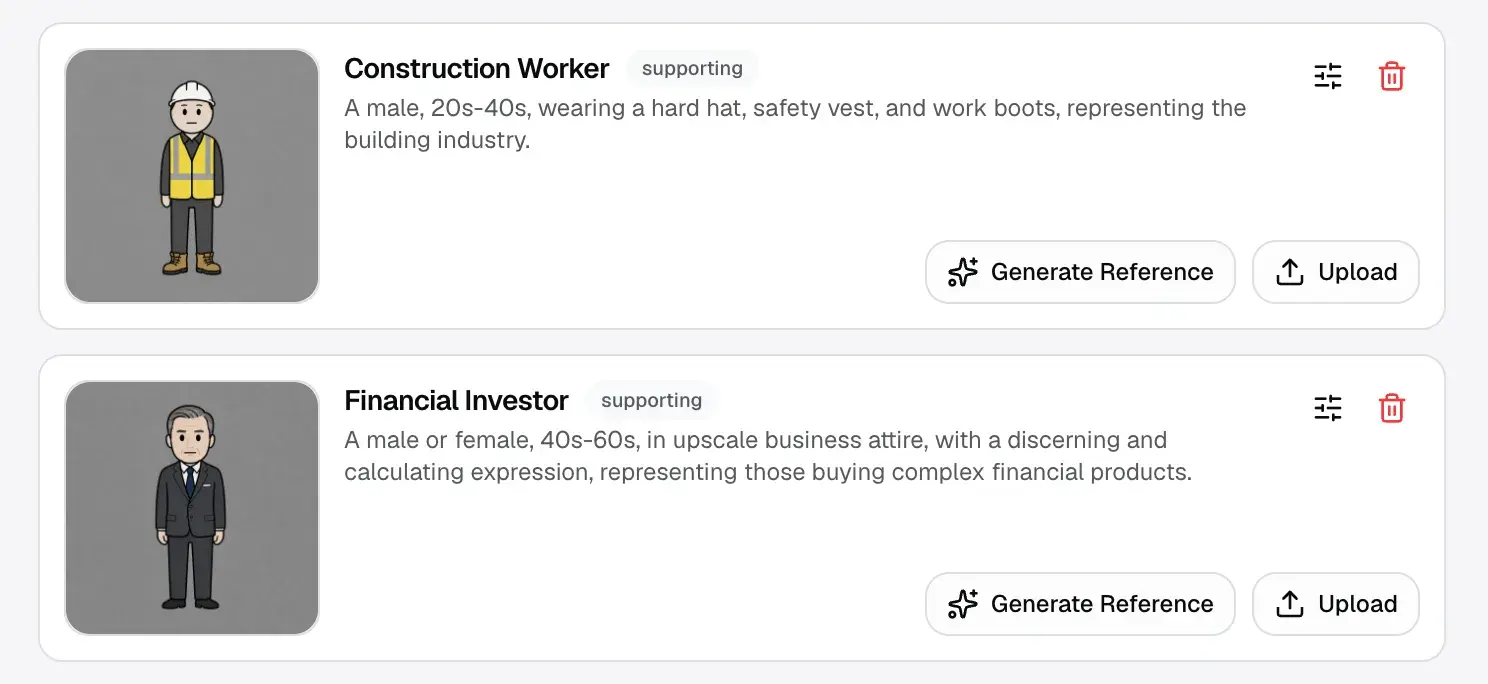
Characters and environments tagged per shot
Each panel says which of your characters and places are in it, so the cast and the world stay the same from the first panel to the last.
- 04
Every panel becomes a shot
Panels are animated and land straight on the editing timeline. When one moment carries on from the last, the shot continues from the previous frame instead of restarting, so a scene plays as one take.
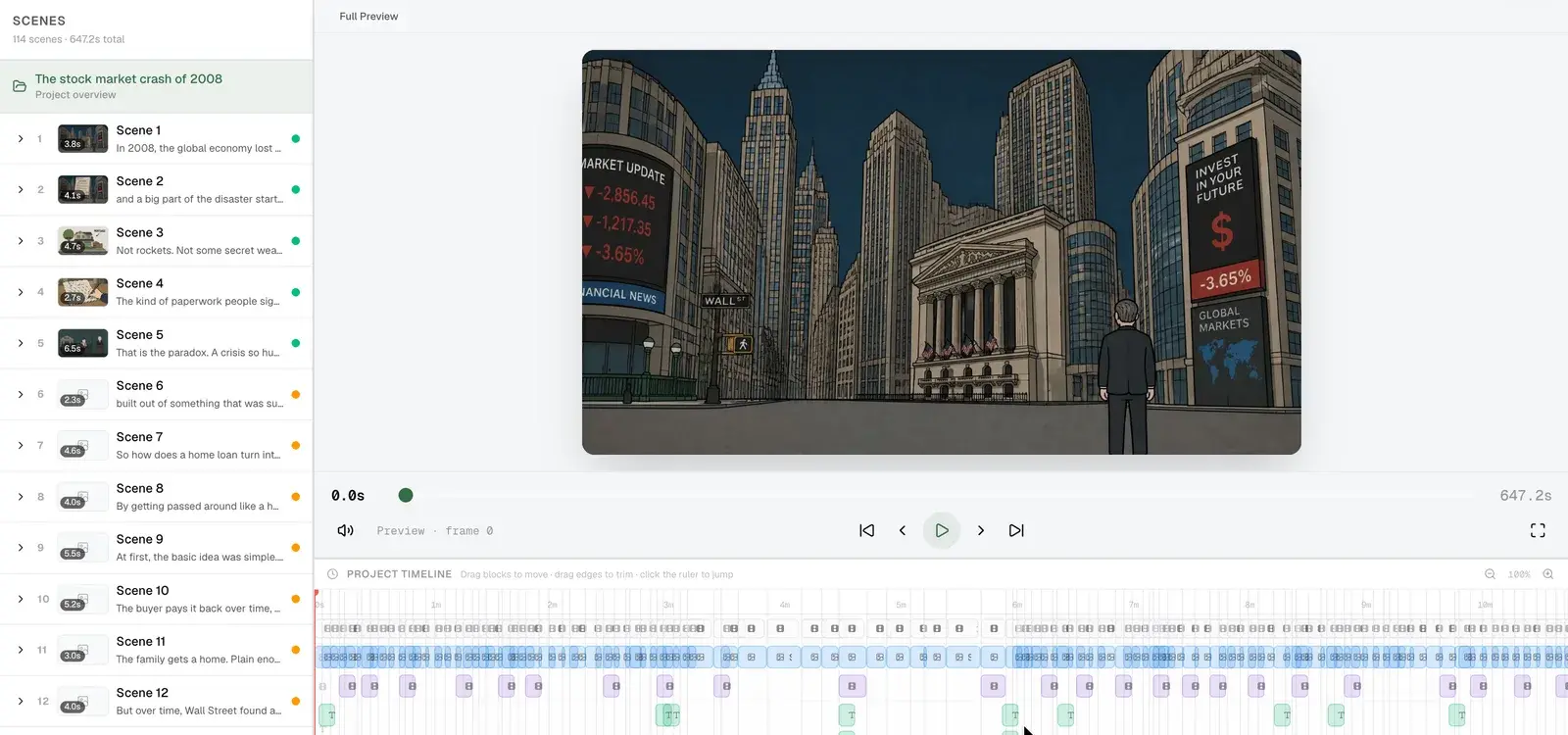
Storyboards used to be planning documents. This one is the video's first and final draft.
Review the plan before the video is made.
- Rewrite any panel's brief before a single frame is made
- Regenerate one panel, or the whole board
- Pacing follows your director style, not a fixed clip length
Questions
Questions about the AI storyboard generator.
What is a storyboard AI?
A storyboard AI reads a script and produces the scene-by-scene visual plan a director would otherwise sketch by hand: what's on screen for each beat, how the camera moves, and where the cuts fall. In Framesail the storyboard is built from your script and voiceover, and every panel then becomes the actual shot.
How is this different from an AI storyboard generator that stops at the board?
Most storyboard generators produce panels for pitching — static frames you hand to a production team. Here the board is the production: each panel carries a creative brief, transitions, motion, and references, and generates the scene image that becomes the final shot. Nothing is redrawn later from scratch.
Do characters stay consistent between panels?
Yes — that's what the tags on each panel are for. Characters, environments, and objects are created once, and every panel that features them pulls the same references into generation, so the cast in panel 30 matches panel 1.
Can I edit the storyboard before anything is made?
Every field is editable. Rewrite a panel's creative brief, change what appears in it, and regenerate that one segment — or run the whole board again. You review the plan before the animation starts, which is the point of a storyboard.
Where does the timing come from?
From the voiceover. Each segment carries the real duration of its narration, so the visual plan is cut against what will actually be heard. Shot rhythm and cut density follow the director style you set for the channel.
Can I bring my own script?
Yes. Paste a finished script and Framesail scans it into segments, characters, and environments before the storyboard runs. If you'd rather start from an idea, Framesail drafts a script first.
Is commercial use included?
Yes. Storyboards and the videos made from them are yours to publish and monetize on every paid tier, with clean watermark-free export.
The storyboard generator sits between the script and the finished video: it reads the script from script to video and holds the cast steady with character consistency.
Storyboard your next video.
See the whole thing as a board before a single frame is made.