Your characters.
Locked across
every shot.
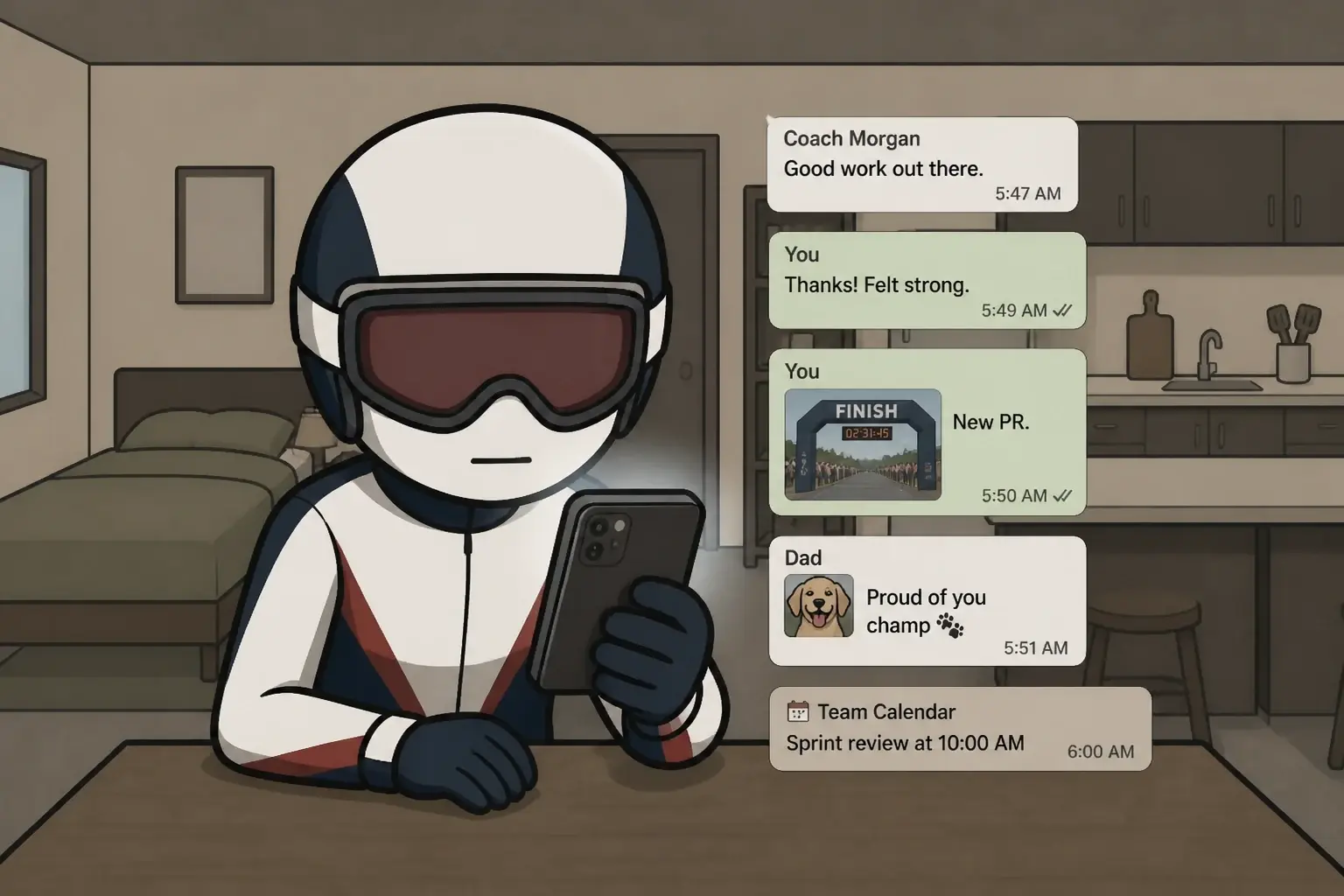
Pin a character, a world, a voice, once. Every shot uses those references, so shot fifty is unmistakably the same character as shot one. No templates. No surprise changes.
One reference · held through shot 42
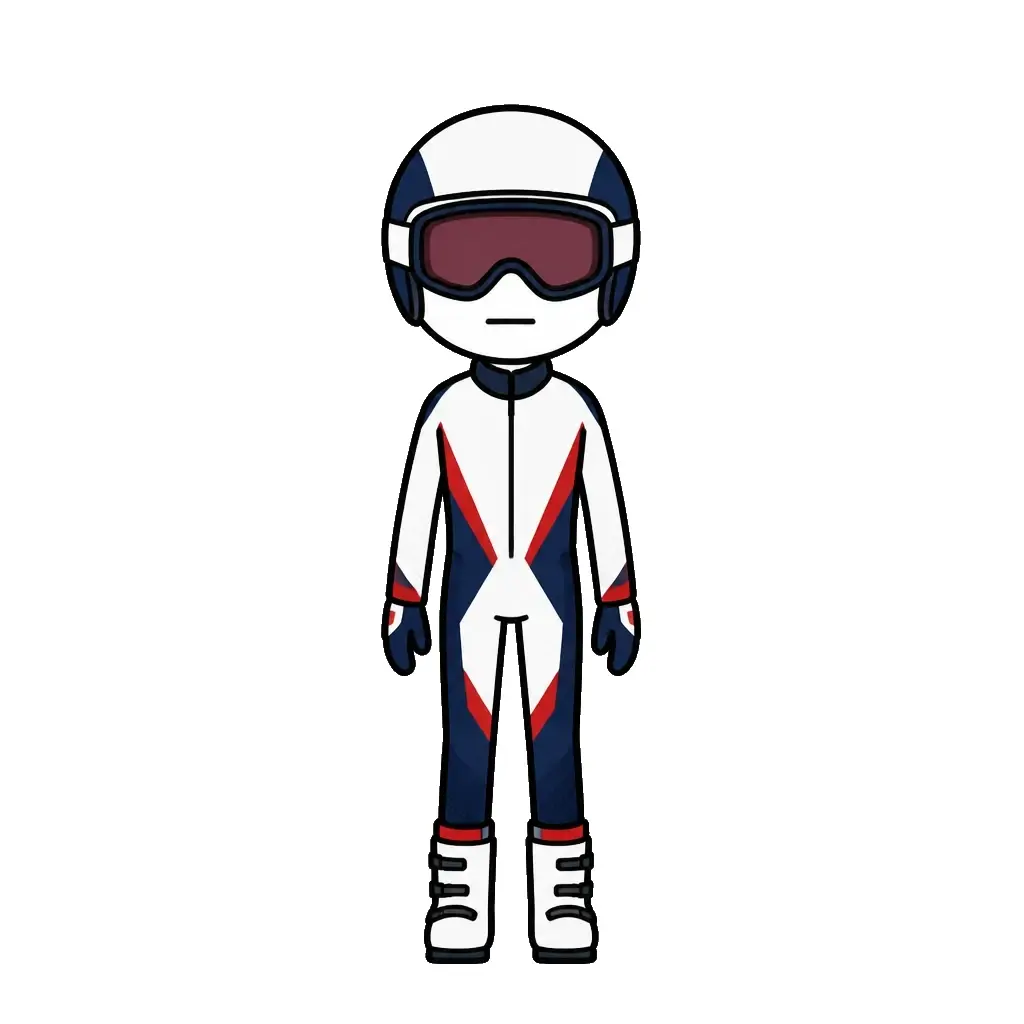 Reference
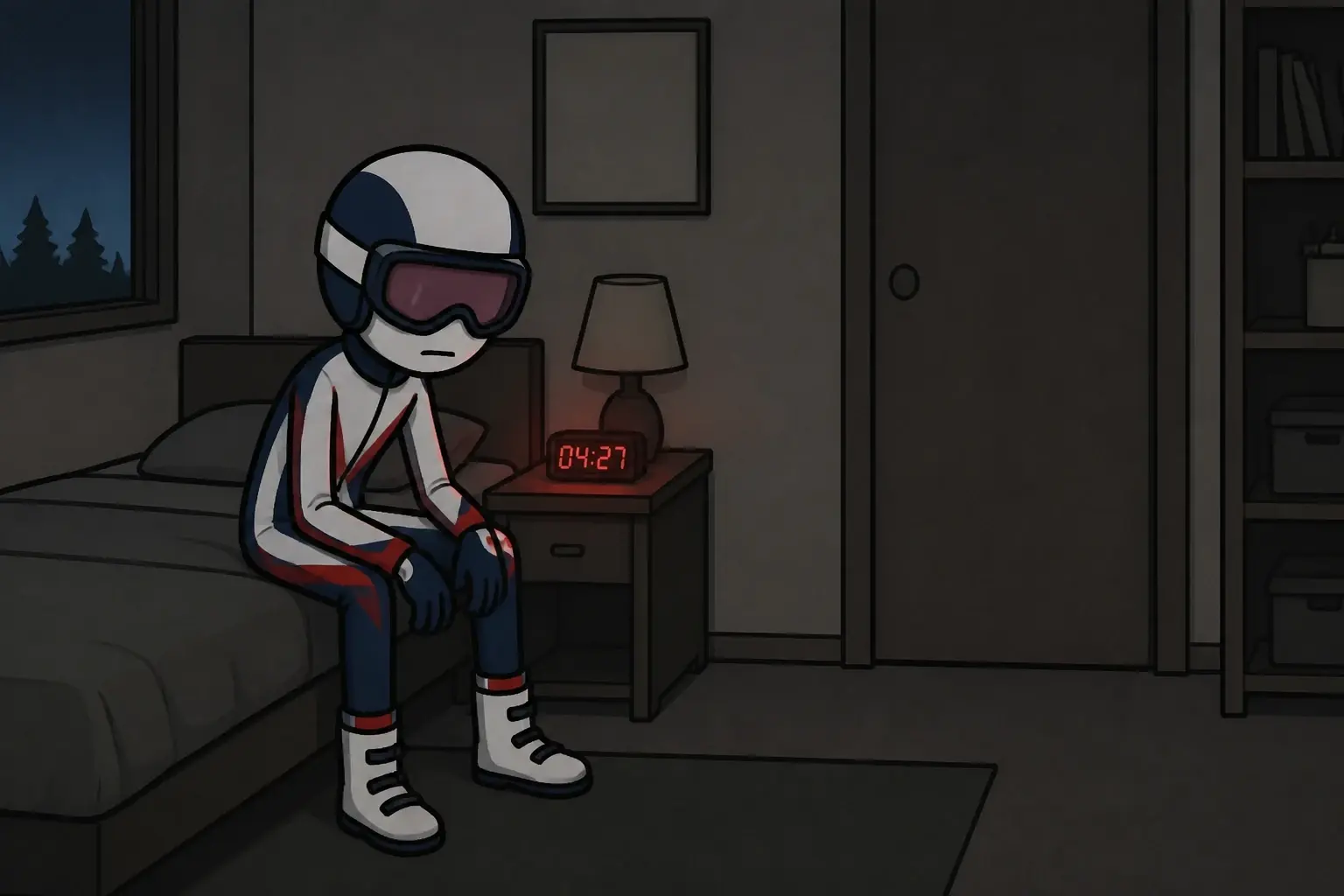 Shot 02
 Shot 04
 Shot 37
 Shot 42
What stays locked
Set the cast, the world, and the voice once.
A channel needs the same characters, worlds, and voices across every video. Pin a reference for each and Framesail makes that the default — the three things every other tool drops.
- Characters
- Face, outfit, and proportions — pinned from one reference image.
- Environments
- Locations, lighting, and palette hold as one continuous world.
- Voice & cadence
- One narrator voice per character, on the model you choose.
Channel reference set
Locked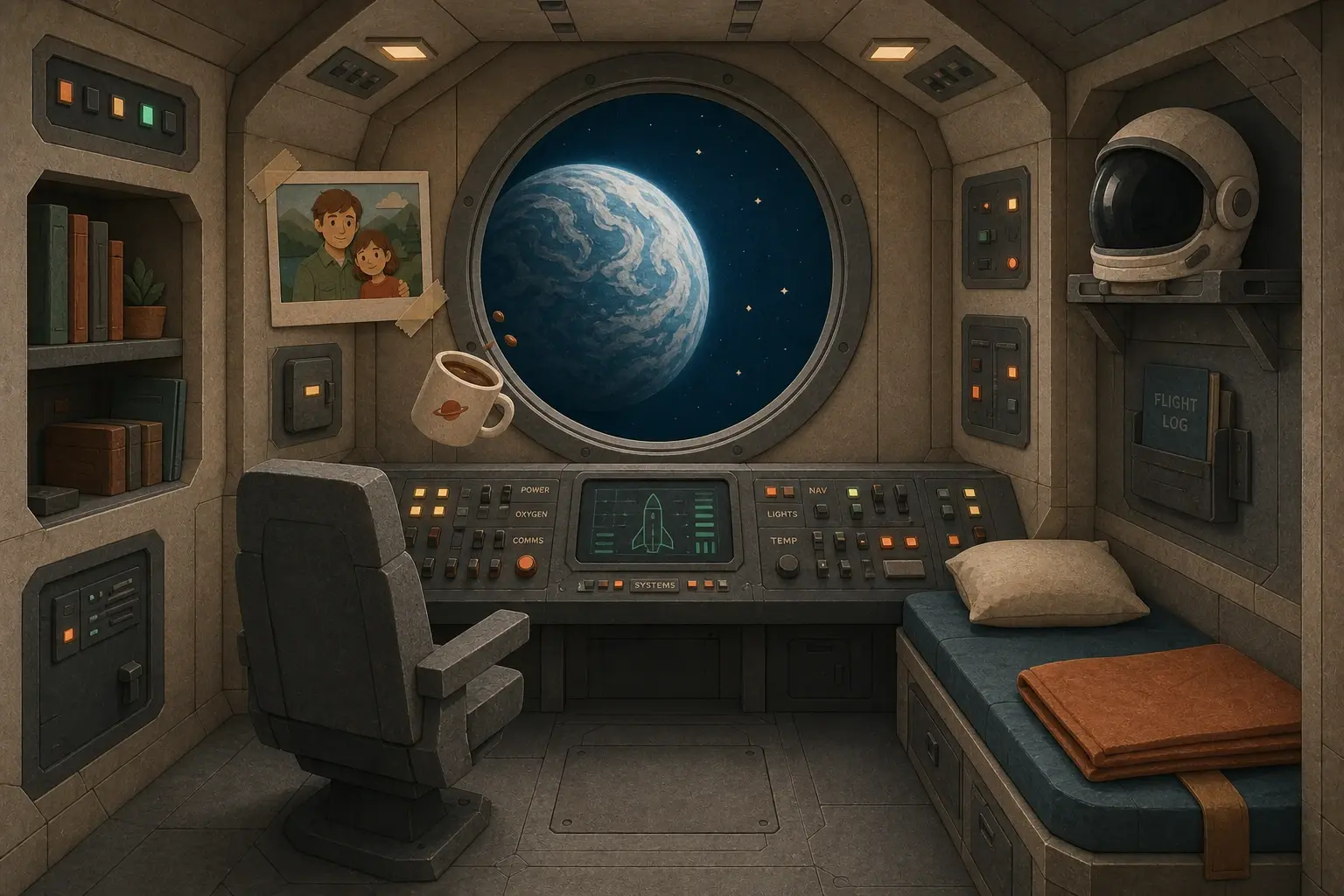
Style consistency
Styles stay locked, whatever the story is.
How it holds
Lock them once, then carry every shot.
- Step 01
Script
Every character and environment the script names is tagged.
- Step 02
Cast & world
One reference each — generated, swapped freely, then locked.
- Step 03
Storyboard
One frame per shot, using the locked set. Redo any panel you like.
- Step 04
Final video
Stills or motion, captions, voiceover — exported as a finished video.
Set the cast, the world, and the voice once.
- Script
- Cast & world
- Storyboard
- Final video
Every shot after that uses the same cast and world. No redoing the cast to keep a video looking right.
Questions
Questions about character consistency.
What does character consistency mean in AI video?
It means the same character renders as the same character across every shot — same face, outfit, and proportions in shot one and shot fifty. Framesail holds that by pinning a reference image, name, role, and voice once, then rendering every later shot against those locked references rather than re-generating the look each time.
Why do characters change between shots in most AI video tools?
Templated tools re-skin a fixed layout each video, and raw frontier models generate each clip from scratch, so a character's face, cloak, or the world's buildings shift shot to shot. Framesail locks the cast and the world before the first shot and uses them in every shot after, which is what keeps a character recognizable across a multi-minute video.
How many characters and environments can stay locked?
Multiple characters and environments per project, each with its own locked reference. Every shot uses those locked references, so the cast and the world both hold across a full sequence — not just within a single shot.
Can I change a locked reference later?
Yes. References are pinned, not frozen. Swap a model, replace a reference image, or override the prompt at any step — the chain stays consistent around your change.
Does locking references slow the render down?
No — references are generated once, then reused by every shot. Follow-up projects on the same channel set up faster: your art-style and reference templates carry over.
Is commercial use included?
Yes. The characters you lock are yours to monetize — every paid tier includes a full commercial license.
Want the deeper technique — why characters change and how reference images fix it? Read how to create consistent AI characters in long-form videos. Coming from MagicLight? Our MagicLight AI review covers what its users report about characters and voices changing between scenes.
Make the first video. The references carry the rest.
From brief to a YouTube-ready video.