How to make high-retention faceless YouTube videos
What actually holds retention on faceless YouTube videos: the first 30 seconds, a new scene every 1–5 seconds, the midpoint slump, and learning from your best video.
By Hayden · Cofounder, Framesail

You can see exactly where viewers leave. In YouTube Studio, open Analytics → Engagement → audience retention for a faceless video and the curve almost always tells the same story: a hard cliff between 0:00 and 0:30, a slow grade for two or three minutes, a second drop somewhere near the middle, then a long tail that flattens out. The cliff at the start is where most of the audience is decided — by the time the curve smooths out, the algorithm has already made up its mind about how far to push the video.
High-retention faceless YouTube videos aren't won by louder hooks. They're won by getting four things right: an opening that makes the viewer curious before the 30-second mark, visuals that change before the viewer's attention drifts, a script that pays the viewer off every 60–90 seconds, and a pattern interrupt placed where YouTube's retention graphs say people are about to leave. Below is where the drops actually happen, what to put in their place, and where AI pipelines quietly leak retention that a human editor would catch.
What retention actually means on YouTube
There are two metrics worth caring about. Average view duration (AVD) is the absolute number — how many seconds of the video the average viewer watched. Audience retention is the percentage — AVD divided by video length. YouTube doesn't publish how it weighs the two, but both answer the same question: did this video keep the viewer it earned the click of.
The benchmark numbers are unforgiving once you see them laid out by video length. Sub-5-minute videos are strong in the 65–75% range. Videos between 5 and 15 minutes are healthy at 40–55%. Videos over 15 minutes are strong at 35–45%. If a faceless video can't hold a meaningful share of its runtime, the channel isn't a retention problem — it's a wrong-format problem, and shortening the video is usually the right move before anything else.
Where viewers drop off in faceless YouTube videos
Three cliffs show up on almost every retention curve. Getting any one of them right meaningfully changes the shape of the channel.
The 0:00–0:30 cliff. This is the biggest drop on every video, every time. YouTube even names the metric — its Intro report tells you what percentage of your audience is still watching after the first 30 seconds. Hold a strong share through that window and the hook landed; lose most of the audience and it didn't.
The 50% slump. Somewhere near the midpoint there's a second, smaller drop. This is the "I've got the main idea, do I care about the rest" moment. Pattern interrupts placed here — a visual reset, a stakes recap, a surprise fact, a hard cut to a new section — give the viewer a reason to stay.
The end-screen tail. The last stretch of any video drops off as people peel away to whatever's next. End screens with a relevant follow-up video keep more viewers on the channel than generic "latest video" cards.
The opening cliff dominates everything else. If only one of these is going to get attention this week, fix the first 30 seconds.
The first 30 seconds: the hook
Every video needs a hook. It can be a question, or putting the viewer in a situation, or something else entirely. Hooks are an art, and there's no single formula that works across every niche.
The practical route is to copy how a proven video opens. Find an outlier video in your niche, ideally on a new, small channel, and study its first 30 seconds: what it says first, what's on screen, how fast it gets to the point. Then open yours the same way, on your own topic.
Whatever the hook is, it should make the viewer curious. The title and thumbnail got the click by raising a question; the opening has to promise the answer is coming.
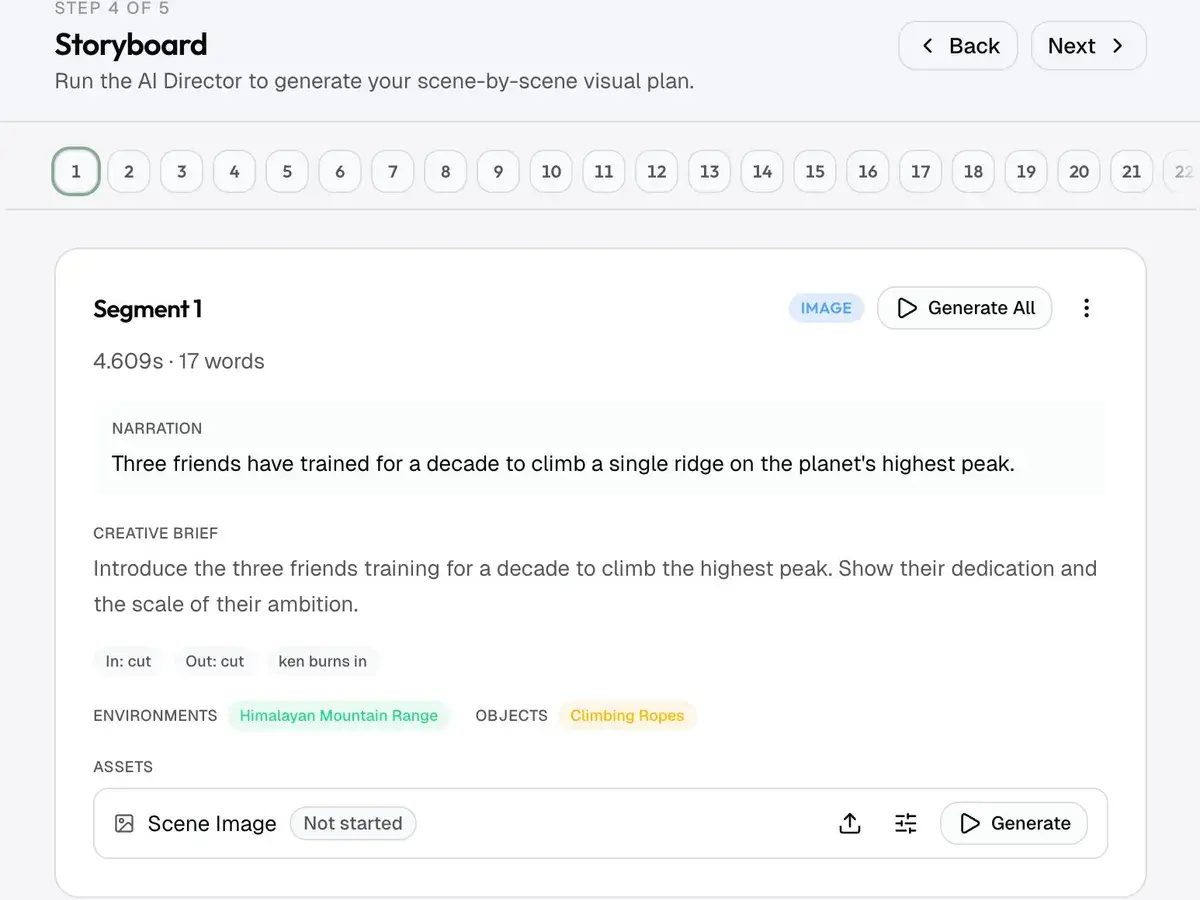
Pacing: a new scene every 1–5 seconds
Faceless videos live or die on visual variety. With no face for the eye to anchor on, the screen has to do the holding. For image-based ("slideshow") videos:
- Change scenes every 1–5 seconds. Never hold one image for 10 seconds.
- Keep every image moving. Slow Ken Burns pans and zooms make a still feel alive.
- Keep continuity between scenes. A stop-motion feel, where something small changes from one image to the next, makes a run of stills feel like real video instead of a slideshow.
Real video clips follow different rules. A 10-second clip is fine, because the footage is already moving.
The failure mode in AI-generated faceless videos is generic stock B-roll that doesn't tie to the script. Five seconds of "person typing on laptop" while the voiceover talks about something that isn't typing on a laptop reads as filler. Either the visual illustrates what's being said, or it gets replaced.
Script structure for high retention
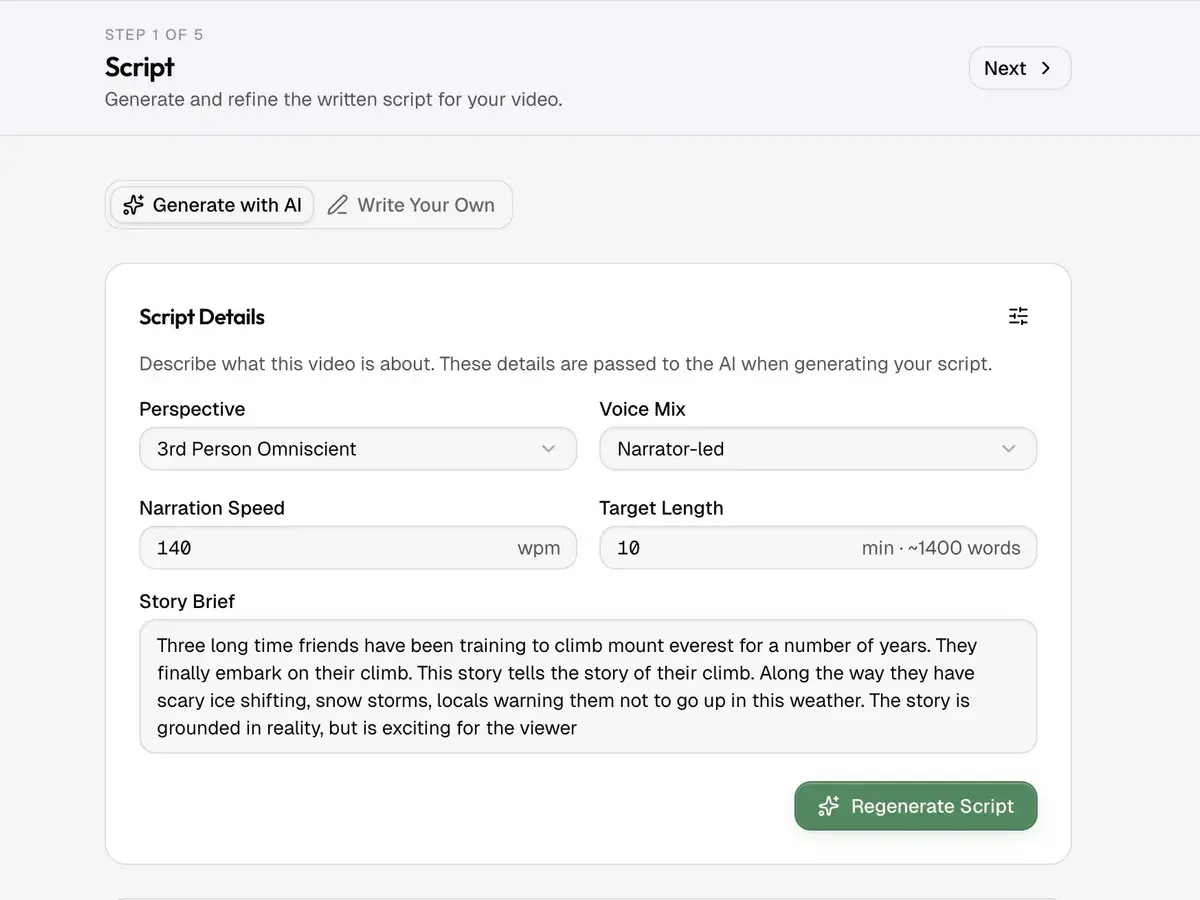
The retention curves of faceless YouTube videos line up with the structure of the script underneath them. Three things consistently move the curve up:
Payoff every 60–90 seconds. Every minute and a half, the viewer should get something concrete — a surprising fact, a usable tip, a memorable analogy, a small reveal. The viewer is mentally asking "why am I still here" on a loop, and the answer needs to keep arriving. Long stretches between payoffs are where the slow grade between cliffs comes from.
The "what's coming" technique. Forward-looking hooks placed in the body — "the third one is the one most people get wrong", "we'll come back to this in 30 seconds" — give the viewer a reason to keep watching past the point they would otherwise leave. Don't overdo it; one or two per video, placed where the curve historically drops.
Sentence length under 15 words. Faceless YouTube videos are listened to as much as watched, often on a phone speaker in a noisy room. Long, comma-loaded sentences fall apart in that listening environment. Pulling the average sentence under 15 words and keeping active voice tightens the audio and shortens the video without losing content, which lifts the retention percentage before any other change.
A faceless channel script that hits these three is usually noticeably shorter than the first draft. That's not a bug. Shorter videos with higher retention percentages outperform longer videos with lower retention every time the algorithm has to choose what to push.
Learn from your own best video
Watch time is what YouTube optimizes for, so it's what to optimize for. Across your last 10 videos, take the one with the most total watch time and work out what made it different: the topic, the title, the hook, the script, the visuals. Make the next videos more like it. Improving retention after the basics is mostly this loop: compare your videos and find what the stronger ones share.
The AI voice problem
AI voiceover is the part of the faceless pipeline most likely to leak retention silently. Three failure modes recur:
Robotic pacing. AI voices that read every sentence at the same cadence flatten the dynamic range of the audio. Even when the voice itself sounds human, the pacing gives it away — and faceless channels that swap models without re-pacing their scripts see retention drops within the first week. ElevenLabs's cinematic voices, properly directed with pauses and emphasis tags, hold retention much closer to a human voiceover than the default monotone settings do.
Long internal pauses. Most AI voiceover generators leave gaps that a human editor would cut. Silences longer than about 0.5 seconds drag the audio without adding anything. Running a silence-detection pass (Descript, Auphonic, or ffmpeg's silenceremove filter) and trimming everything over half a second shortens the video and tightens it from start to finish, not just at the cuts.
Mismatch with the visual. If the voiceover lands a beat before or after the visual it's describing, the viewer registers the mismatch even when they can't articulate it. Tightening voice-to-visual sync is one of the highest-leverage edits in a faceless workflow — and the one most often skipped because nothing in the AI pipeline forces it.
The voice is half of the video. Treating it as a render artifact rather than a performance is where most of the retention is lost.
Where most faceless workflows break
The honest version: generating a faceless YouTube video with AI is the easy part now. Most of the retention work happens after the render — and it's the part AI pipelines still do worst.
Visual mismatch between B-roll and script. Most AI tools generate footage prompt-by-prompt without re-reading the script for context, so a sentence about "the moment everything changed" gets a stock clip of a generic city skyline instead of a beat that lands the line.
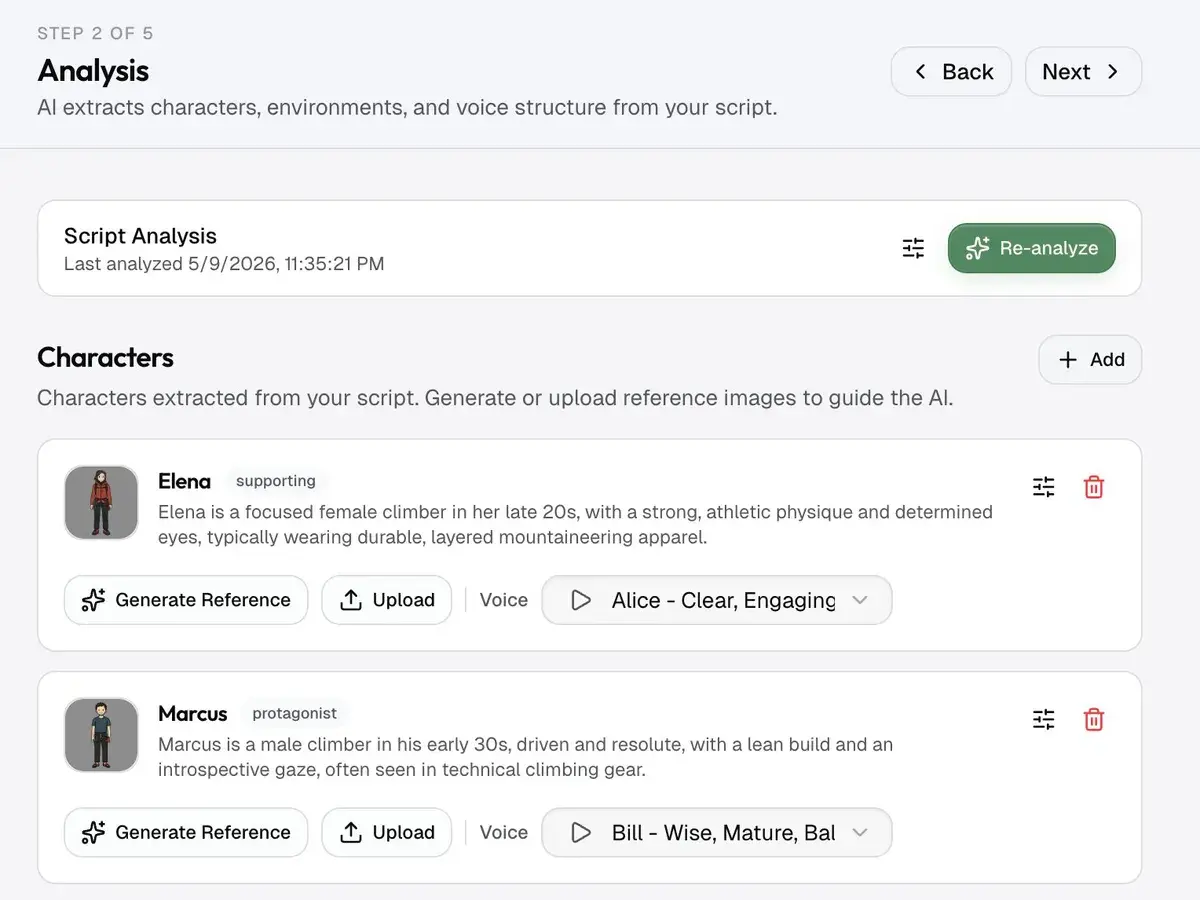
Character drift across shots. In any faceless video with recurring characters — a narrator avatar, an explainer character, recurring scene actors — the face changes shot to shot unless the pipeline carries a locked reference. That kind of drift reads as cheap to a viewer scanning the screen, and it pulls retention down across the back half of the video. The fix is the same one that holds for any long-form AI video: a reference-image system that carries identity across every shot. We wrote a longer breakdown of how character consistency works in long-form AI video if it's relevant to the channel.
Pacing baked at generation time instead of edit time. Most AI video tools render at a fixed cadence — every clip is the same length, every transition the same kind. A retention-aware pipeline has to vary that on purpose, because monotonic pacing is what the retention graph reads as "nothing's happening".
Hooks treated as the first scene instead of the first deliverable. Almost every AI workflow generates the video front-to-back from the script, which means the most important 30 seconds of the video gets the same treatment as the rest. A retention-aware workflow writes and renders the hook separately, treats it as the unit being optimized, and only commits to the body of the video once the cold open lands.
Generic stock footage. Real custom B-roll, even AI-generated to match the script line by line, outperforms stock by a wide margin on retention. The relevance signal matters more than the production value.
None of these are unsolvable. They're just the parts of the pipeline where the default settings give you a video that looks fine and retains poorly.
Fixing them by hand on every video is where a faceless channel's week goes.
FAQ
What's a good retention rate for a faceless YouTube channel?
For sub-5-minute videos, aim for the 65–75% range. For videos between 5 and 15 minutes, 40–55% is healthy, and videos over 15 minutes are doing well at 35–45%. If a video can't hold a meaningful share of its runtime, the format is wrong before the script is wrong — usually the video is too long for what it's actually delivering.
How long should the hook of a faceless YouTube video be?
The first 30 seconds is the window that matters most. There's no single formula for what goes in it: the practical route is to study how an outlier video in your niche opens and open yours the same way, so the viewer is curious before the 30-second mark.
Do AI voices hurt retention on faceless YouTube?
They can, but only if the voice is treated as a render output instead of a performance. Robotic pacing, long pauses left in the audio, and voice-to-visual mismatch are where retention leaks. Cinematic-grade AI voices, directed with pause and emphasis tags and edited with a silence-detection pass, hold retention close to a human voiceover.
How often should the visual change in a faceless video?
For image-based videos, change scenes every 1–5 seconds and never hold one image for 10 seconds. Keep each image moving with slow pans and zooms. Real video clips can hold longer, because the footage already moves.
Where do faceless YouTube videos lose the most viewers?
Three places, in order of severity: the first 30 seconds (the hard cliff), the midpoint of the video (a smaller "do I still care" drop), and the end screen tail. The 0:00–0:30 cliff dominates the algorithmic signal, so it's where most of the optimization budget should go first.
How long should a faceless YouTube video be?
Long enough to deliver the promise of the hook, and not a second longer. In practice that's 6–12 minutes for most educational and explainer faceless niches. A 6-minute video with high retention beats a 20-minute video with weak retention every time the algorithm has to pick what to push, and the shorter video is also cheaper to produce.
Does YouTube favor faceless or face-on-camera channels?
The algorithm is neutral on whether a face is on screen. It cares about retention and click-through rate. Faceless channels lose against face-on-camera channels when their visuals are generic stock that doesn't tie to the script, and they win when their visuals are denser, more relevant, and more visually varied than a single-presenter shot can be.
The retention benchmarks in this post are drawn from third-party creator-analytics studies; YouTube's own audience retention documentation defines the metrics but publishes no percentage benchmarks of its own.