How to keep AI characters consistent across a long-form YouTube video
Why characters drift across shots in long-form AI video for YouTube, how reference images solve most of it, and where the current models (Nano Banana 2, GPT Image 2) stand.
By Hayden · Cofounder, Framesail
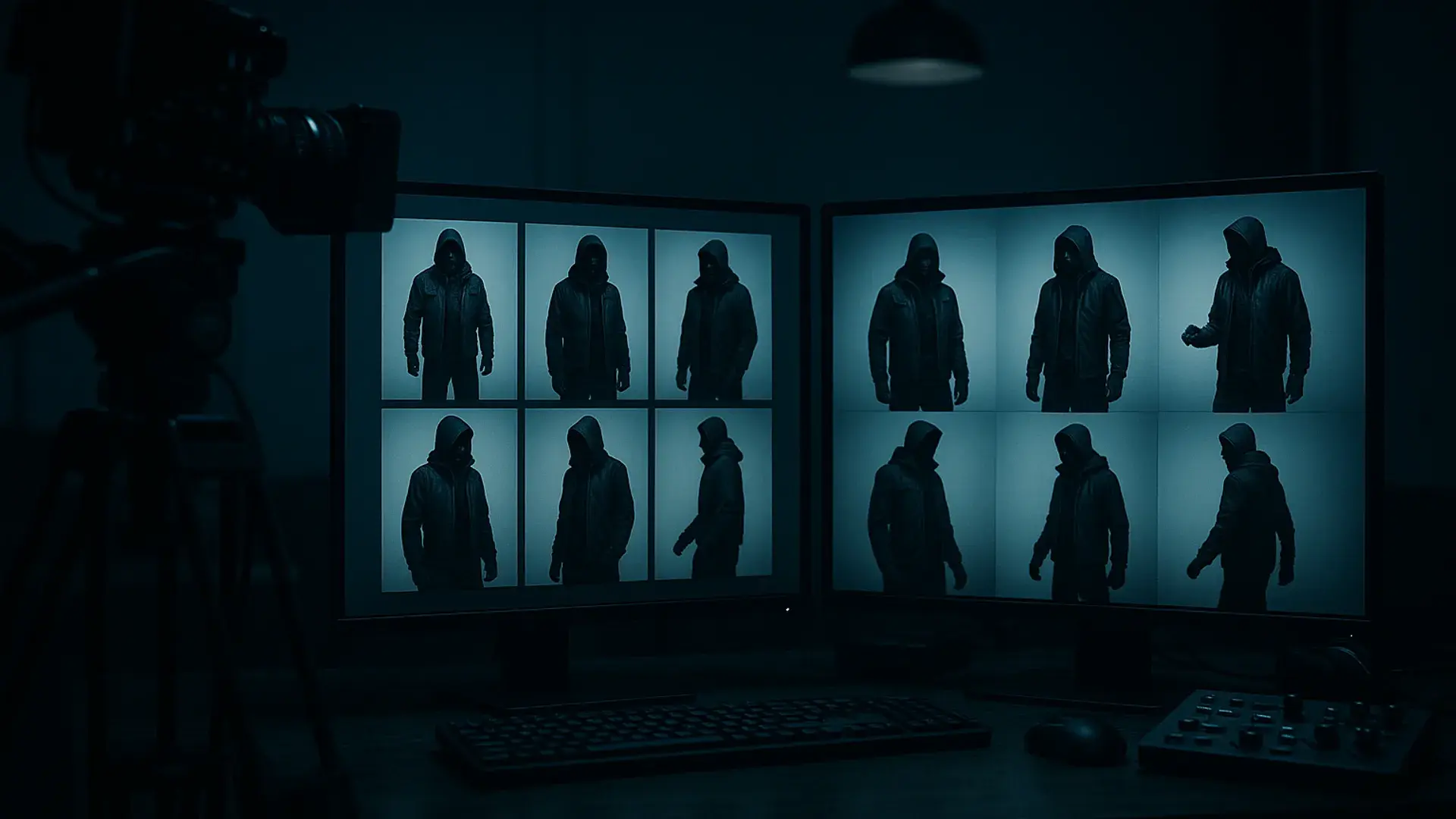
AI character consistency is the hardest part of long-form AI video — and on YouTube, the audience clocks every slip. Characters drift — the face in shot 7 isn't quite the face from shot 2, the jaw is slightly wider, the eyes are a different color, the jacket has lost a button. Each shot looks fine on its own, but cut together the audience knows something is off. The fix is reference images: lock one image of the character and pass it into every shot your script to video AI pipeline generates.
The text then only describes what's changing; the image carries the identity. Maintaining a character's appearance across multiple prompts and edits is the core challenge, and it's one the model makers are still actively improving. With a locked reference, the drift you used to see across dozens of shots is largely gone — outfits still drift a bit more than faces (they're text-described, not visually anchored), and extreme angles can strain the reference, but identity holds.
Where the models are right now
Nano Banana 2 (Google's Gemini 3.1 Flash image model) made reference-conditioning reliable: a reference image plus a prompt like "same character, profile view, walking" holds together. Google says it can carry the resemblance of up to five characters across a single workflow, keeping subjects recognizable from scene to scene. Face locked, outfit mostly held, pose changed cleanly.
GPT Image 2 — OpenAI's current state-of-the-art image model, built for strong instruction following — pushed it further. Multi-reference handling is tighter — pass in a character image plus a target pose reference and the output respects both. Outfits hold across pose changes. It still strains on extreme angles, but doesn't break identity when it does.
Each generation gets better at separating what stays (the character) from what changes (the shot). The newest, GPT Image 2.5, holds a reference as well as GPT Image 2 did; we replayed 123 prompts on both to check.
The workflow
- Get one clean reference image — front-facing, neutral, evenly lit. For shots that hit profile or extreme angles, a multi-angle character sheet — a turnaround with front, profile, back, and three-quarter views — beats a single headshot.
- Pass it into every shot. Let the text describe what's changing; let the reference carry the identity.
- Re-render anything that drifts — but don't regenerate the whole sequence to fix one shot. Keep the same reference and re-roll just the bad shot, or, if the drifted shot still has one clean frame, promote that frame to a new anchor reference and generate from it. It's the same move AI stop motion is built on: every frame generated from the one before.
One prompt tip: describe what's changing in the shot, not the character. Instead of "Sarah, brown hair, denim jacket, sitting at a desk, morning light" on every shot, write "sitting at a desk, morning light" — the less you re-describe, the less the model reinterprets.
Where it gets tedious
That's the simple case — one character, one environment. A long-form YouTube video usually isn't that simple.
A typical scene has several characters in one shot, each needing its own reference. Those characters move through multiple environments, and each environment has to stay consistent across shots too — the kitchen in scene 3 has to be the same kitchen in scene 11. Then there are props that recur: a phone, a car, a specific painting on the wall. Each one is another reference to track.
Multiply by 80 shots and it's a folder of reference images plus a mental map of which goes where — the shot-level bookkeeping an AI storyboard generator exists to carry. Miss one and you get a drift bug, usually caught only when you cut the video together. Drive the models from an agent and the same bookkeeping takes over a long-form build in Claude Code.
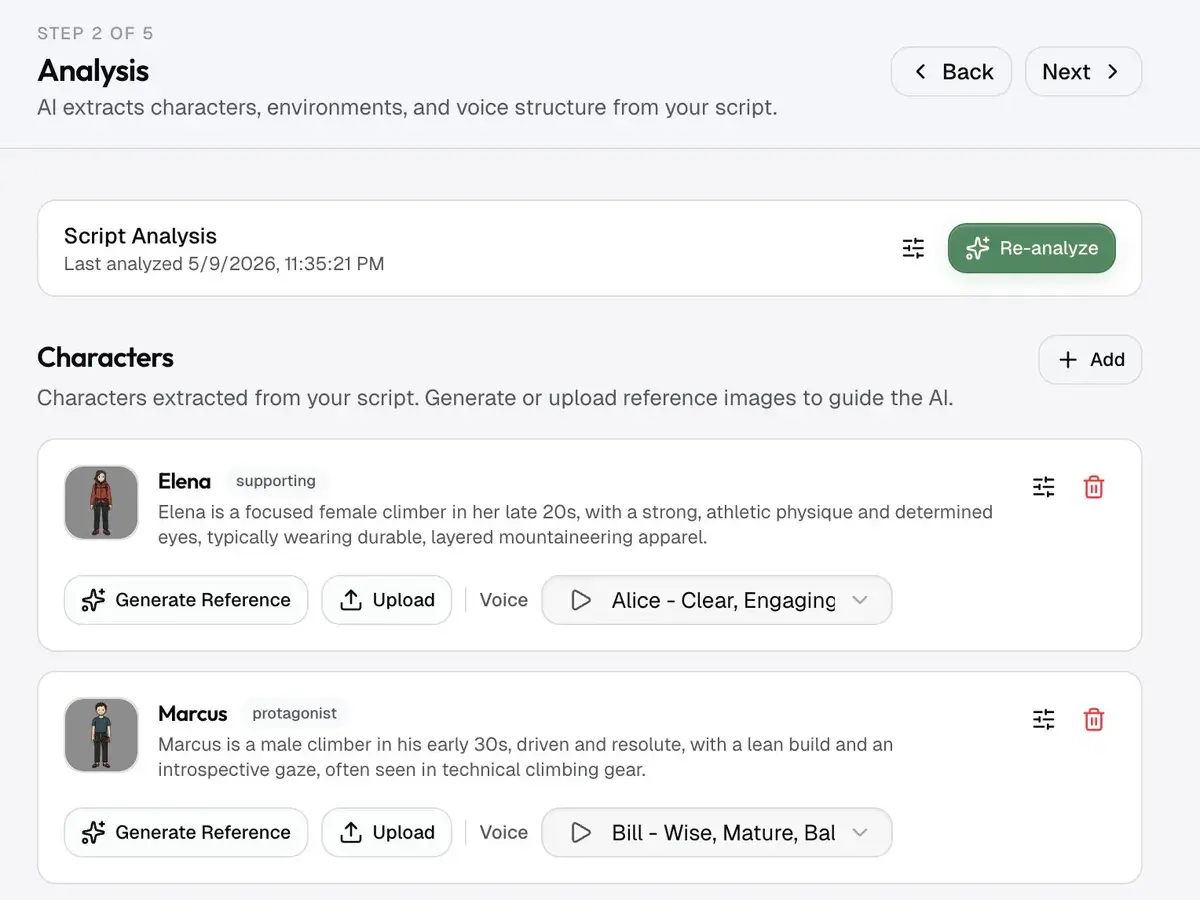
Getting this right matters most for the formats built on recognizable characters: narrative and story channels, explainer videos anchored by a recurring on-screen presenter, and episodic series. In all three, a face that drifts mid-video breaks the illusion the format depends on — so character consistency is a retention lever, not just a polish detail. (It's one of several; see pacing and hooks for the rest.)
On a series, that bookkeeping comes back with every episode: the same folder of references, the same map of which one goes in which shot.